Standby
To save energy, the display goes out
after 10 minutes and the
Start/Stop
button will start flashing slowly.
There are two options:
on
Stand-by comes on:
–
if a programme is not selected after
the machine has been switched on.
–
when the
Start/Stop
button is
pressed.
– at the end of a programme.
Not in current programme
Stand-by comes on:
– if a programme is not selected after
the machine has been switched on.
Pressing one of the buttons switches
the display back on again.
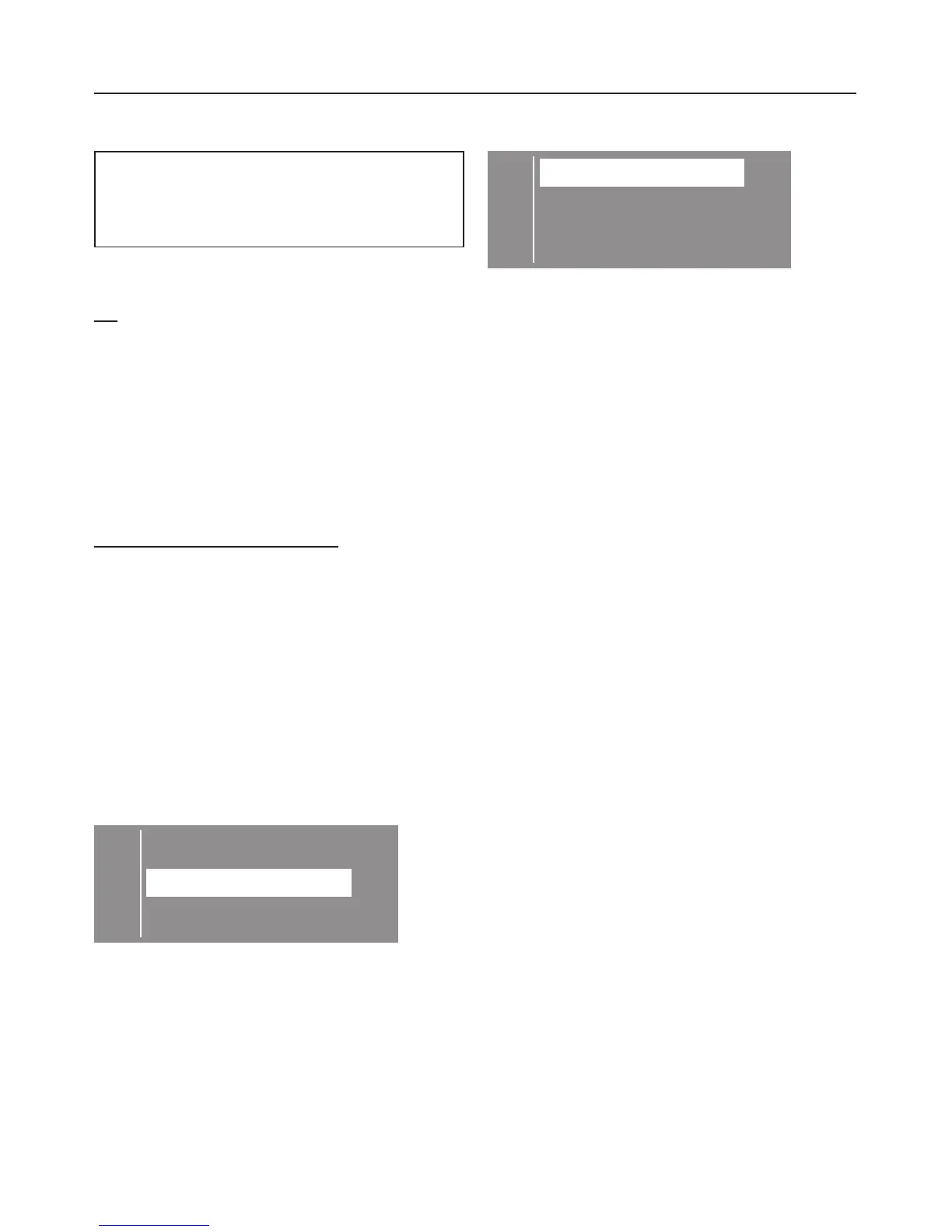
A tick
B will appear beside the option
to show that it has been set.
The machine is delivered with the
option: On, set as standard.
C back A
Q
on B
Not in current Prog.
^
Select the option you want and
confirm your selection with the
OK
button.
To close the Settings J menu
C
back A
Language F...
Time ...
H
^
Select
Back
and confirm your
selection with the
OK
button.
Settings menu J
55



 To Next Page
 Loading...