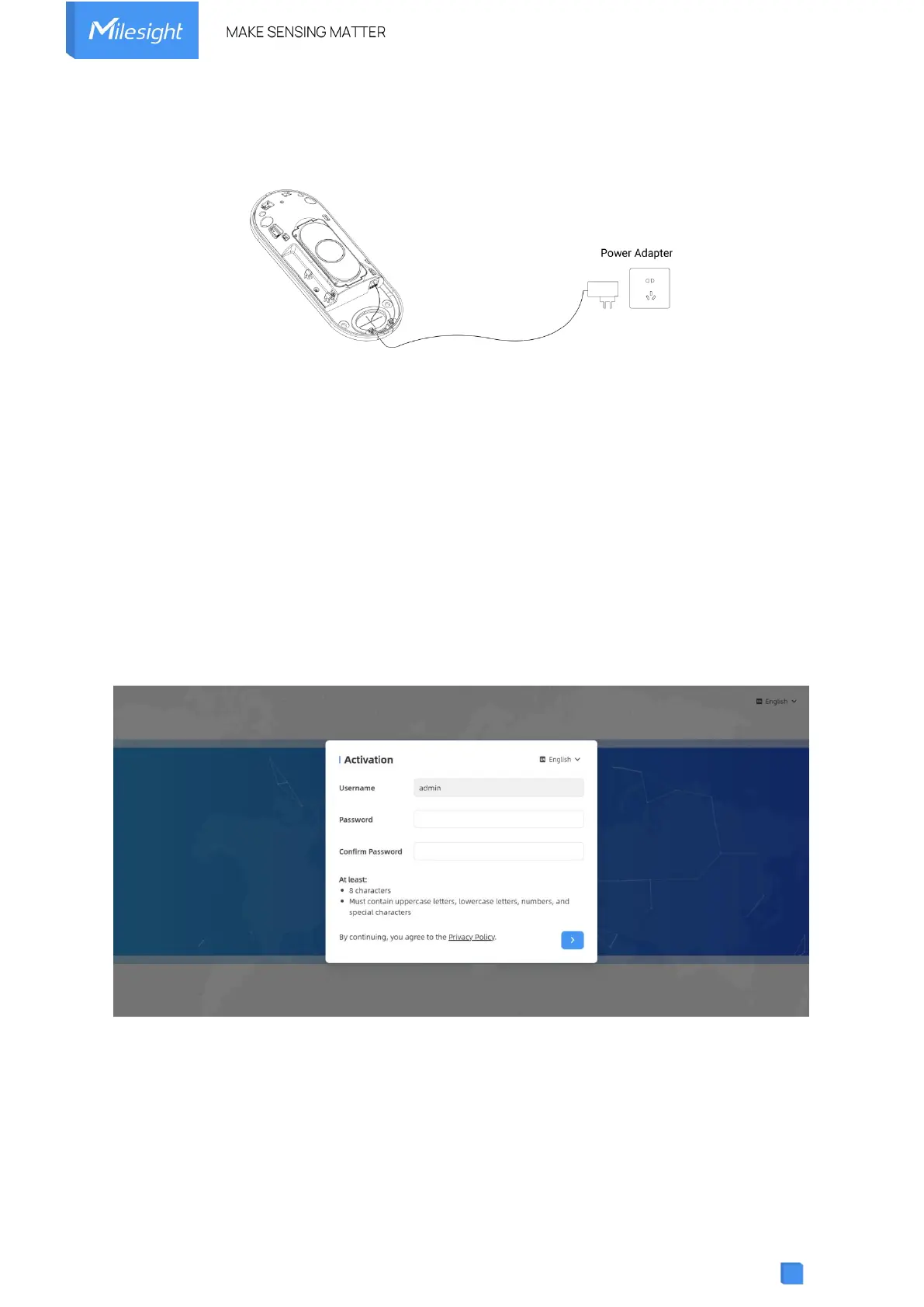
3. Power Supply
VS133 can be powered by power adapter (12VDC, 2A).
4. Access the Sensor
VS133 provides user-friendly web GUI for configuration and users can access it via Wi-Fi
connection. The recommended browsers are Chrome and Microsoft Edge. The default IP of
Wi-Fi is 192.168.1.1, and default SSID is People Counter_XXXXXX (can be found on the label).
Step 1: Power on the device.
Step 2: Enable the Wireless Network Connection on your computer and search for
corresponding access point, then connect computer to this access point.
Step 3: Open the Browser and type 192.168.1.1 to access the web GUI.
Step 4: Users need to set the password and three security questions when using the sensor for
the first time.



 To Next Page