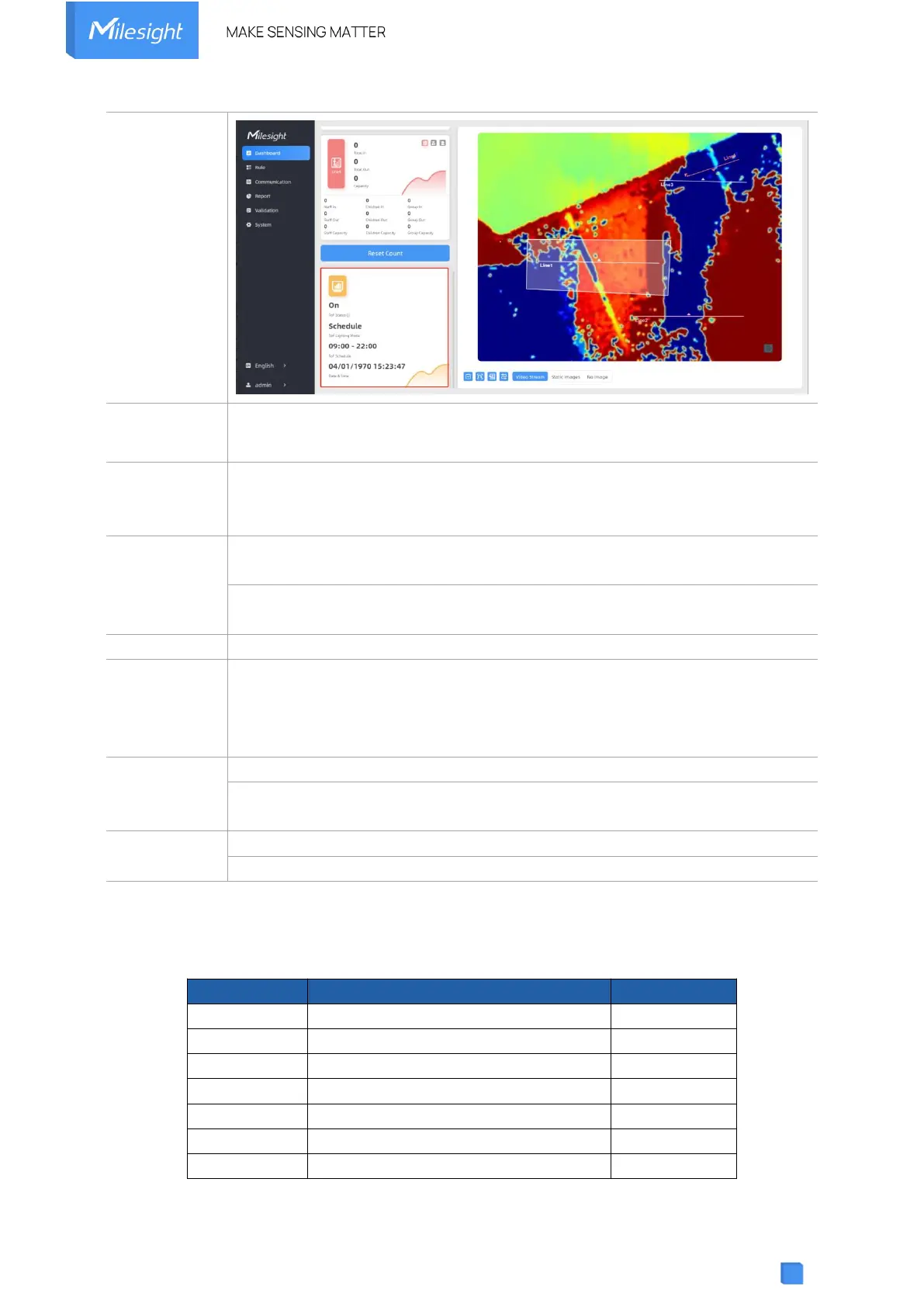
Filter the noisy point on the screen when working with dark floor or carpet.
When installing in a spacious environment with black carpet, it is
recommended to set the strength to 2; when installing in a narrow environment
with black carpet, it is recommended to set the strength to 10.
Recovery device basic configuration: keep the IP settings and user information
when resetting.
Recovery device to factory settings: reset device to factory default, which
needs to verify admin password.
Restart the device immediately.
Click the folder icon and select the upgrading file, then click the Upgrade button
to upgrade. The update is done when the system reboots successfully.
Note: The upgrade process takes about 1-10 minutes. Do not turn off the
power and complete automatic restart after the upgrade.
Export Config File: Export configuration file.
Import Config File: Click the file icon and select the configuration file, click
Import button to import configuration file.
System Log: Download log files that can be used for troubleshooting.
IP Ping: Type the IP address or URL to test network connection.
6. Installation Instruction
Parameter definition:
Minimum detection distance of VS133
Distance measurement error of VS133
Maximum pedestrian height
Minimum pedestrian height
ToF horizontal field of view angle
ToF vertical field of view angle



 To Next Page