6.3 Environment Requirements
Dark floor/carpet (black, grey, etc.) will affect the device to count staffs when Staff
Detection is enabled.
Avoid 940nm light which may result in incorrect counting.
Outdoor sunlight shining on the over channel will not have any effect, but the mirrored
reflections that allow sunlight to shine on the ToF Sensor should be avoided.
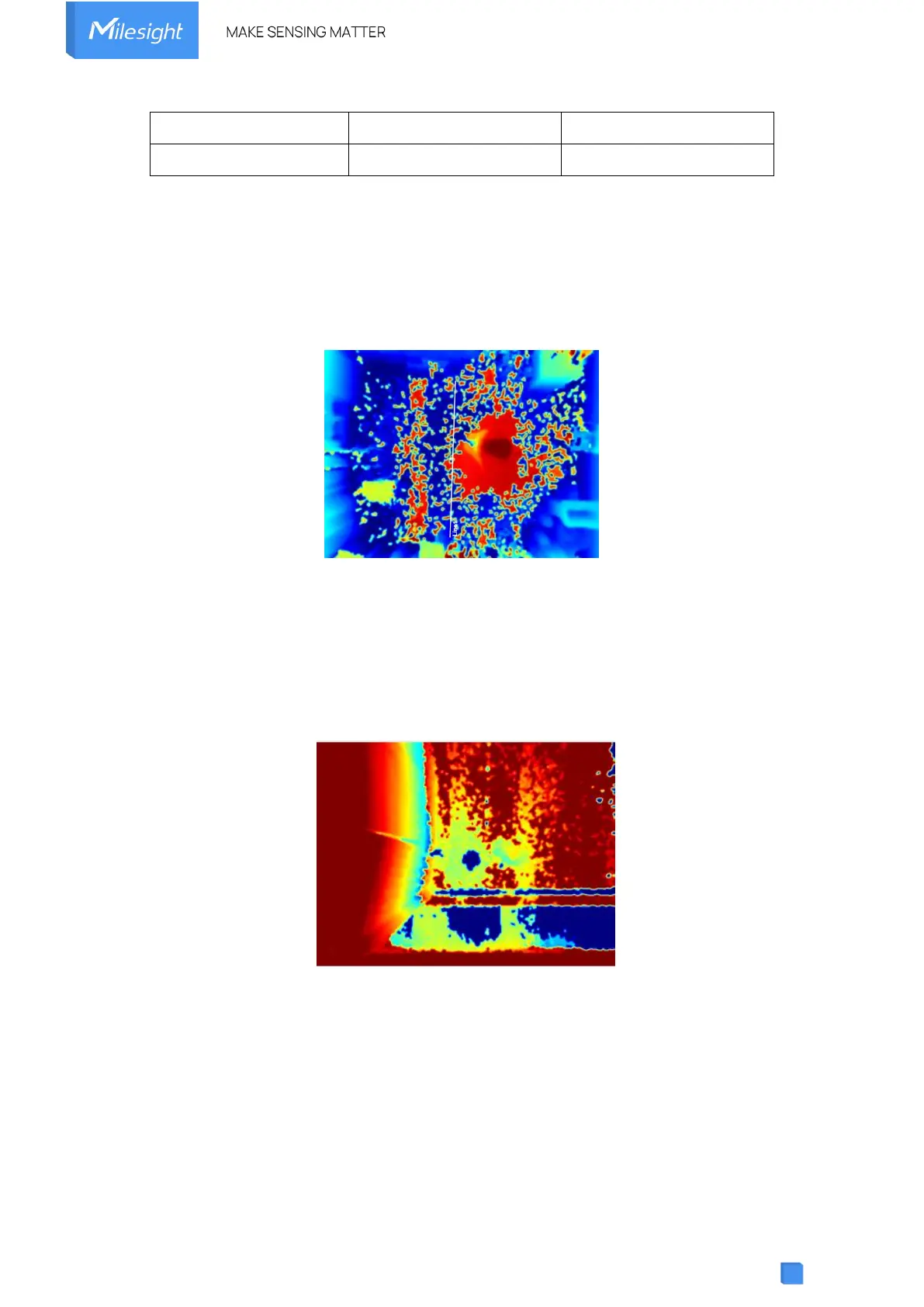
Make sure there are no obstacles within the live view of device. Otherwise, the device
imaging may appear abnormally red or it will affect people counting. Adjust the appropriate
noise filtering level according to the actual image, the more difficult it is to see the target,
the larger the filter value should be set.
6.4 Installation
Ceiling Mount
Step 1: Ensure the thickness of the ceiling is more than 30 mm, rill 4 holes with a diameter of 6mm
according to the mounting holes of device. If the wire needs to be extended to the interior of the ceiling,
a wire hole with a suitable size is also required to be drilled.



 To Next Page