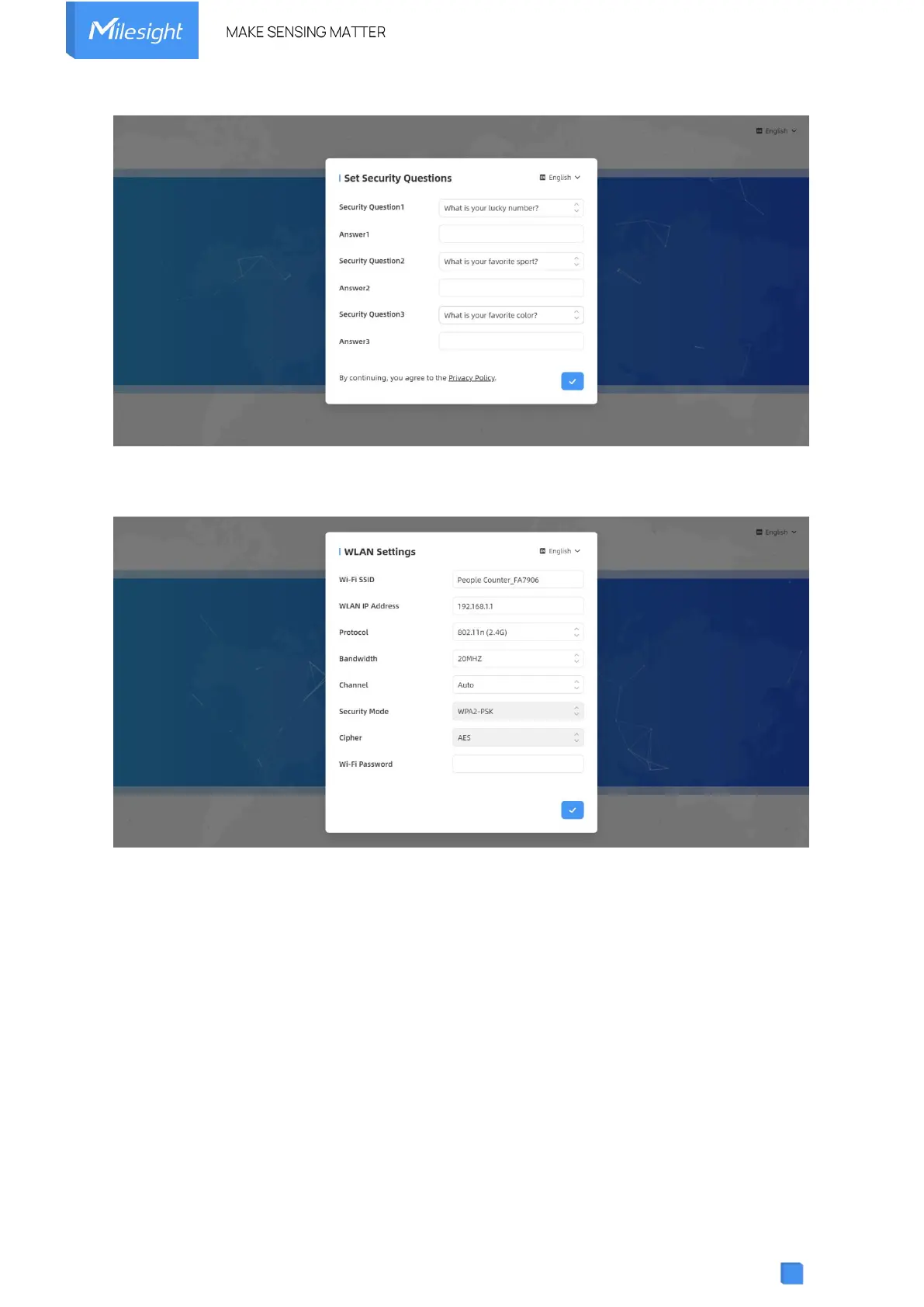
Step 5: After configuration, log in with username (admin) and custom password.
Step 6: Set the Wi-Fi password.
Note:
1) Password and Wi-Fi password must be 8 to 63 characters long and contain numbers,
lowercase letters, uppercase letters and special characters. If the password is entered
incorrectly five times, the account will be locked for 10 minutes.
2) It is recommended that users regularly update their passwords to enhance device security
and prevent unauthorized access.
3) You can click the “forgot password” in login page to reset the password by answering three
security questions when you forget the password if you set the security questions in advance.
5. Operation Guide



 To Next Page