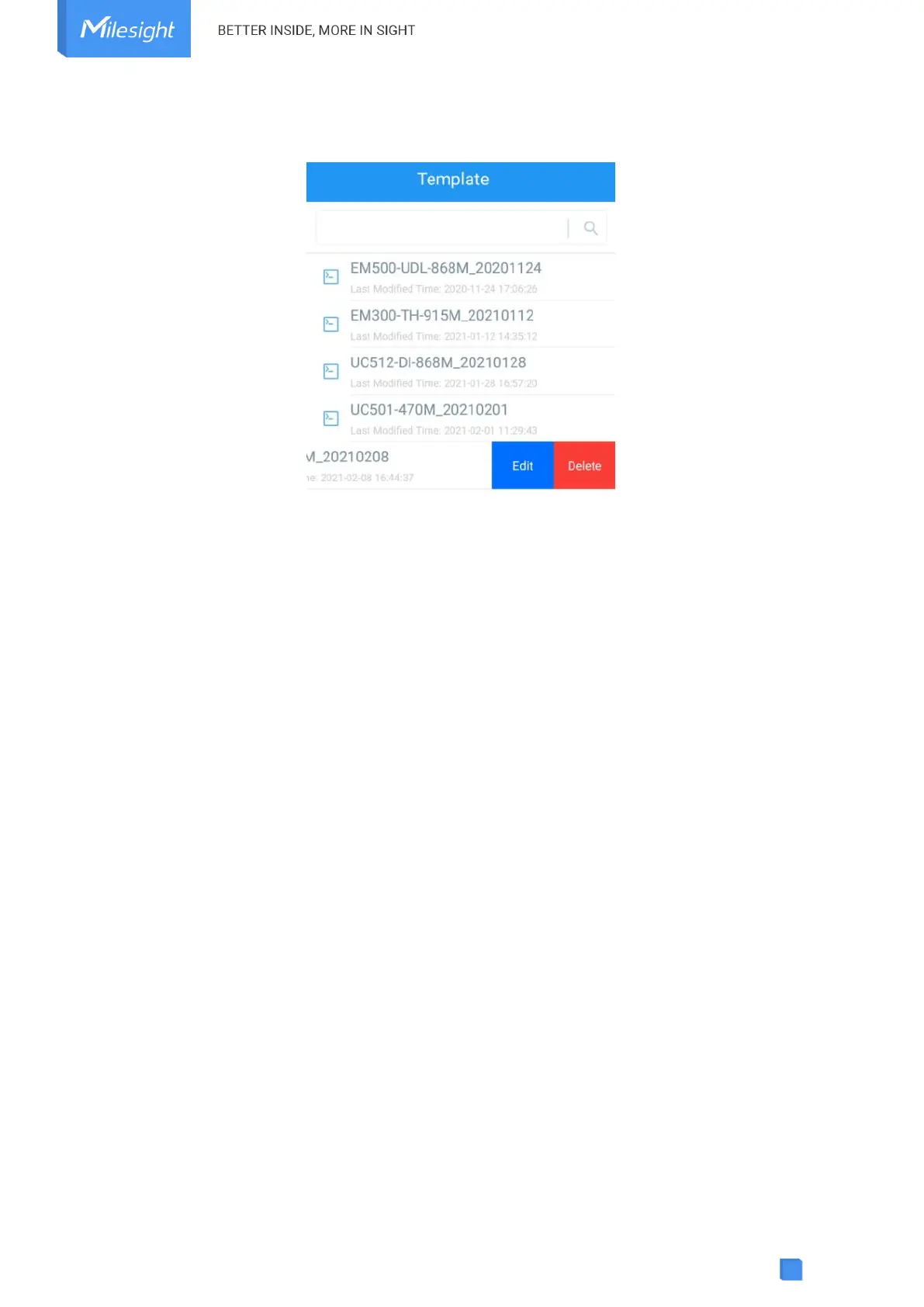
Note: Slide the template item to the left to edit or delete the template. Click the template to edit
the configurations.
3.6.3 Reset to Factory Default
Please select one of the following methods to reset device:
Via Hardware: Hold on the reset button for more than 10s. After reset complete, the indicator will
blink in green twice, then device will reboot.
Via ToolBox App: Go to Device > Maintenance to tap Reset, then attach smartphone with NFC
area to device to complete reset.
4. Installation
Blocking Sticker Paste:
For applications requiring detection angle control, such as work station, in order to prevent
accidental detection of people around the station, please paste the blocking stickers on the
sensor along the bottom of the PIR lens for range shielding. Each sticker can cover about a 180°
range. After paste the stickers along the bottom of the lens and wrapping the sensor 360°, the
detection area has changed to 70° Horizontal, 60° Vertical.
Note: The detection area may be affected by manual pasting, potentially introducing errors.



 To Next Page