27
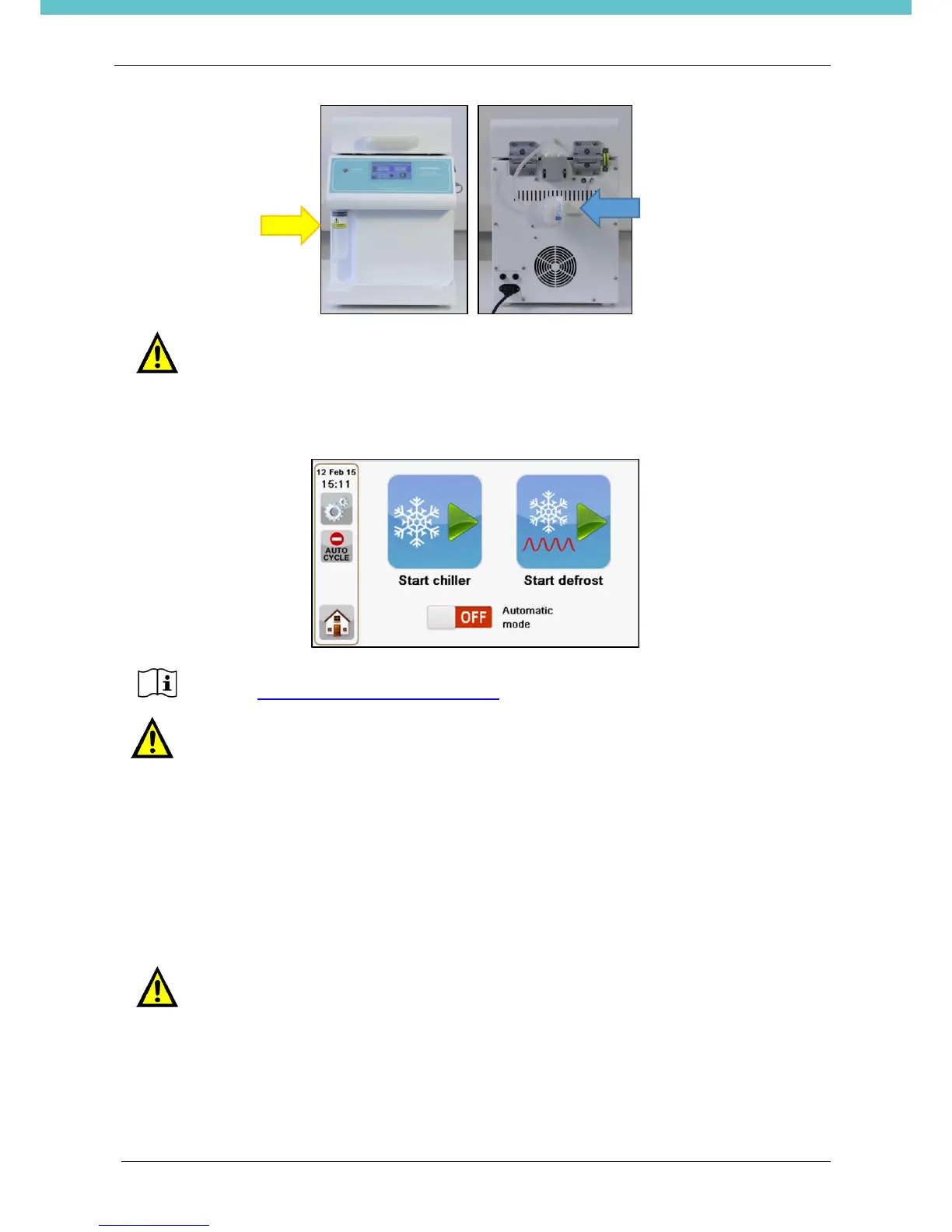
When in manual mode, press the “Start defrost” icon on main screen to start defrost procedure. At the end
of this procedure the plate returns to room temperature.
In automatic mode, defrost start is already set and it will not need to be initiated by the operator.
3.9.1. HEPA12 Filter
For safety reasons, between the working area and the defrost pump, there is a HEPA12 filter that filters
possibly dangerous pathogens in the vapors.
This filter must be changed after the defrost pump has worked for 250 hours.
The software advises you that the filter life is finished with the message “Filter needs to be replaced. Please
do it”, at the starting of the first freezing program of the day.
Change the HEPA12 filter following the instructions in the chapter 4.4.1 How to change the HEPA12 filter.
Defrost settings are under Service settings, accessible only to Service personnel.
Contact application@milestonemedsrl.com for further information.
Avoiding HEPA12 filter change, can be dangerous for operator safety.
To change the filter, refer to chapter 4.4.1.


 To Next Page