OM-256 476 Page 7
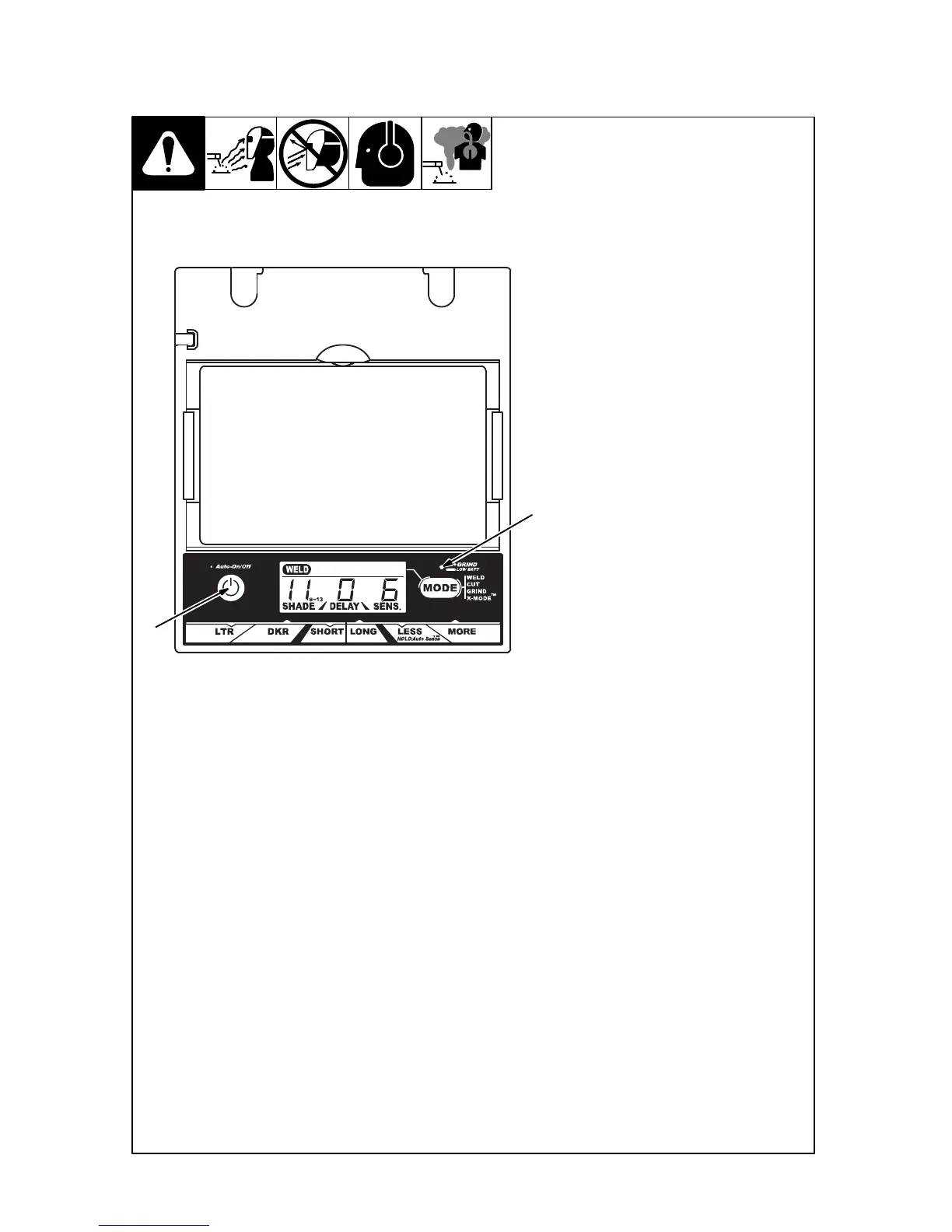
3-2. Auto On/Off Button And Low Battery Light
1 Auto On/Off Button
Press On/Off button to check if the
lens is working properly and to be-
gin lens shade, sensitivity, and
delay adjustments.
When the On/Off button is pressed,
the display screen should show the
lens settings. Do not use the helmet
if the lens does not function as de-
scribed. (See Section 9, Trouble-
shooting.)
2 Grind / Low Battery Light
The Grind / Low Battery light blinks
when the lens is in the Grind mode.
Light stays on when 2−3 days of
battery life remain.
If battery power is low, replace with
CR2450 lithium batteries (2 re-
quired − Miller Part No. 217 043).
See Section 6.
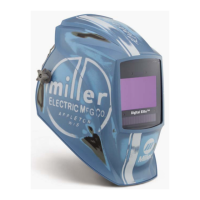
Digital Elite Lens Shown
1
2


 To Next Page