EasyManua.ls Logo

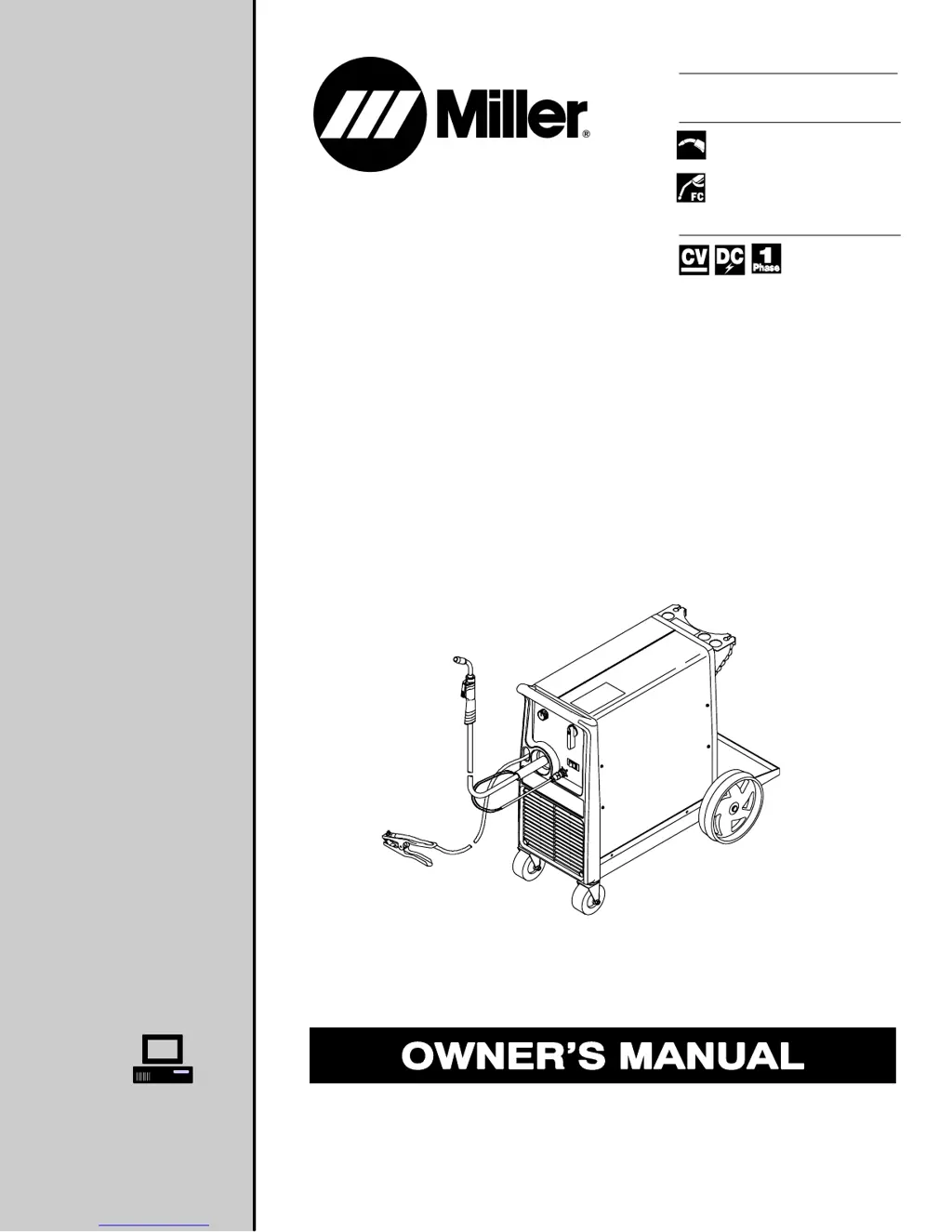
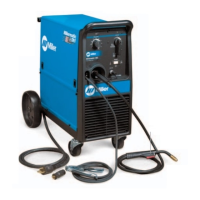
Miller MILLERMATIC DVI - User Manual

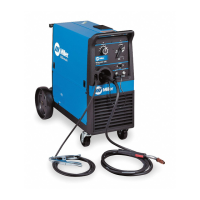
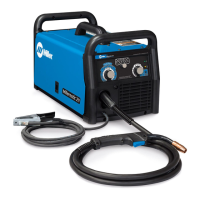
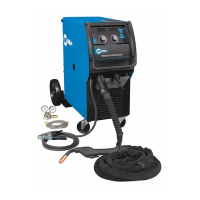
Miller MILLERMATIC DVI
56 pages
Print Icon
To Next Page IconTo Next Page
Loading...
Processes
Description
Arc Welding Power Source
and Wire Feeder
OM-1330 220 237A
July 2004
Visit our website at
www.MillerWelds.com
Millermatic DVI
And M-10 Gun
R
Flux Cored (FCAW) Welding
MIG (GMAW) Welding

Table of Contents

Questions and Answers

  • K
    Kelly PageAug 2, 2025
    What to do if Miller Welding System has low, high, or erratic wire speed?
    • E
      Eric RichardsAug 2, 2025
      If you experience low, high, or erratic wire speed with your Miller Welding System, try the following: * Readjust the front panel settings. * Change to the correct size drive roll. * Readjust the drive roll pressure. * Replace the inlet guide, contact tip, and/or liner if necessary.
  • E
    ericjohnsonAug 8, 2025
    Why is the weld output low on my Miller MILLERMATIC DVI?
    • K
      kentjamesAug 8, 2025
      If the weld output is low on your Miller Welding System, connect the unit to the proper input voltage or check for low line voltage.
  • M
    Micheal StevensAug 14, 2025
    What to do if my Miller MILLERMATIC DVI has no weld output and the wire doesn't feed?
    • L
      Lisa NelsonAug 14, 2025
      If your Miller Welding System exhibits no weld output and the wire doesn't feed, consider the following: * Ensure the power cord is securely plugged into the receptacle. * Check the power switch/circuit breaker and reset if needed; if the circuit breaker isn't tripped, replace the power switch. * Check circuit breaker CB1 and reset if necessary. * Replace the building line fuse or reset the circuit breaker if it's open. * Secure the gun plug in the receptacle, repair leads, or replace the trigger switch. * If the thermostat TP1 or TP2 is open (due to overheating), allow the fan to run, which will close the thermostat once the unit cools down.
  • S
    shari86Aug 20, 2025
    Why does the electrode wire feeding stop during welding with my Miller MILLERMATIC DVI Welding System?
    • M
      Mary BeckerAug 20, 2025
      If the electrode wire feed stops during welding with your Miller Welding System, consider the following: * Straighten the gun cable and/or replace any damaged parts. * Adjust the drive roll pressure. * Readjust the hub tension. * Replace the contact tip if it's blocked. * Clean or replace the wire inlet guide or liner if it's dirty or plugged. * Replace the drive roll if it's worn or slipping. * Secure the gun plug in the receptacle, repair the leads, or replace the trigger switch. * Check and clear any restrictions at the drive assembly and liner.
  • G
    Gregory MckinneyAug 27, 2025
    What to do if Miller MILLERMATIC DVI Welding System has no weld output but wire feeds?
    • B
      Bill ScottAug 27, 2025
      If your Miller Welding System has no weld output, but the wire feeds, ensure the work clamp is connected to provide good metal-to-metal contact. Also, replace the contact tip.

Summary

Millermatic DVI And M-10 Gun Owners Manual

Section 1: Safety Precautions

1-2. Arc Welding Hazards

Details potential hazards associated with arc welding processes, including electric shock and fumes.

Section 4: Installation

4-2. Duty Cycle And Overheating

Explains duty cycle limitations and the consequences of overheating the unit or gun.

4-8. Installing Gas Supply

Procedure for connecting the shielding gas cylinder and regulator/flowmeter.

4-9. Installing MIG Wire Spool and Adjusting Hub Tension

Instructions for mounting the wire spool and setting hub tension for feeding.

4-13. Selecting A Location And Connecting Input Power

Guidance on choosing a suitable location and connecting the input power cord.

Section 5: Operation

5-1. Controls

Identifies and explains the function of the main controls on the welding unit.

5-2. Weld Parameter Chart

Provides suggested wire types, gases, and control settings for various materials.

Select Voltage and Wire Speed Based on Thickness of Metal Being Welded

Guidance on selecting voltage and wire speed based on metal thickness for optimal welds.

Section 6: Maintenance & Troubleshooting

6-1. Routine Maintenance

Outlines recommended maintenance tasks to be performed at regular intervals.

6-10. Troubleshooting

A guide to diagnosing and resolving common welding problems and wire feed issues.

Section 8: MIG Welding (GMAW) Guidelines

8-1. Typical MIG Process Connections

Illustrates the standard connections for the MIG welding process.

8-2. Typical MIG Process Control Settings

Provides recommended control settings for typical MIG welding applications.

8-8. Troubleshooting - Excessive Spatter

Identifies causes and corrective actions for excessive spatter during welding.

8-9. Troubleshooting - Porosity

Details causes and solutions for porosity (holes) in weld metal.

8-10. Troubleshooting - Excessive Penetration

Addresses excessive penetration issues and how to correct them.

8-11. Troubleshooting - Lack Of Penetration

Explains causes and corrective actions for insufficient fusion (lack of penetration).

8-12. Troubleshooting - Incomplete Fusion

Identifies causes and solutions for incomplete fusion in welds.

8-13. Troubleshooting - Burn-Through

Provides solutions for burn-through during welding operations.

8-17. Troubleshooting Guide For Semiautomatic Welding Equipment

Troubleshooting guide for wire feed issues and gas flow problems.

True Blue Warranty

Miller MILLERMATIC DVI Specifications

General IconGeneral
Wire Feed Speed50 - 700 IPM
Input Voltage208/230/460 VAC
Welding ProcessMIG (GMAW)
Wire Diameter0.023 - 0.035 in
Dimensions10 in x 17.5 in
Duty Cycle60% at 250 A
Output Amperage Range30-250 A

Related product manuals