20565601w Rev 07/21 4 of 17
Getting Started
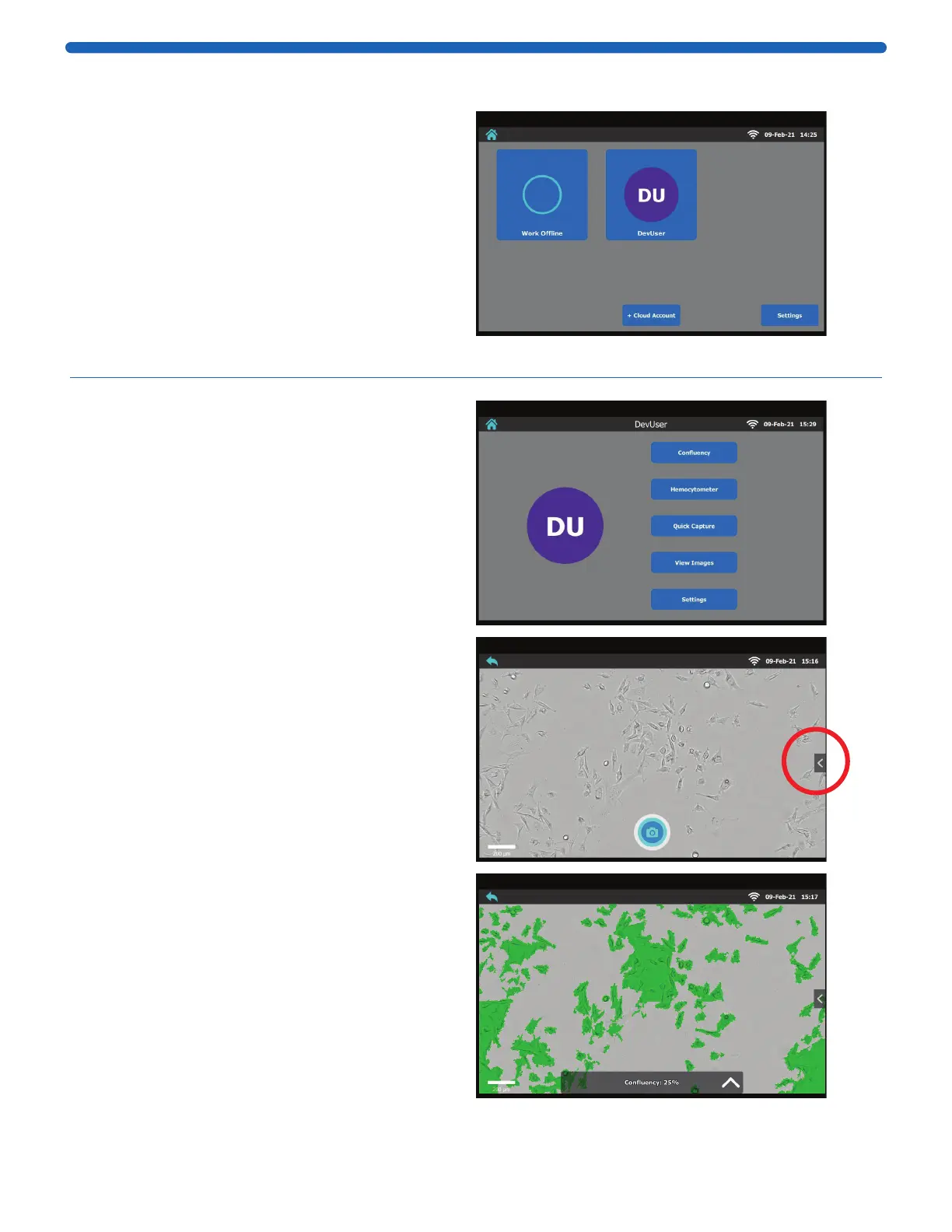
On the Home Screen choose:
Work Offline
or
Link User Account (click “+ Cloud Account”,
input email address and password and press
the Login button)
or
Use an existing user account
Note: When adding an account, the user has the
option to setup a pin. The pin can be changed by
clicking on Settings in the user profile.
Note: To remove an account from this device, press
and hold the user profile icon until the delete button
appears. Click DELETE to confirm.
Image Analysis
Click on Confluency.
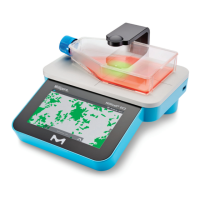
Place vessel with cells on the stage. Adjust
focus and lighting, and click the Capture icon.
Confluency and cell density will automatically
be determined.
Note: The magnification automatically defaults
to 10X. In order to change to 20x, open the
Settings Bar (see right, circled). Click on the 10X
icon in the Settings Bar. Toggling back and forth
between 10X and 20X will change the zoom.
Confluency is displayed as a percent. The green
overlay mask indicates cell coverage.
Click Mask to toggle mask view on/off.



 To Next Page