100
Calling Millipore
Introduction
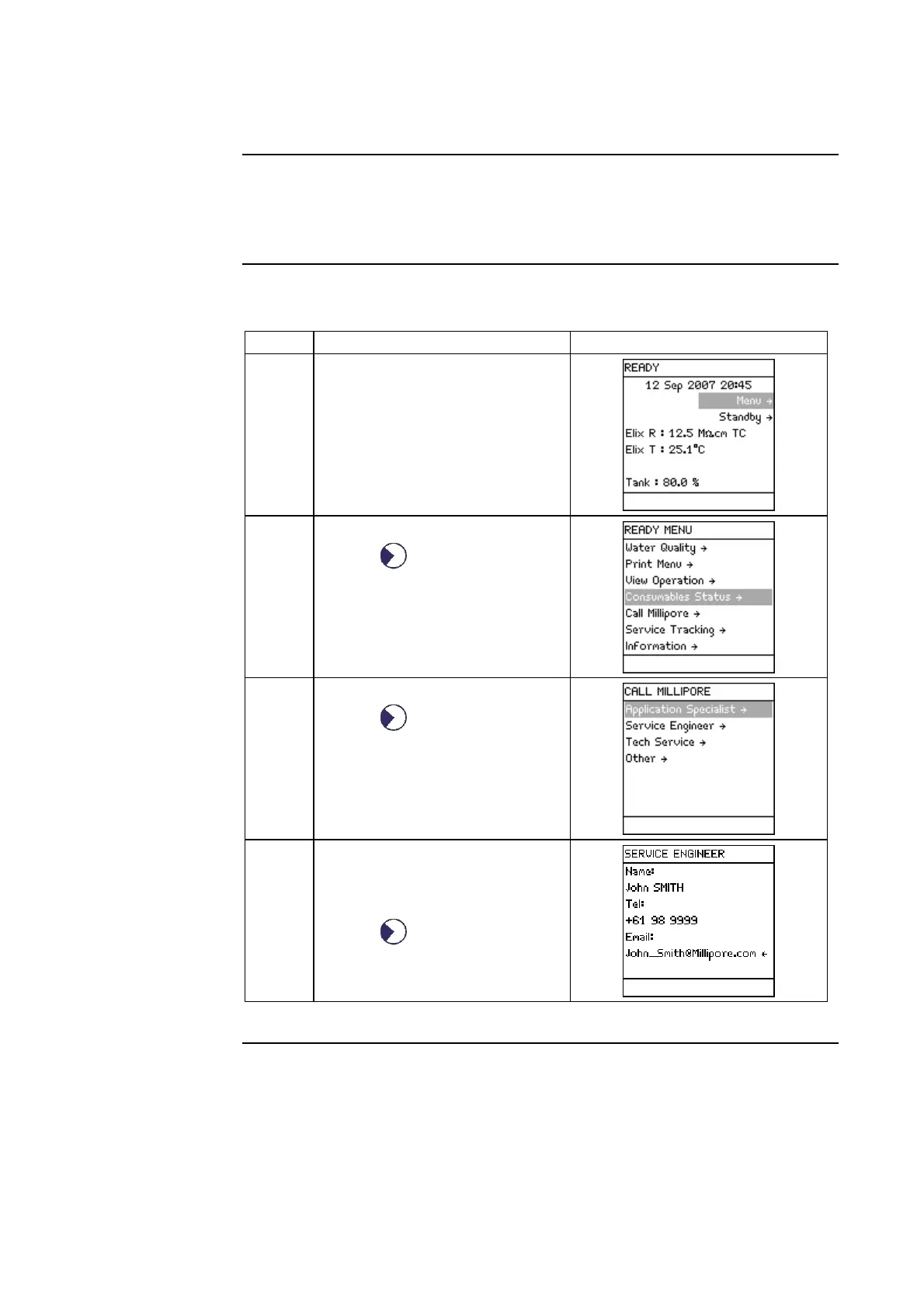
• Call Millipore allows you to see contact information.
• A Millipore Service Representative can put this information into the
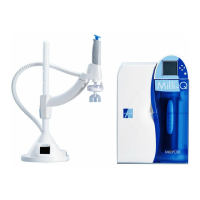
Milli-Q System.
Procedure
Follow the steps below to view information under Call Millipore.
Step Action Diagram
1 Start in READY Mode.
2
• Select <Menu>.
• Press .
3
• Select <Call Millipore>.
• Press .
4
• Select the type of Millipore
Representative you wish to
contact.
• Press
.





 To Next Page