EasyManua.ls Logo

Millipore milli-q - User Manual

Millipore milli-q
101 pages
Print Icon
To Next Page IconTo Next Page
Loading...
Milli-Q
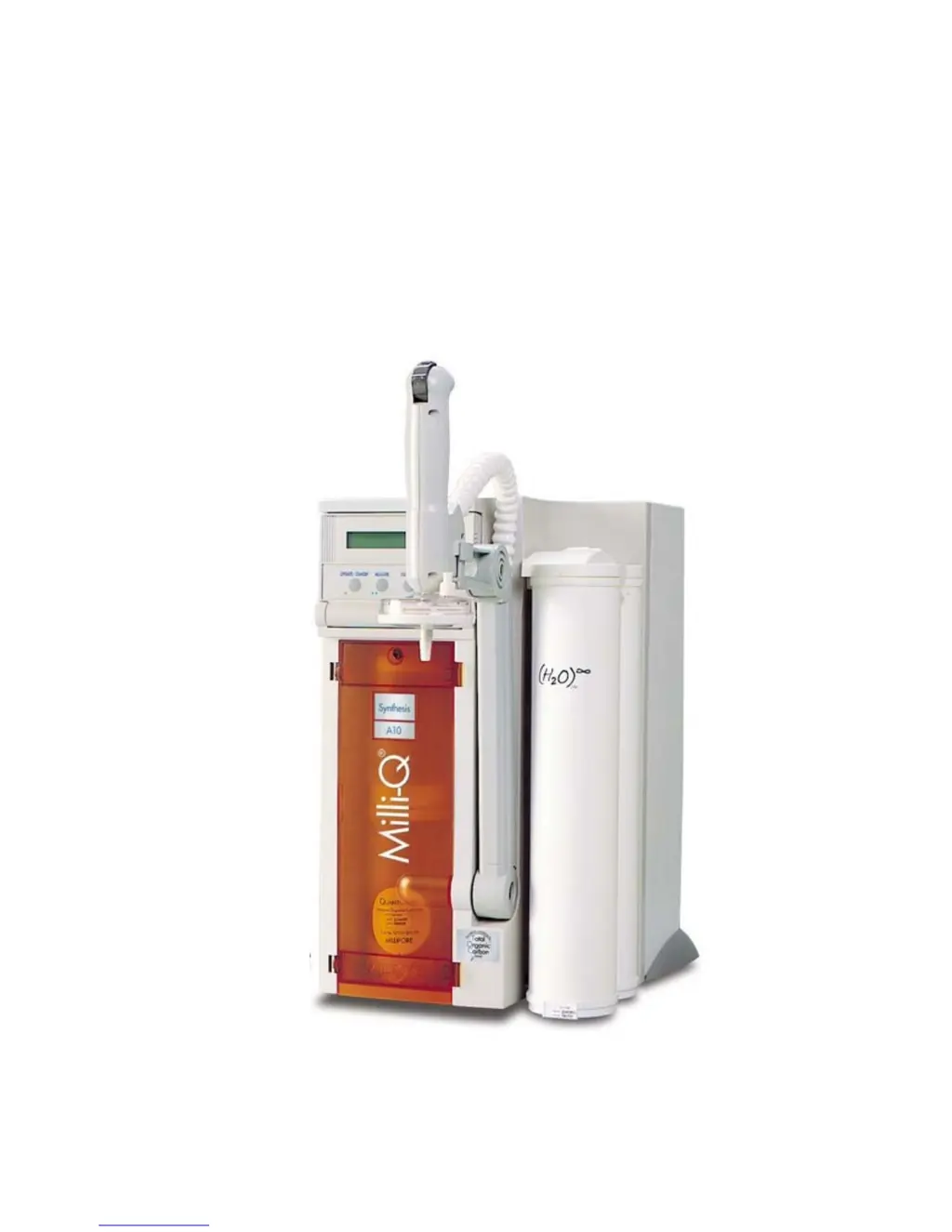
Synthesis and Milli-Q
Synthesis A10
User Manual

Table of Contents

Questions and Answers

  • S
    Shannon ReidAug 17, 2025
    What to do if there is no power to my Millipore Laboratory Equipment?
    • B
      Brittany SanchezAug 17, 2025
      If your Millipore Laboratory Equipment has no power, consider the following steps: * Check the voltage at the wall electrical outlet. * Ensure the power cord is properly plugged into the Milli-Q system. * Verify that the power switch is turned on. * Replace the main power fuse if it is blown.
  • M
    Michelle RamirezOct 26, 2025
    Why is the resistivity of the product water low in my Millipore Laboratory Equipment?
    • J
      john83Oct 26, 2025
      If the product water from your Millipore Laboratory Equipment has low resistivity, here are potential causes and solutions: * The Ion Exchange Capacity of Q-Gard Pack and Quantum Cartridge may be exhausted. Replace both at the same time. * If the water temperature is above 25 °C, check the Temperature Compensated Resistivity Value. * If Conductivity values (?S/cm) are displayed, change to a Resistivity Display to check values. * Ensure a Q-Gard Pack is installed and check its Catalogue Number. * If the Ion Exchange Resin was fouled by high levels of Colloidal Species in Feedwater, switch to a feedwater such as RO or Elix. * If the UF Cartridge is ‘dirty’, perform a SAN. CYCLE Sanitisation and Cleaning of the UF Cartridge. * If the UF Cartridge is slightly ‘dirty’, perform an...
  • B
    Brianna HayesNov 5, 2025
    Why is there low or no flow rate from the POU dispenser in my Millipore Laboratory Equipment?
    • S
      Sherri NashNov 5, 2025
      If you're experiencing low or no flow rate from the POU dispenser of your Millipore Laboratory Equipment, here are some potential causes and solutions: * Ensure the system is in PRODUCT Mode, not PRE OPERATE Mode. * Check the feedwater supply from the Reservoir. Remove the Feedwater Tubing from the Milli-Q to confirm water is coming to the Milli-Q. * Check the feedwater supply from Pressurized Pipe (Loop). Remove the Feedwater Tubing from the Milli-Q to confirm water is coming to the Milli-Q. * If the Millipak is airlocked, vent the air out while the system is in PRODUCT Mode. * If the Millipak is clogged, measure water flow with and without the Millipak installed. Replace the Millipak and vent any air out. * If the Screen Filter is clogged, clean it. * Check tubing connecti...

Summary

Introduction

System Safety Information

Critical safety precautions and symbols to ensure safe operation of the water purification system.

Pre Installation

Pre-Installation Checklist

Checklist to ensure all requirements are met before system installation for easier setup.

Installation

Connecting Feedwater Supply

Instructions for connecting the system to reservoir or pressurized pipe water sources.

Using the Milli-Q

Dispensing Purified Water

Instructions on how to operate the system to dispense purified water.

Maintenance

Troubleshooting

Troubleshooting: Low or No POU Flowrate

Identifies causes and remedies for low or no water flow from the dispenser.

Troubleshooting: Low Product Water Resistivity

Addresses issues related to low water resistivity and potential causes.

Troubleshooting: No Power to System

Solutions for power-related issues, including checking outlets and fuses.

Troubleshooting: Error Number Alarms

Troubleshooting guide for various system error codes and alarms.

Millipore milli-q Specifications

General IconGeneral
BrandMillipore
Modelmilli-q
CategoryWater Filtration Systems
LanguageEnglish

Related product manuals