INSTALLATION
Milli-Q Synthesis/Synthesis A10 41
4-13 HOW TO SHOW NON TEMPERATURE COMPENSATED RESISTIVITY
OR CONDUCTIVITY VALUES
It is possible to show non temperature compensated Resistivity or non temperature compensated Conductivity Product
Water values on the LCD.
WHAT IS TEMPERATURE COMPENSATION?
Suppose the feedwater to a Milli-Q is 15C. The Milli-Q Resistivity Sensor will measure a Resistivity Value of
31.756 M.cm (or a Conductivity of 0.032 S/cm). This is the actual Resistivity of the Milli-Q Product Water at
15C.
The Milli-Q will perform a temperature compensation for the Resistivity measurement. It will be compensated to a
measurement that would be seen at 25C.
When a Resistivity measurement of 31.756 M.cm @ 15C is temperature compensated to a measurement at
25C, then the Milli-Q will display ‘18.2 M.cm @ 25C’.
Temperature compensation is a way of ‘standardising’ Resistivity or Conductivity to measurements
that would be seen if the water temperature was 25C.
Follow the steps below to display non temperature compensated Resistivity or Conductivity values.
Choose whether you want to display Resistivity (M.cm) or Conductivity (S/cm). See Section 4-12 in this
Chapter for information on how to change between these types of measurement units.
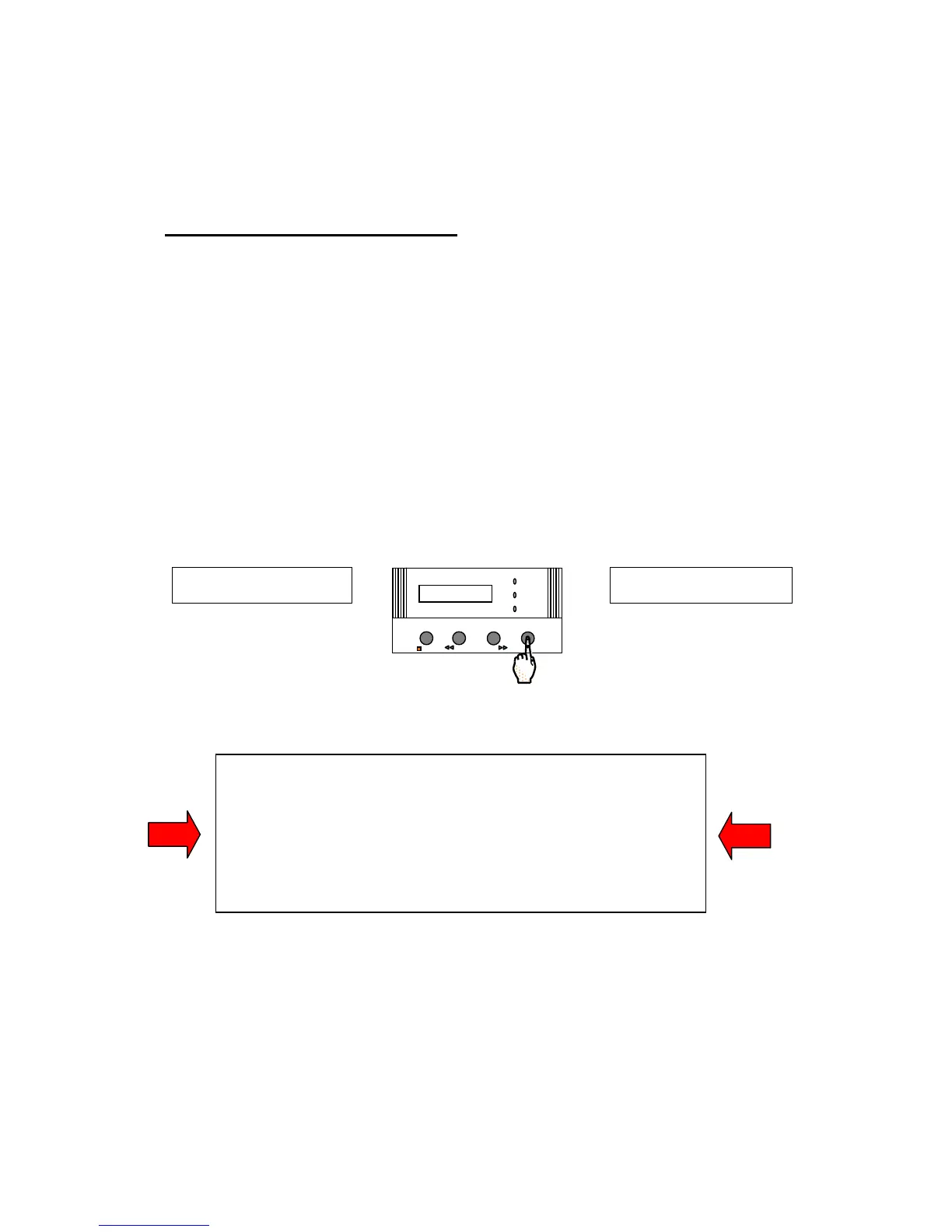
Press the MENU Keypad button for about 2 seconds. The LCD will change as shown here:
You have entered the ‘Customer Service Software’ of the Milli-Q.
If you do not see this display
, then turn off, then on the system power.
When the LCD shows PRE OPERATE and RECIRCULATION, press the
STANDBY/OPERATE Keypad Button for about 2 seconds. This will place
the Milli-Q into STANDBY Mode. Then press the STANDBY/OPERATE
Keypad Button again. The Milli-Q will now be in PRE OPERATE Mode.
Press the MENU Keypad Button again for 2 seconds to enter the Customer
Service Software.
PRESE T V OL U








 To Next Page