INSTALLATION
Milli-Q Synthesis/Synthesis A10 38
4-11 HOW TO CHANGE THE DISPLAYED LANGUAGE
It is possible to have different languages displayed. These include English, French, Spanish, German, Italian,
Japanese and Portuguese. If you change the displayed language, remember that the Customer Service Software
remains in English.
Follow the steps below to change the displayed language.
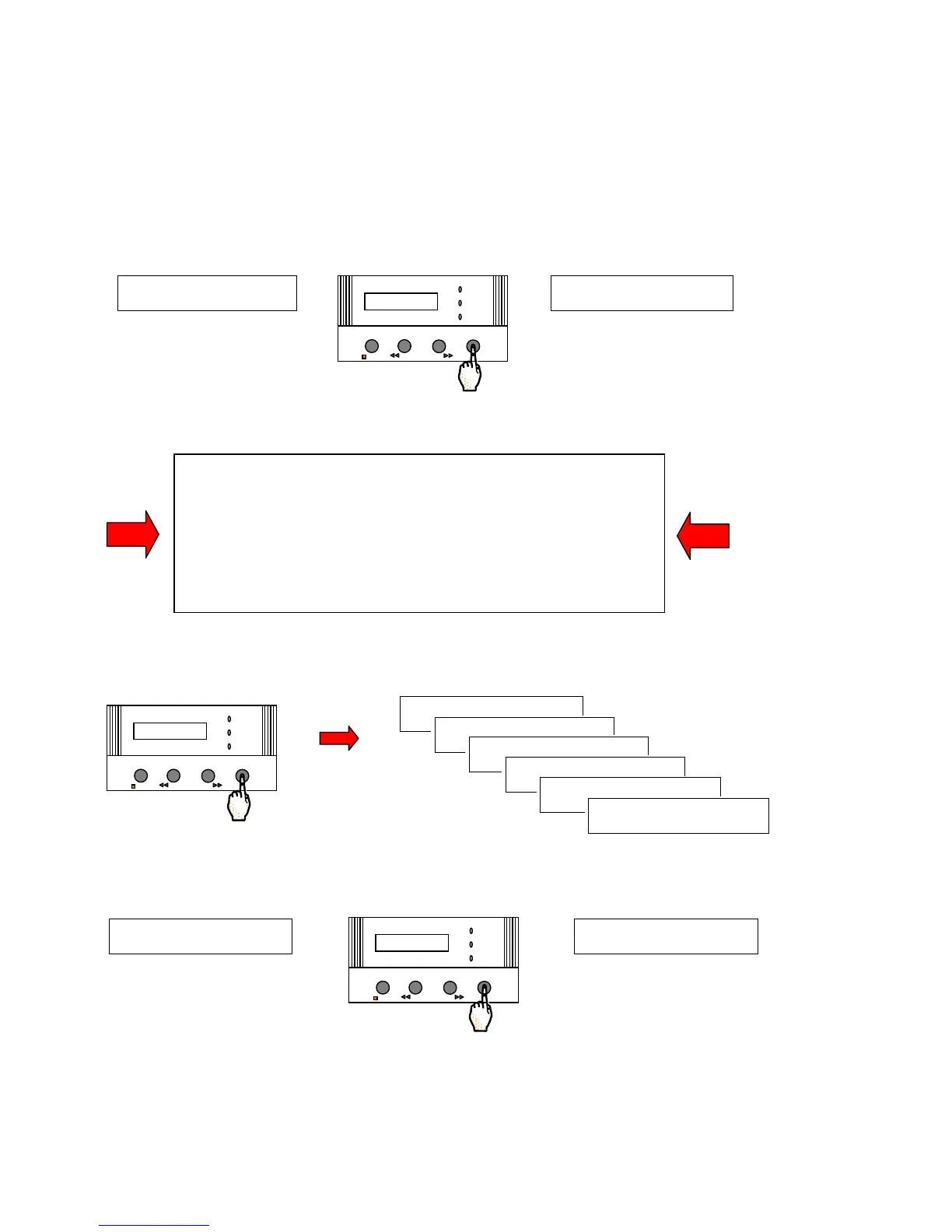
Press the MENU Keypad button for about 2 seconds. The LCD will change as shown here:
You have entered the ‘Customer Service Software’ of the Milli-Q.
If you do not see this display
, then turn off, then on the system power.
When the LCD shows PRE OPERATE and RECIRCULATION, press the
STANDBY/OPERATE Keypad Button for about 2 seconds. This will place
the Milli-Q into STANDBY Mode. Then press the STANDBY/OPERATE
Keypad Button again. The Milli-Q will now be in PRE OPERATE Mode.
Press the MENU Keypad Button again for 2 seconds to enter the Customer
Service Software.
Press the MENU Keypad Button 5 times (6 times for a Milli-Q Synthesis A10). Stop when you see the
LANGUAGE (under SERVICE OPTIONS) display.
Use the Arrow Keypad Buttons to change the language.
Press the MENU Keypad Button for about 2 seconds to return to PRE OPERATE Mode.
You have finished changing the displayed language.
PRESET VOL U








 To Next Page