USING THE MILLI-Q
Milli-Q Synthesis/Synthesis A10 49
5-3 HOW TO VIEW THE RESISTIVITY, TEMPERATURE AND TOC
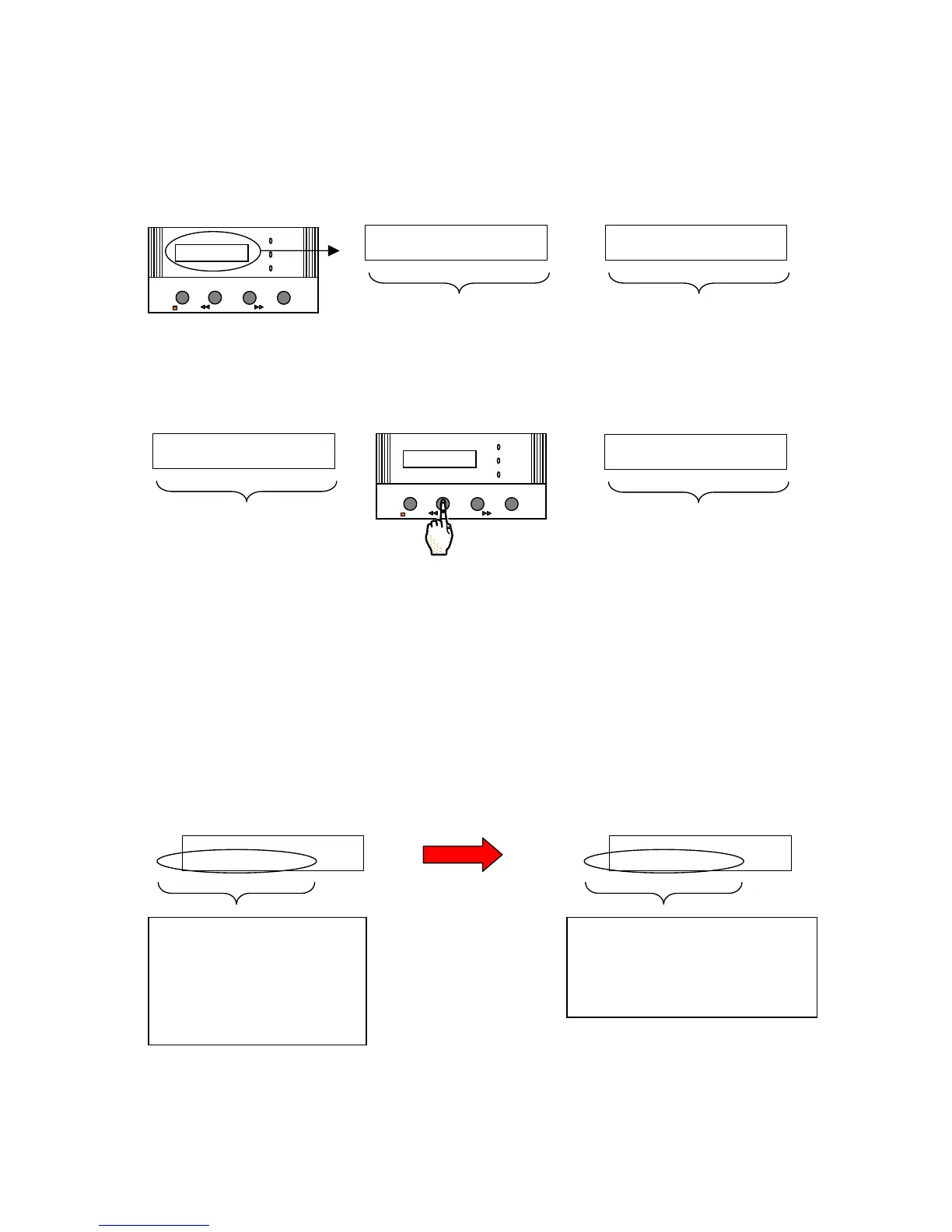
VIEWING RESISTIVITY
The Resistivity (M.cm @ 25 C) of the Milli-Q Product Water is seen while the Milli-Q is in PRODUCT Mode.
VIEWING TEMPERATURE
Press the MEASURE Keypad Button while the Milli-Q is in PRODUCT Mode.
The temperature will be displayed for about 10 seconds. The LCD will return to the resistivity display.
VIEWING TOC
The TOC is only displayed if you have a Milli-Q Synthesis A10 system.
The TOC of the Milli-Q Product Water is measured about every 5 minutes. When you go from PRE OPERATE
Mode to PRODUCT Mode, a TOC Analysis is started.
The displayed TOC will not change until the next TOC Analysis is completed.
The TOC measurements will be repeated continuously during PRODUCT Mode.
The range of TOC values is from 1 ppb to 999 ppb in 1 ppb increments. A display of xxx ppb means that the
TOC value measured is out of range.
OPERATE / STANDBY
MEASURE
CLEANING
MEN U
POWER
SERVICE








 To Next Page