INSTALLATION
Milli-Q Synthesis/Synthesis A10 32
4-7 PURGING THE AIR FROM THE SYSTEM
At this time you should have installed the Q-Gard Pack, Quantum Cartridge, Barbed Fitting and the Tygon
Tubing. The system power should be on. The POU Dispenser Trigger should be upright. The LCD should be
showing PRE OPERATE.
Verify that you have several Litres (> 15 Litres) of feedwater (i.e. full Reservoir or full Distribution Loop).
Open any valves on the feedwater supply (i.e. valve on the bottom of the Reservoir).
Bring the POU Dispenser Trigger down (towards you). You should hear a sharp ‘click’ noise. This is the
opening of the Inlet Solenoid Valve. Water will start flowing out of the UF Reject tubing.
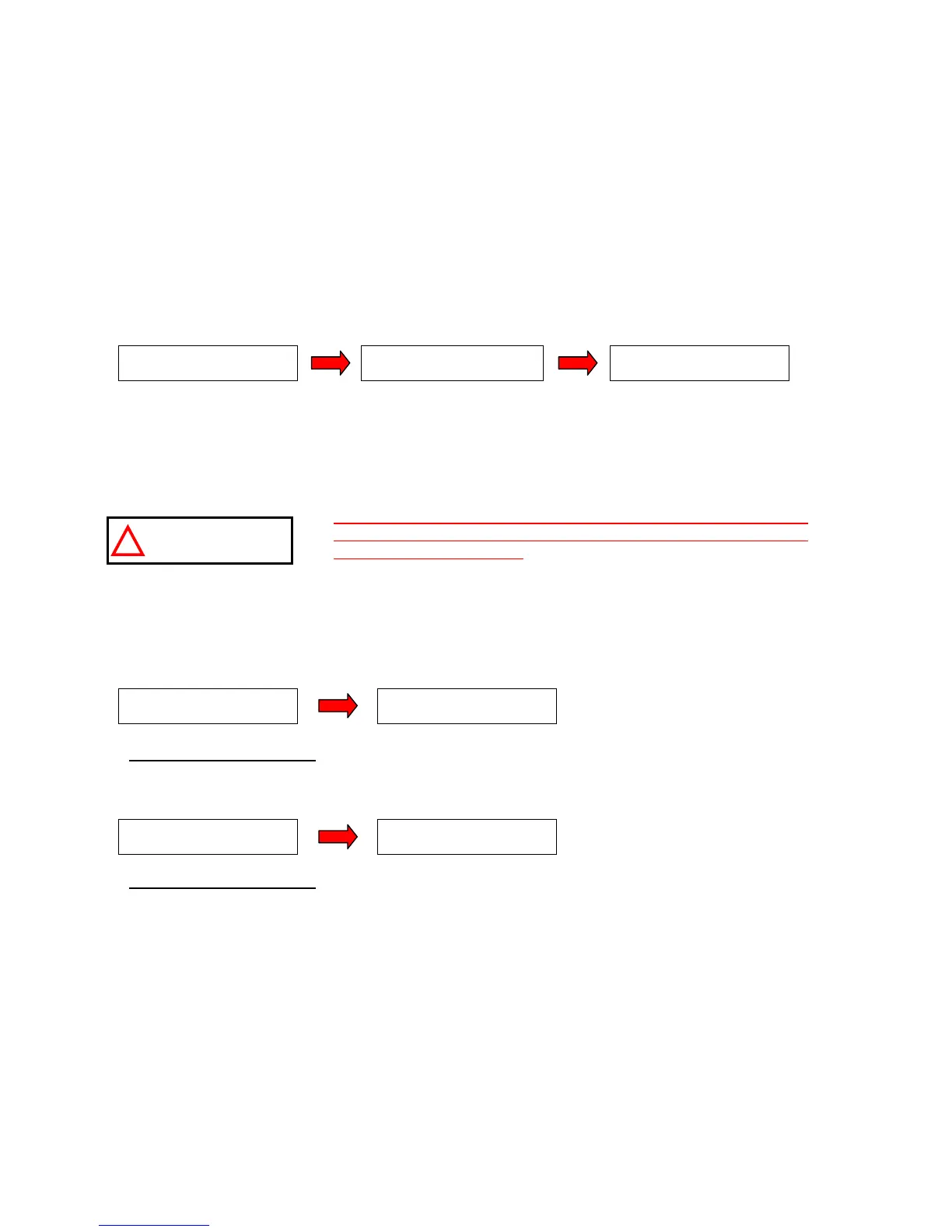
The LCD will change and will look like:
Let the AIR PURGE continue for its 5 minute duration. It will count down to 0 minutes (5, 4, .., 0 mn).
Pressurised Feedwater Only:
Check the Pressure Gauge on the Pressure Regulator. While water is
flowing through it, the Pressure Gauge should show 0.3 bar. If it is not set to 0.3 bar, then turn the round
handle on the Pressure Regulator clockwise until the pressure gauge (on the regulator) shows 0.3 bar. Check
this again when water is flowing through the Pressure Regulator.
The setting of the Pressure Regulator should not exceed 0.3 bar.
The feedwater pressure reaching the Milli-Q in PRODUCT Mode
should not exceed 0.3 bar. The Pressure Regulator should only be
set while water is flowing through it. It is perfectly normal to see an
increase in the Pressure Regulator setting while water is not flowing
through it (i.e. STANDBY or PRE OPERATE Mode).
The Milli-Q will now go to STANDBY Mode and will remind you to close the POU Dispenser Valve.
Move the POU Dispenser Trigger back (its upright position). The Milli-Q will now go to PRE OPERATE Mode.
Milli-Q Synthesis A10 only: When you ‘Close The Valve’, the Milli-Q will go to PRE OPERATE
Mode and then will start an automatic 60 minute A10 CLEANING.
The A10 CLEANING is a way of
flushing out any particles that may have been present.
Milli-Q Synthesis A10 only:
Allow the A10 CLEANING to count down to 0 minutes.
The remaining steps of this section apply to both the Milli-Q Synthesis and the Milli-Q Synthesis A10.
Any remaining air in Quantum Cartridge can be ‘hand purged’ out now.
Get a screwdriver with a very thin shaft and small head.
Locate the small hole on the top part of the Quantum Cartridge Door.
P R O D U C T
A I R P U R G E 5 m n
P R E O P E R A T E
O P E N T H E V A L V E
STAND B Y
C L O S E T H E V A L V E
ATTENTION
P R E O P E R A T E
S T A ND B Y
C L O S E T H E V A L V E
P R E O P E R A T E
A 1 0 C L E A N I N G : 6 0
S T A ND B Y
C L O S E T H E V A L V E








 To Next Page