EasyManua.ls Logo

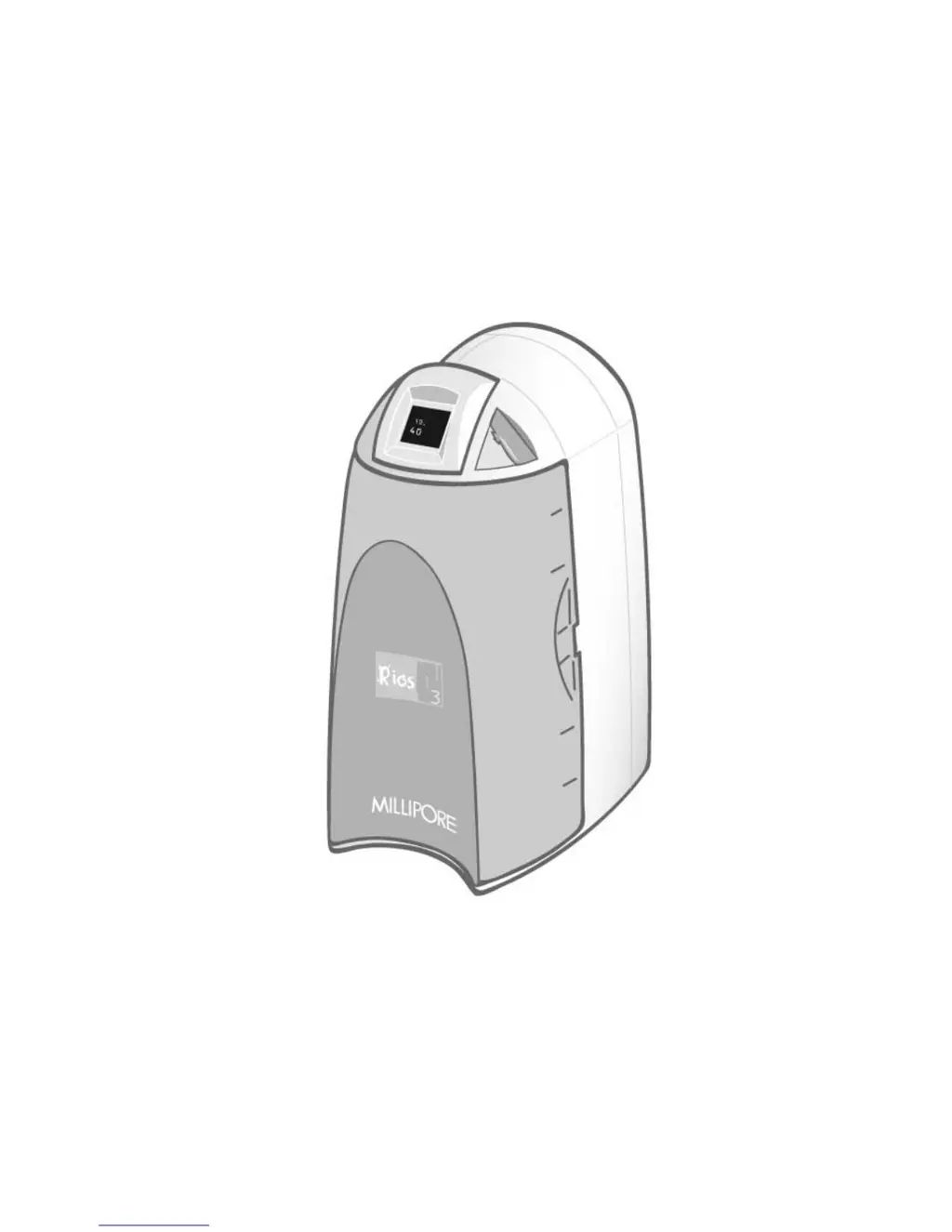
Millipore RIOS 3 - User Manual

Millipore RIOS 3
43 pages
Print Icon
To Next Page IconTo Next Page
Loading...
R
R
I
I
O
O
S
S
3
3
U
U
S
S
E
E
R
R
M
M
A
A
N
N
U
U
A
A
L
L
MILLIPORE

Table of Contents

Questions and Answers

  • R
    Rachel VargasAug 1, 2025
    Why is the display screen blank on my Millipore Water Filtration System?
    • R
      Rachel MosleyAug 1, 2025
      If the display screen is blank on your Millipore Water Filtration System, first ensure the power cord is properly plugged into both the system and a functioning electrical outlet. If the issue persists after confirming the power connection, contact Millipore for assistance, as the main power fuse may be blown.
  • R
    Ryan BaileyAug 8, 2025
    What to do if the SmartPak is not installed correctly in my Millipore Water Filtration Systems?
    • K
      Katherine AtkinsAug 8, 2025
      If the SmartPak is not installed correctly or not installed at all, reinstall the SmartPak. If the red Pack Alarm is still displayed after reinstalling, contact Millipore.
  • A
    austin13Aug 15, 2025
    Why is the tank level not rising in filling tank mode on my Millipore Water Filtration Systems?
    • M
      Michele JohnsonAug 15, 2025
      If the Tank Level display is not rising in FILLING TANK mode on your Millipore Water Filtration System, ensure that the Tank Outlet Valve is closed to prevent water from being diverted to the drain. If the issue persists, the RO membrane may be dirty or clogged, and the SmartPak may need replacement.
  • K
    kleonardAug 25, 2025
    What to do if the last water quality value is not displayed in TANK FULL mode on Millipore RIOS 3?
    • M
      Matthew WattsAug 25, 2025
      If the last water quality value is not displayed when you press the “+“ button in TANK FULL mode on your Millipore Water Filtration System, allow the system to go into FILLING TANK mode to start a RO permeate conductivity reading again.

Summary

Introduction to the RiOs System

Safety Information

Important safety warnings and precautions for operating the RiOs 3 system.

Product Overview and Specifications

Technical Specifications

Key technical data including dimensions, weight, noise level, and electrical requirements.

Pre-Installation Guide

Installation Requirements

Essential feedwater quality, pressure, flowrate, and reject flow requirements for setup.

System Installation Procedures

Feedwater Tubing Connection

Instructions for connecting the feedwater tubing to the system's water source.

SmartPak Installation

Detailed procedure for installing the SmartPak consumable.

Using the RiOs System

System Maintenance Procedures

SmartPak Replacement Procedure

Step-by-step guide for removing and installing a new SmartPak.

Troubleshooting Common Issues

Troubleshooting: Display Screen Issues

Solutions for problems where the system display screen is blank.

Troubleshooting: Tank Level Not Rising

Troubleshooting steps for when the tank level display does not increase.

Troubleshooting: Water Quality Display Errors

Addressing issues where water quality values are not displayed correctly.

Troubleshooting: Pack Alarm and SmartPak Issues

Diagnosing Pack Alarms related to SmartPak lifetime or installation.

Millipore RIOS 3 Specifications

General IconGeneral
Product LineRiOs
ModelRiOs 3
Flow Rate3 L/h
Filtration TechnologyReverse Osmosis
Operating Pressure30-100 psi
Power Supply100-240 V AC, 50-60 Hz
ApplicationGeneral laboratory, instrument feed
Production Rate3 L/h
Feed Water CompatibilityPotable water
Output Water TypeReverse Osmosis (RO) Water
MonitoringResistivity
AlarmsLow pressure, system error, maintenance alerts
Inlet Water Pressure30-100 psi
Inlet Water Temperature5-35°C
Operating Temperature5-40°C

Related product manuals