TROUBLESHOOTING
Chapter 7 TROUBLESHOOTING
PROBLEM POSSIBLE CAUSES WHAT TO DO
The Display screen is blank.
The power cord is not
plugged in.
No source of electrical
power.
Main Power Fuse is blown.
¾ Check that the power cord
is plugged in.
¾ Check the source of
electrical power.
¾ Contact Millipore.
In FILLING TANK mode, the
Tank Level display is not rising.
(The Tank Level display should
be rising steadily.)
The Tank Outlet Valve is
open. The water in the tank
is diverted into the drain.
No water is kept in the
tank.
The tank level is not
calibrated properly.
The RO membrane is dirty
or clogged.
¾ Close the Tank Outlet
Valve.
¾ Check the Feedwater
source.
¾ See
Section 6-4 How to
Calibrate the Tank Level
(C01).
¾ Replace the SmartPak.
The last water quality value is
not displayed when you press
the “+“ button in TANK FULL
mode.
A measurement was not
made during FILLING
TANK mode.
The value is out of
measurement range.
¾ Allow the system to go into
FILLING TANK mode to
start a RO permeate
conductivity reading again.
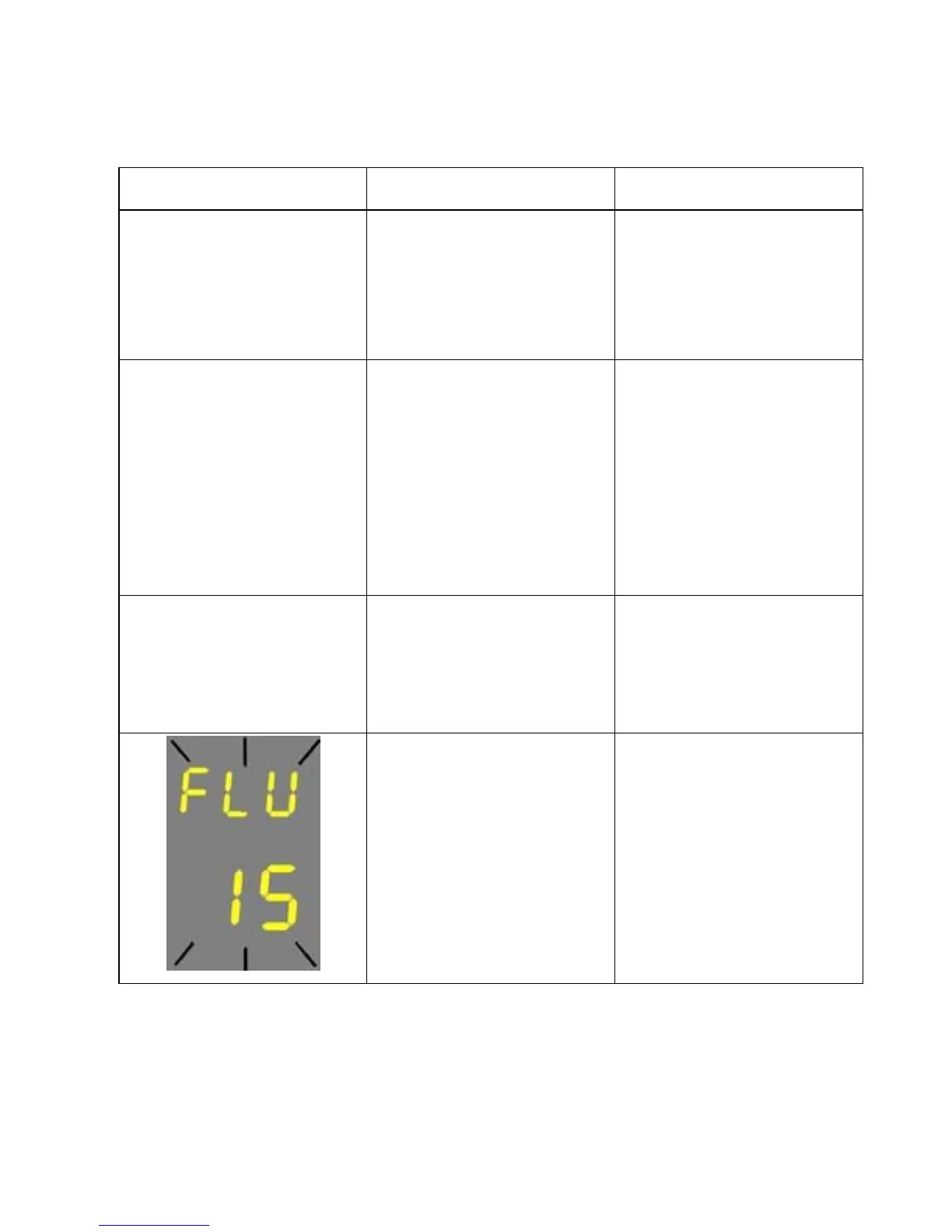
The Tank Outlet Valve is
not open. The system
detects that there is water
in the tank. The system will
not resume FLUSH mode
until the tank is emptied of
water.
¾ Open the Tank Outlet
Valve to drain the water
from the tank.
¾ Check that the Tank Outlet
Valve and Tubing are
directed downwards into
the drain.
- 34 -








 To Next Page