13
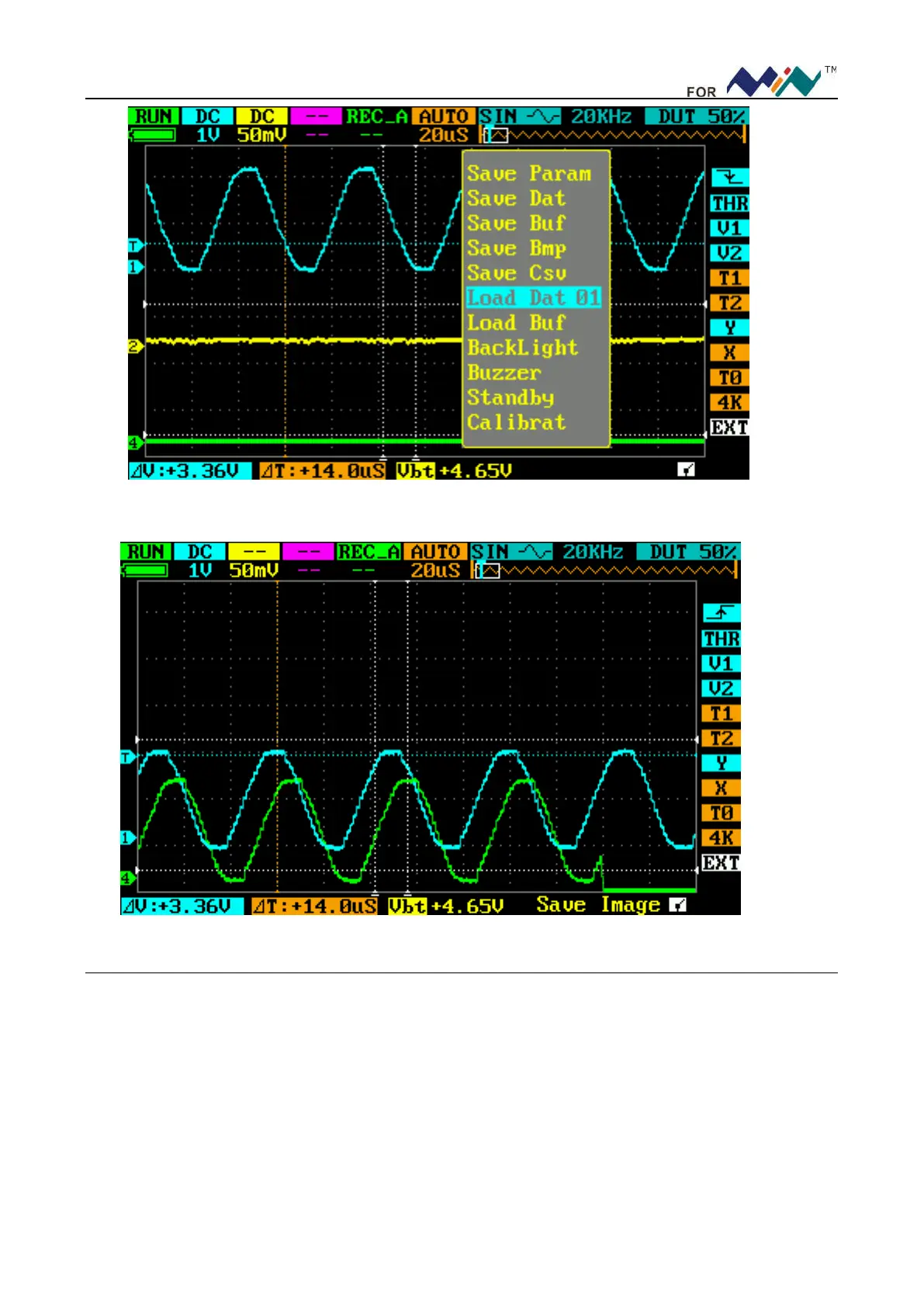
Figure 4.2
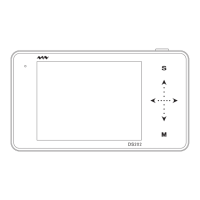
Figure 4.3
5. Example Five: Save waveform images
Sometimes waveform images need to be archived/analyzed on PC platform.
Please operate according to following steps:
With prerequisite of correct measurement of signal source, press (■), choose Save Bmp 01, scroll (―…+)
to choose file no., press (―…+) to confirm. The file (named IMAG001.BMP) will be saved to built-in USB
disk; as in following figure.
To analyze waveform images, you only need to copy the images to your PC.


 To Next Page