77
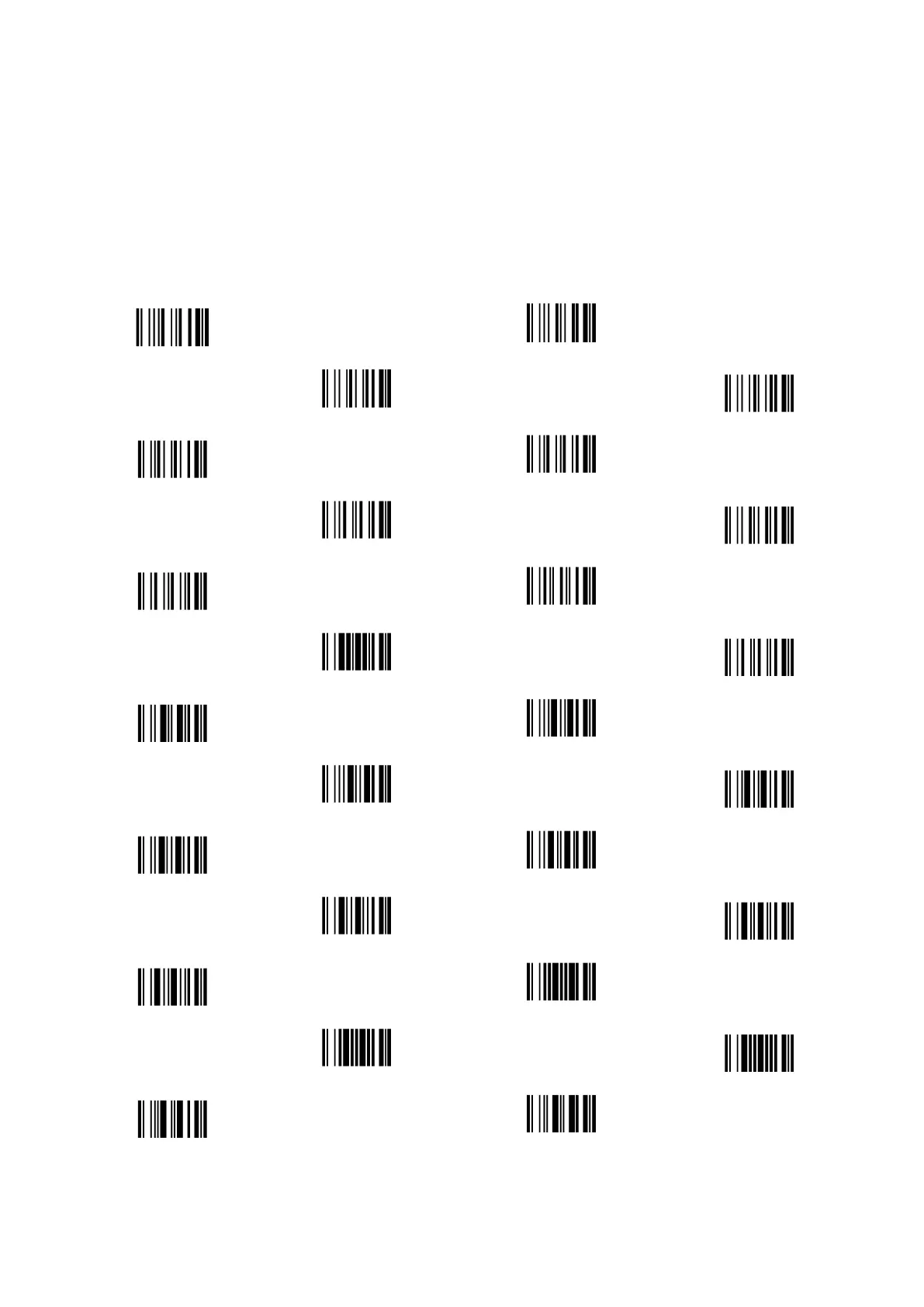
5 Barcode representing non-printable character
Notes to make the following barcode:
1. According to different barcode printing software, the method of printing following barcode is
different.
2. If using CODESOFT software, firstly read the information through “Help→Index→Code128→Special
input syntax”. Also refer to ASCII table. For example, if we wish to make “F1” barcode, select
“Code128”, then select “CODE A” type, and input “{DC1}” as data.



 To Next Page