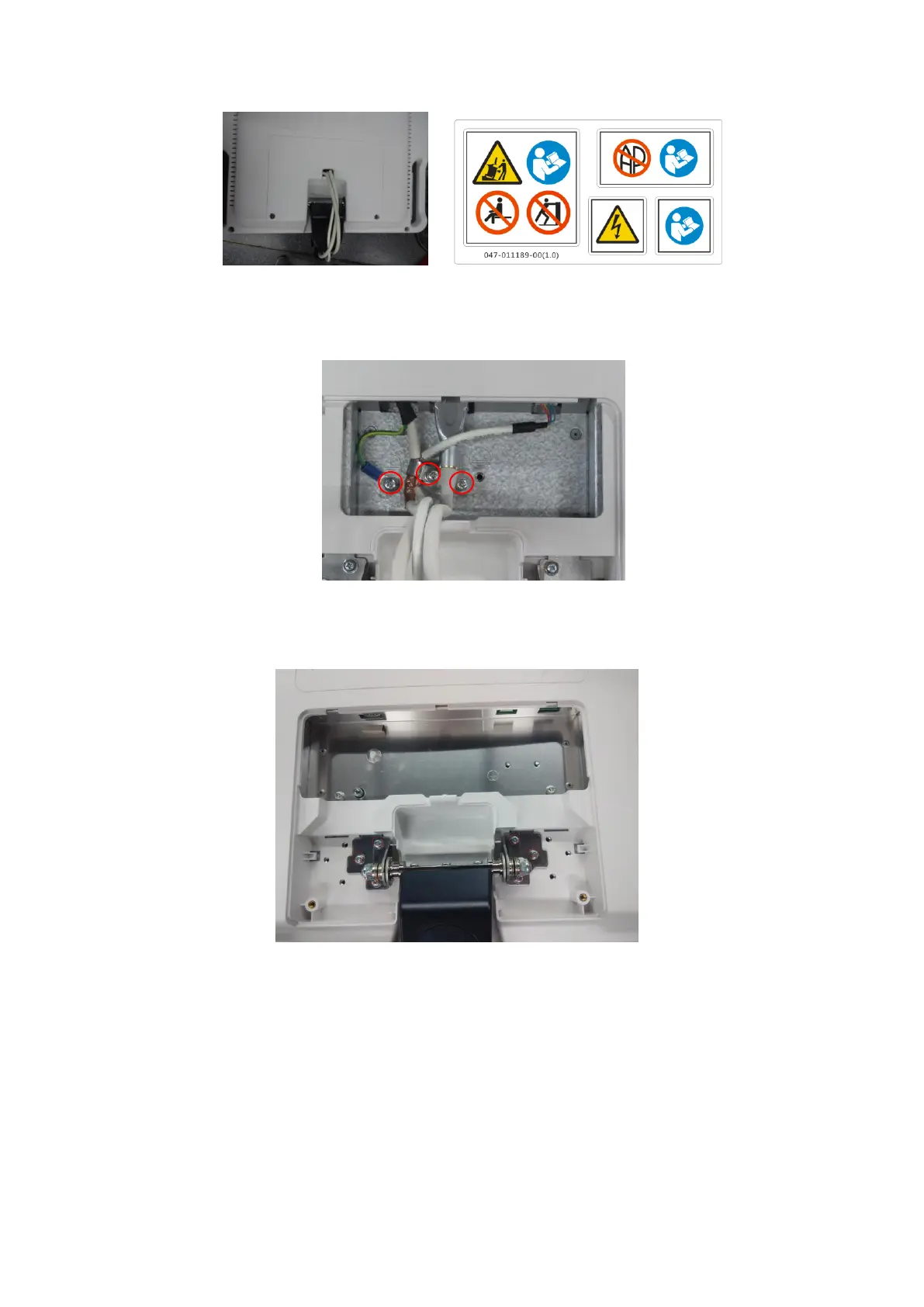
Structure and Assembly/Disassembly 7-25
Fig 7-3 Disassemble the Monitor Module (1)
2. Remove the fixing clips, ground wire clip, and the M4X12 screws (3 pcs) securing
the ground wire holder; take out the cable plug.
Fig 7-4 Disassemble the Monitor Module (2)
3. Remove the M4X12 screws (6 pcs) for fixing the monitor.
Fig 7-5 Disassemble the Monitor Module (3)
4. Hold the lateral sides of the monitor and raise the monitor to separate it from the
support arm hooker when the monitor is 20° from the vertical direction, and then
remove the monitor.


 To Next Page