SMARTBOX OPERATING MANUAL—JUNE 2009
4. Audit Functions (cont.)
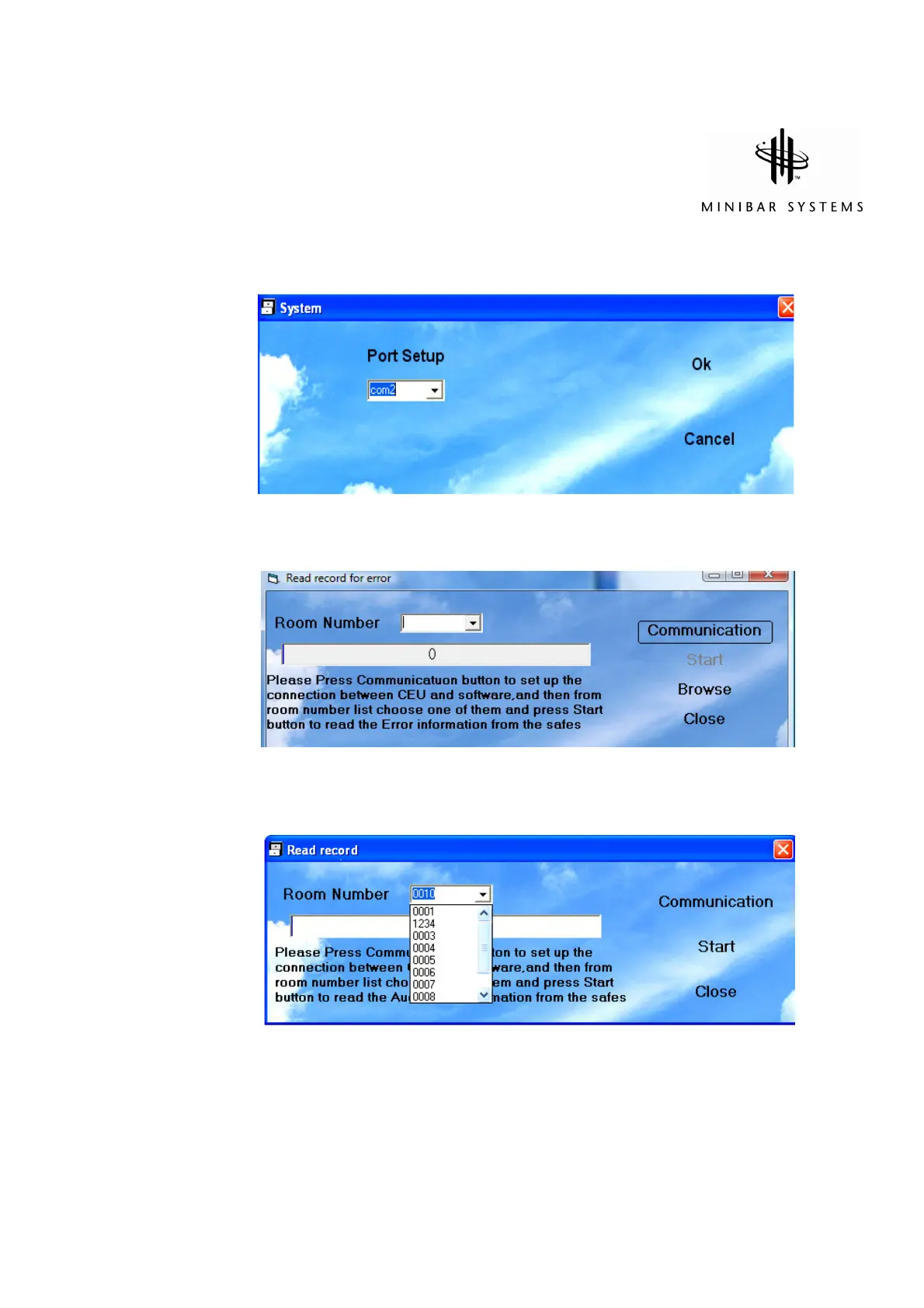
c) Press “System Setup” to assign a Comm Port to the serial port. If you need assistance
please contact your Minibar Systems Representative.
d) Press “Read Records”. Switch on Handheld Unit and press “Communication” to get
the list of rooms you can download
Select the room number from the list
e) Press “Start” to start reading the records, and then “Close” the window


 To Next Page