SMARTBOX OPERATING MANUAL—JUNE 2009
8. How to Install/Replace Batteries
To install/replace the batteries in the safe a small cross headed screwdriver is required.
The battery type used is size 1.5v, AA/LR6 (AM3).
NB Replace all four batteries complete, do NOT mix with old batteries or use with other types.
To install/replace the batteries in the SmartBox product, proceed as follows:
a) Open the SmartBox door.
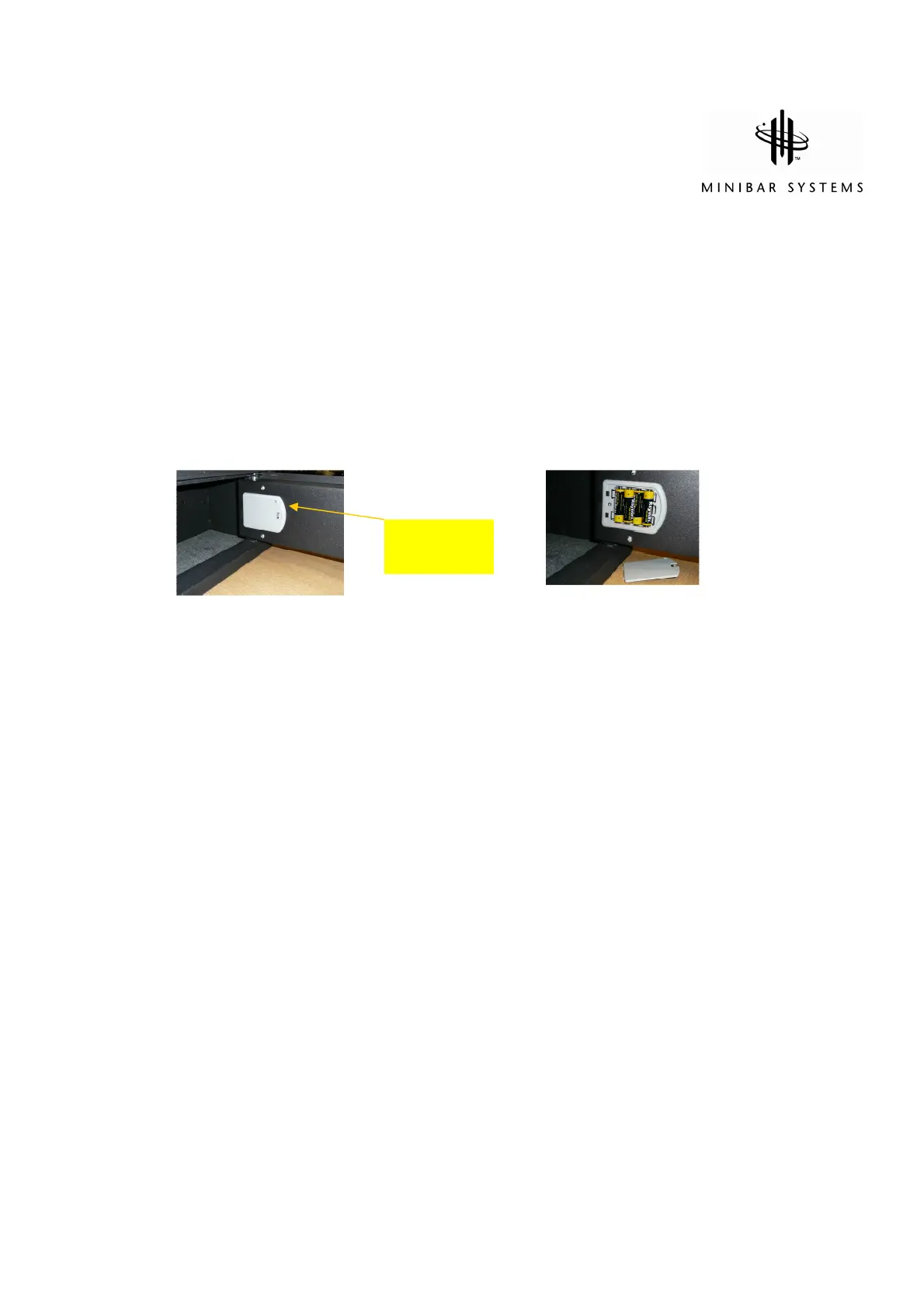
b) Remove screw from battery compartment in the door and unclip the compartment
cover (see Diagram A)
Diagram A Diagram B
Battery compartment 4 AA/LR6 type batteries.
cover retaining screw Note orientation
c) Install the four batteries provided or replace with new batteries (see Diagram B). Note
the correct orientation of the batteries when inserting. The base of the plastic
compartment has imprinted guidance to help you.
d) Clip the cover into place and retain with the screw.
Please dispose and recycle the spent batteries in accordance with local ordinances and environmental
standards legislation.
The replacement batteries must conform to the latest Battery Regulations Directive
Retaining
screw


 To Next Page