miniDSP Ltd, Hong Kong / www.minidsp.com / Features and specifications subject to change without prior notice 28
5.2 CONNECTIONS FOR ACOUSTIC MEASUREMENT
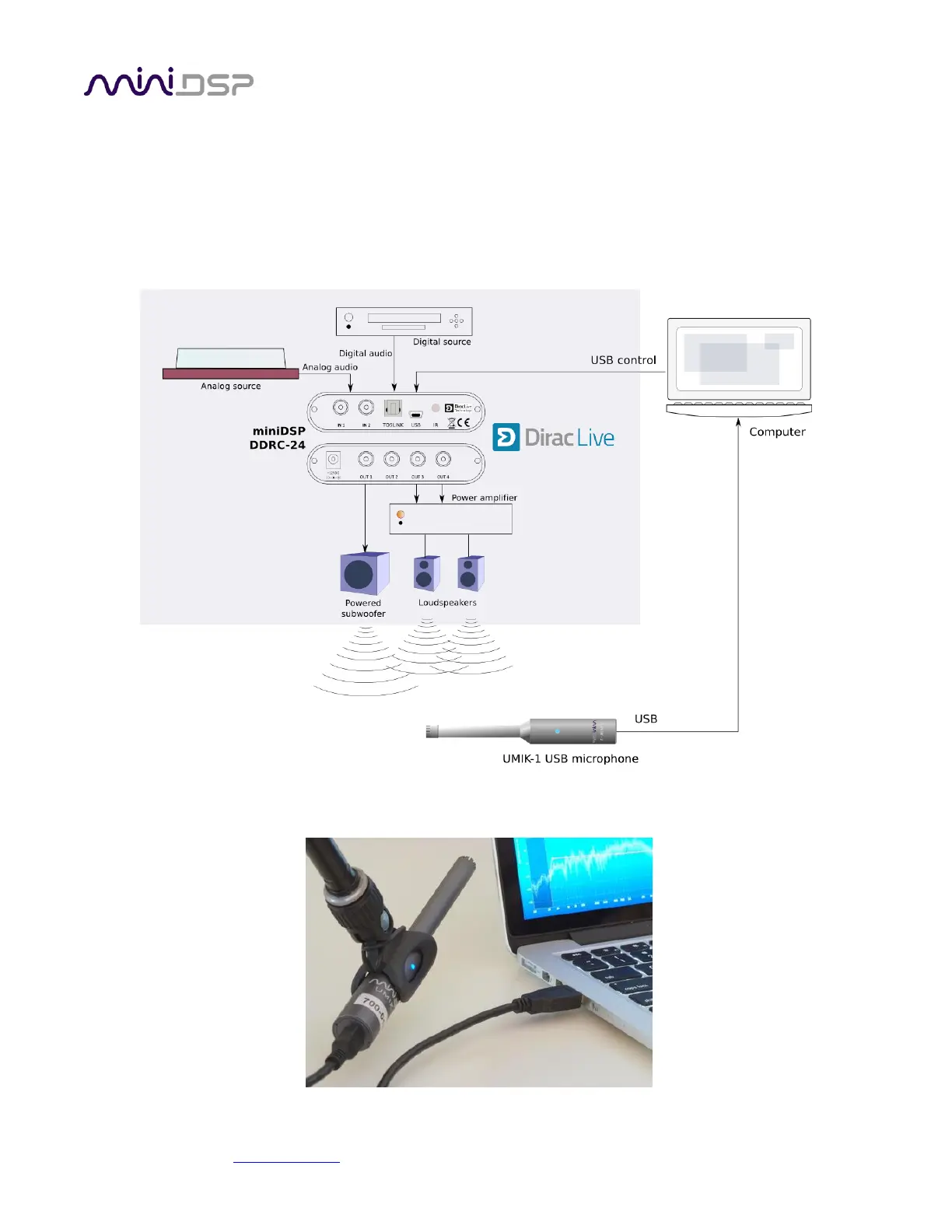
The figure below shows a typical connection diagram for performing acoustic measurement. No changes to
existing audio connections are needed. Simply:
1. Connect a supplied USB (type A to mini type B) cable from the processor to a USB port on the computer.
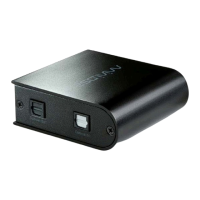
2. Connect a supplied USB (type A to mini type B) cable from the UMIK-1 to a USB port on the computer.
Place the UMIK-1 microphone into the microphone stand. Position the computer and cabling so that there is
enough freedom of movement to move the microphone into the needed locations.


 To Next Page