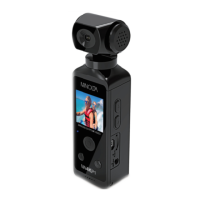
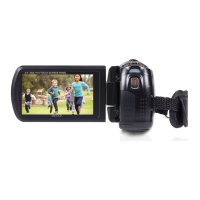
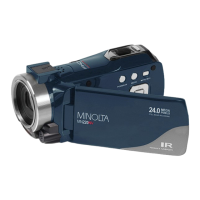
Setting Up Your Camcorder for Use
After powering your camcorder on, press the Menu button to enter the Setup
Menu. Press the Right button to bring up the full setup menu as outlined
below. The “gear” icon will be highlighted once you are in the Setup
Menu. Press the Right / Left / Up / Down / OK button to navigate and confirm
an option and exit.
Set the sound type and volume levels.
Shutter: [On] / [Off]
Start-up: [On] / [1] / [2] / [3]
Beep: [On] / [Off]
Volume: [0] / [1] / [2] / [3]


 To Next Page