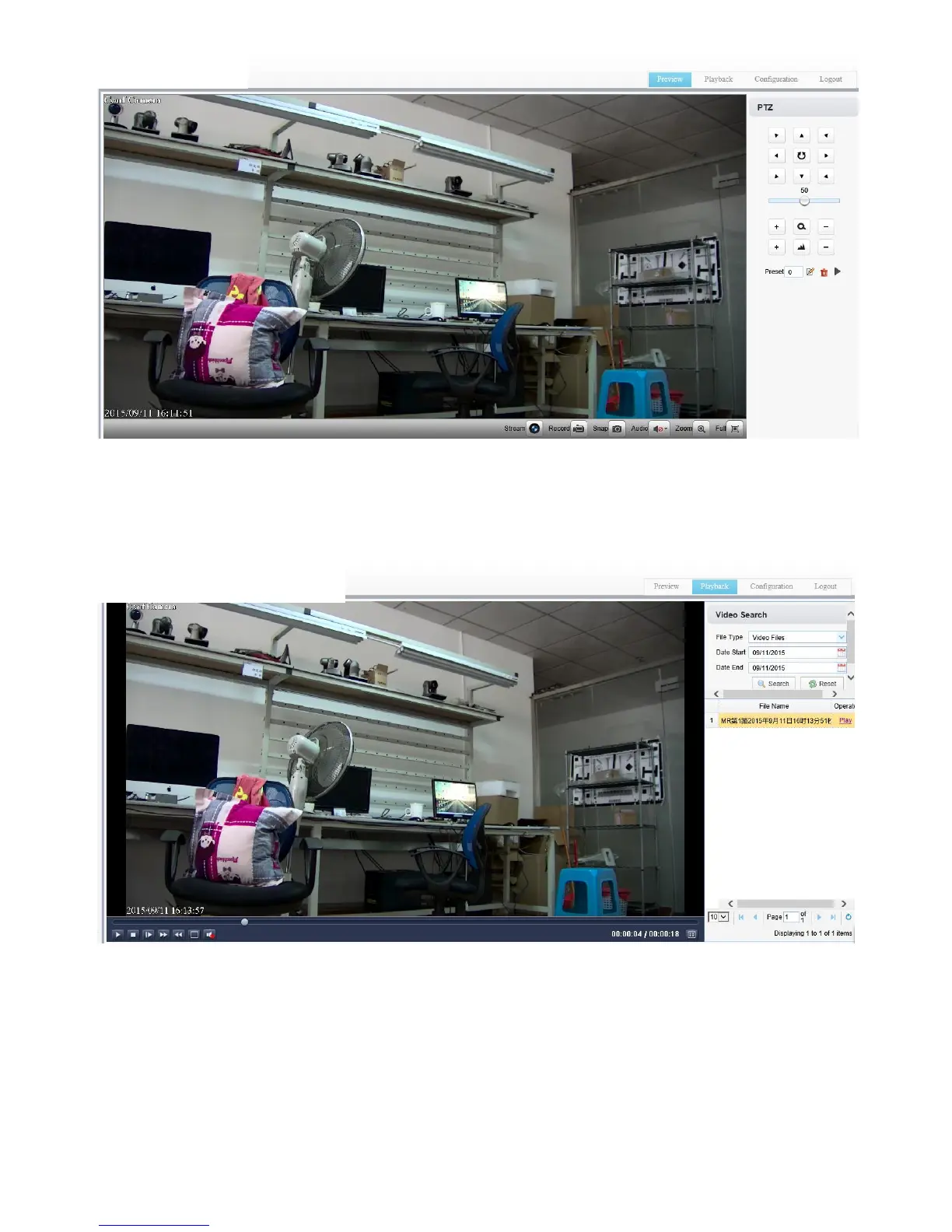
After login in the management interface it will show the default video preview interface as above picture. User can
control the pan tilt, zoom, focus, record, snapshot, audio, enlarge, full screen and preset set, run and delete operations etc.
3. Playback
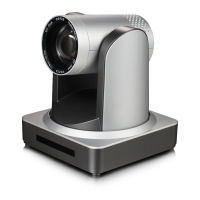
Click the Playback to enter into the video playback interface and set the file type and time. Click"Search" button and
click the Play or Display in the list to play or display the record video or pictures like below picture.
Playback Control
User can control the video for Pause, Stop, Play, Fast Play, Slow Play, Full Screen and Sound during the process of
playback.
4. Configuration
Click Configuration to enter into the device parameters setting page as below picture.。


 To Next Page