19
18
English
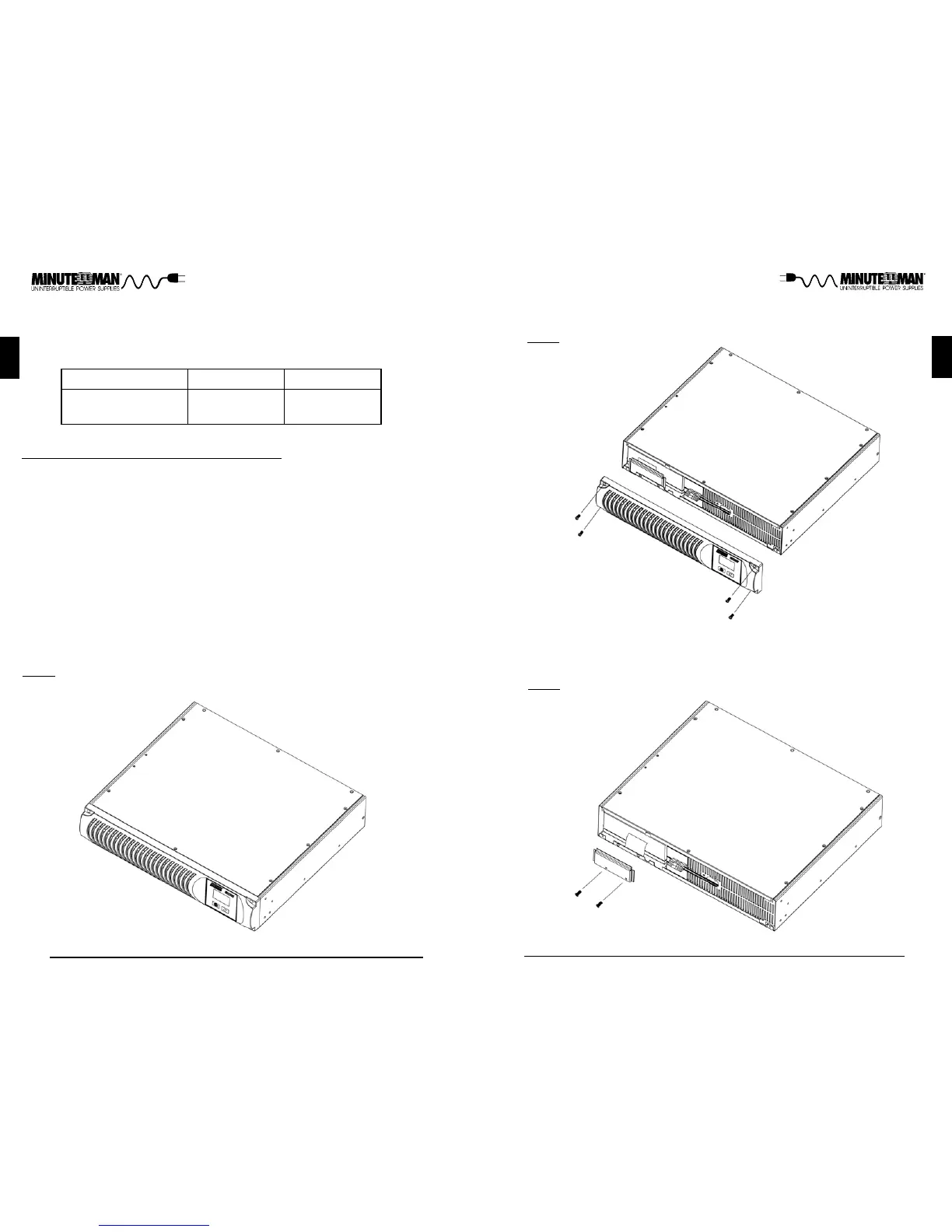
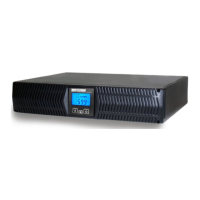
FIG. 2
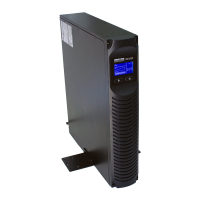
FIG. 3
6. Remove the front panel retaining screws. (FIG. 2)
7. Lay the front panel on top of the UPS.
8. Remove the two retaining screws for the battery retaining bracket. (FIG. 3)
9. Remove the battery retaining bracket.
English
BATTERY REPLACEMENT PROCEDURE
PLEASE READ THE CAUTIONS AND WARNINGS BEFORE ATTEMPTING
TO REPLACE THE BATTERIES
Hot-swappable batteries mean that the batteries can be replaced without pow-
ering down the whole UPS system.
NOTE: If there is a power interruption while replacing the hot-swappable batter-
ies, with the UPS on, the load will not be backed up. To hot-swap the battery
module start with step number 6.
1. Turn off the equipment that is plugged into the output of the UPS.
2. Press the On/Off/Test Button on the front panel to turn the UPS off.
3. Unplug the UPS's AC power cord from the AC wall outlet.
4. Unplug the equipment from the output receptacles of the UPS.
5. Unplug the computer interface cable from the rear panel of the UPS.
Battery Module Part #
PRO1500RT
BM0044
Model #
Replace batteries with the same number and type as originally
installed in the UPS. These batteries have pressure operated vents.
These UPSs contain sealed non-spillable maintenance-free lead
acid batteries.
CAUTION:
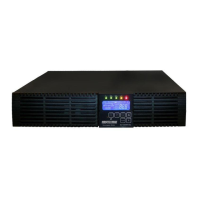
FIG. 1
PRO1000RT
BM0043



 To Next Page