17
16
English
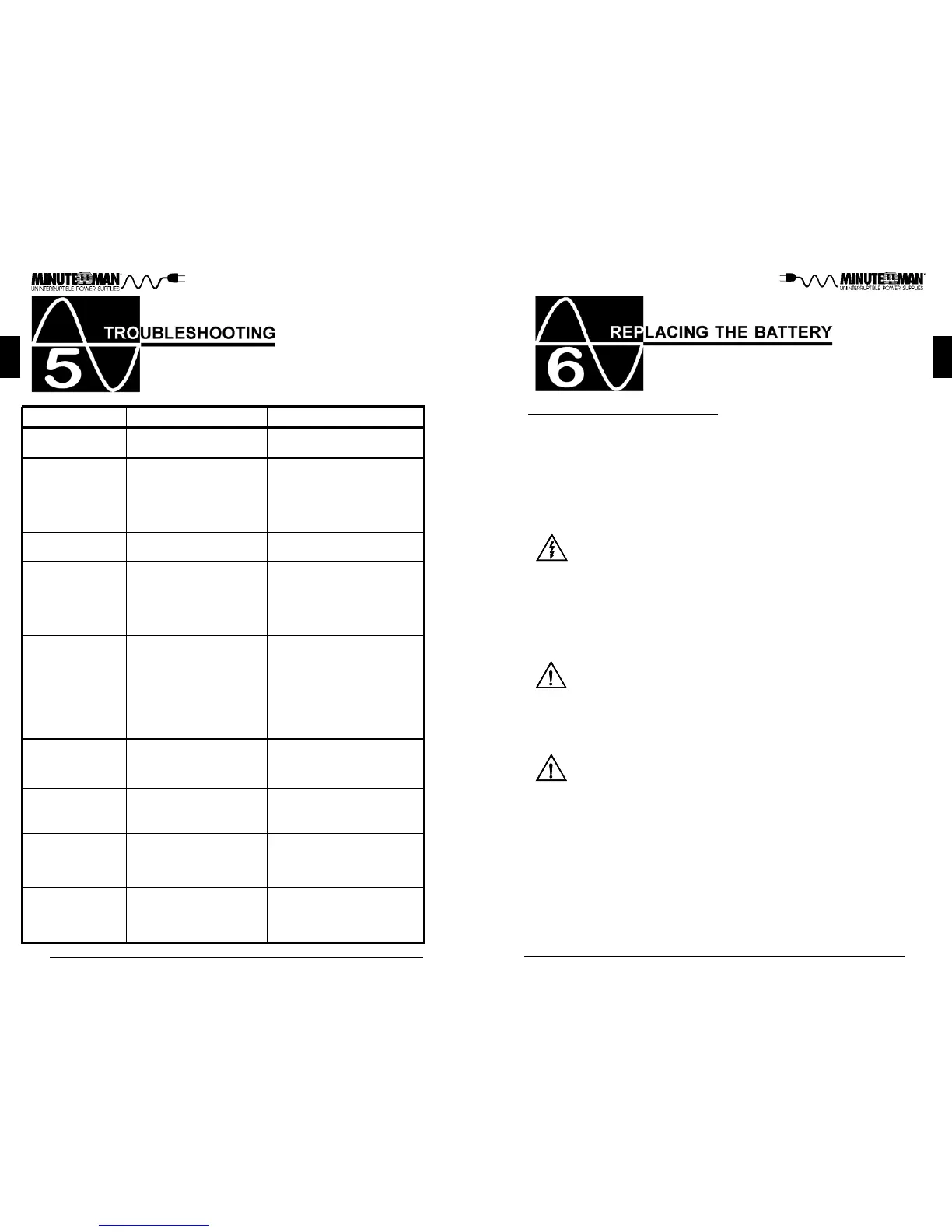
REPLACING THE BATTERY
WARNING!
This UPS contains potentially hazardous voltages. Do not at-
tempt to disassemble the UPS beyond the battery replacement
procedure. This UPS contains no user serviceable parts. Re-
pairs and battery replacement must be performed by QUALIFIED
SERVICE PERSONNEL ONLY.
Do not open or mutilate batteries. Released electrolyte is harmful
to the skin and eyes and may be toxic.
CAUTION:
(QUALIFIED SERVICE PERSONNEL ONLY)
CAUTION:
Do not dispose of batteries in a fire. The batteries may explode.
The batteries in this UPS are recyclable. Dispose of the batter-
ies properly. The batteries contain lead and pose a hazard to the
environment and human health if not disposed of properly. Refer
to local codes for proper disposal requirements or return the
battery to the supplier.
The battery system can present a risk of electrical shock. These
batteries produce sufficient current to burn wire or tools very rap-
idly, producing molten metal. Observe these precautions when
replacing the batteries:
1. Remove watches, rings, or other metal objects.
2. Use hand tools with insulated handles.
3. Wear protective eye gear (goggles), rubber gloves and boots.
4. Do not lay tools or other metal parts on top of batteries.
5. Disconnect the charging source prior to connecting or disco-
nnecting the battery terminals.
6. Determine if the battery is inadvertently grounded. If the bat-
tery is, remove the source of the grounding. Contact with any
part of a grounded battery can result in an electrical shock.
The likelihood of such shock will be reduced, if such grounds
are removed during installation and maintenance.
CAUTION:
Please read all of the WARNINGS and CAUTIONS before attempting to service
the batteries. Typical battery life is 3 to 5 years. Environmental factors do
affect battery life. High temperatures, poor utility power, and frequent, short
duration discharges have a negative impact on battery life.
English
Possible Cause
Symptom
What To Do
Press, hold and then release
the On/Off button to start UPS
On/Off/Test button not
pressed
UPS will not turn on
Reset circuit breaker by
pressing the plunger back in.
If the AC circuit breaker trips
after UPS starts up, reduce
the load on the UPS
UPS operates in
battery mode only,
even though there
is normal AC
present
Input AC circuit breaker is
tripped
UPS has detected an inter-
nal fault
Call for service
"FAL" is displayed
on the LCD
The AC mode icon
is illuminated, but
there is no output
Disconnect the computer
cable from the UPS and press
the On button. If UPS works
normally, the software has
control of the UPS
The UPS is being con-
trolled via its communica-
tions port
The batteries may be
weak or at the end of their
useful service life
Charge the batteries for 8-
hours and retest. If the runtime
is still less than expected, the
batteries may need to be
replaced, even though the
Weak/Bad Battery LED is not
illuminated
UPS does not
provide expected
runtime
The Battery Capac-
ity Bar Graph is
flashing
Overload icon is
illuminated
Loose connections at the
batteries, Weak batteries,
Bad batteries
The output load has ex-
ceeded the UPS's capac-
ity
Check battery connections,
charge the batteries for 8-
hours, replace the batteries
Check the specifications (see
section 8). Remove part of
the load
The AC mode icon
is flashing and the
alarm is silent
The UPS is operating in
the Boost or the Buck
mode
The UPS has detected an
improperly wired wall out-
let.
The UPS is performing its in-
tended function
Contact a Qualified Electrician
to correct the problem.
"S.L.F" is dis-
played on the LCD



 To Next Page