23
4.2.11.2 Animated turn guidance
Animated arrows represent all route events other than the above-mentioned special
points. These arrows show the direction in which you need to continue your journey.
4.2.11.3 The route line
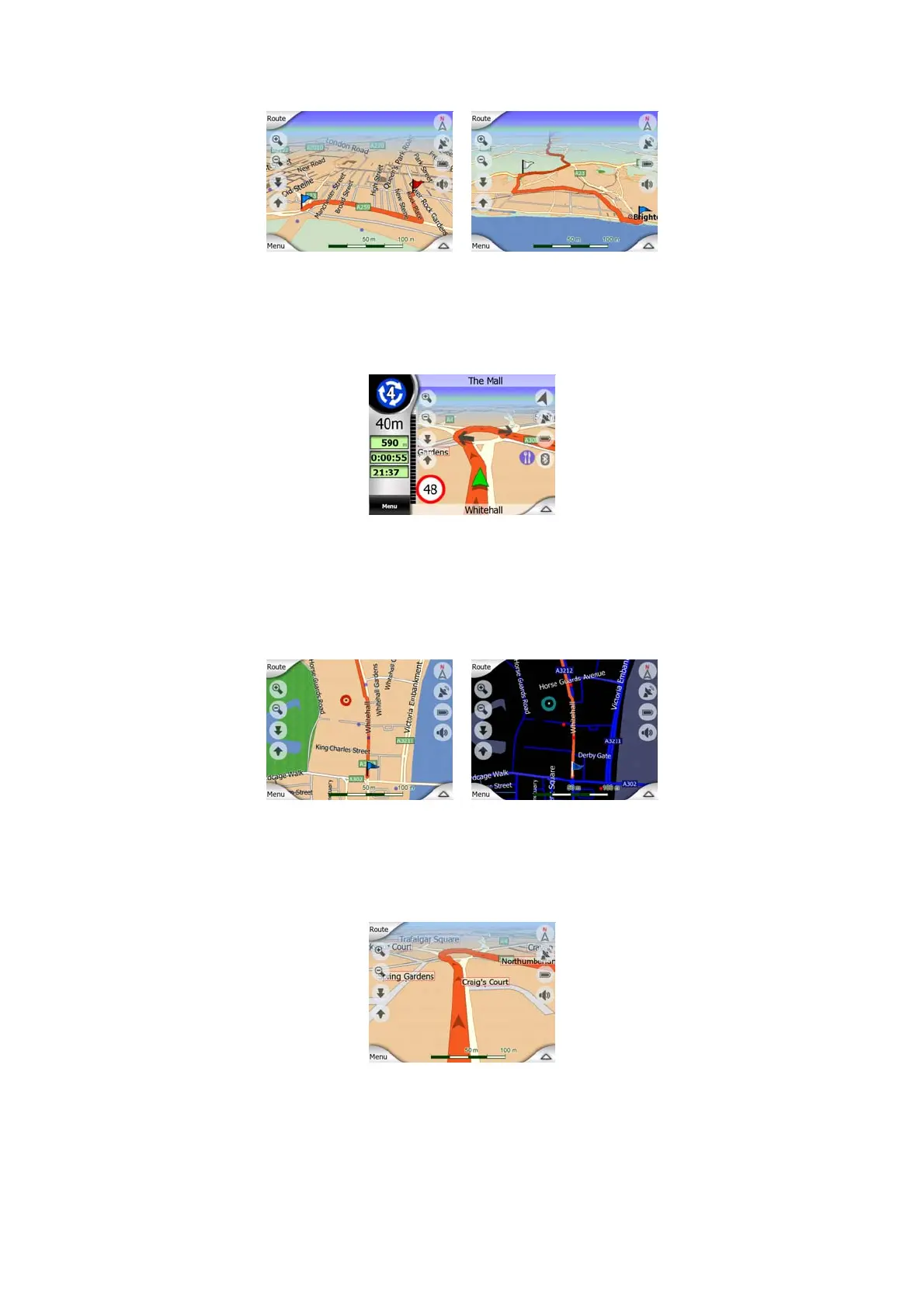
The line representing the planned route is displayed in orange with both daylight and
night colors. In both cases it is the most conspicuous part of the map even when in
the background of a 3D map view.
The line of the route is displayed on the driving side of the road for two-way and on
the axis in case of one-way streets. When the map is zoomed in and the line is wide
enough, small arrows show the direction of the route. This can be useful if you
preview the route before starting the journey or when entering a complex junction.
4.2.11.4 Roads in the route excluded by your preferences
Although you can choose whether to include or avoid some road types in Route
parameter settings (Page 75), sometimes they are impossible to avoid near the
starting point, via points or the destination.



 To Next Page