45
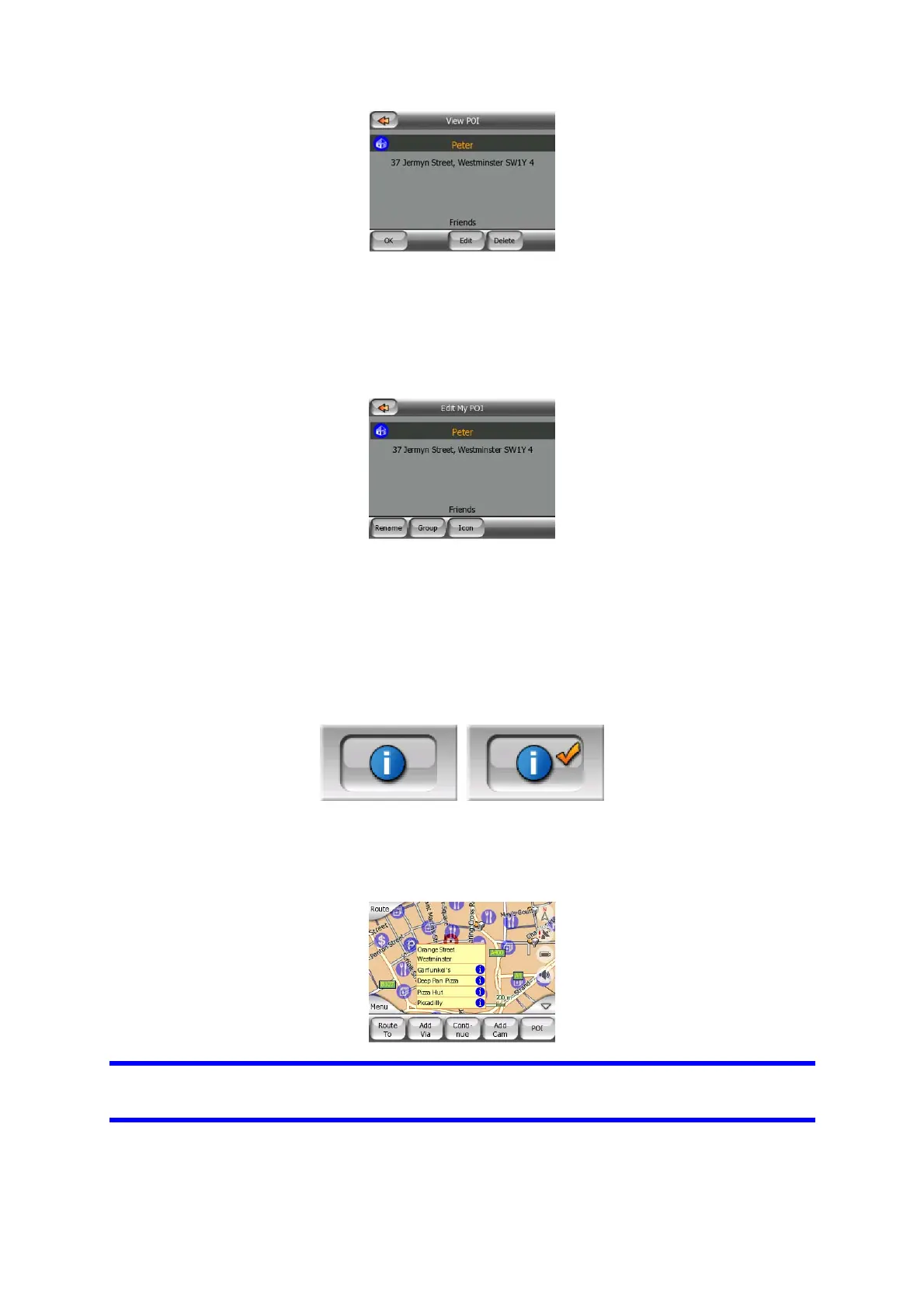
Here you have the following options:
• OK: if you tap this button, the map screen returns with the selected POI in the
middle.
• Edit: you can edit the attributes (name, icon and group) of the selected POI.
• Delete: you can delete any of your previously saved POIs. MioMap will ask you to
confirm this action.
4.6.2.5 Popup Information (switch)
This button enables or disables the popup information of the Cursor on the map
screens. The states of this button are:
When this feature is enabled, tapping the screen (activating the Cursor, a radiating
red dot) on either of the map screens also opens a pop-up box with the selected
street name, house number and the name of the nearby POIs, if any.
Tip: Tapping one of the blue Information icons behind the POI names shows the
details of the appropriate POI item.



 To Next Page