37
(Page 47). Without an active route one of the buttons is inactive and route data
cannot be displayed.
As a reminder, you can open this screen two ways: tapping the Info button in the
Route menu (Page 52), or tapping one of the Route Data fields on the Cockpit
screen.
4.5.1 Route data displayed (for destination and via points)
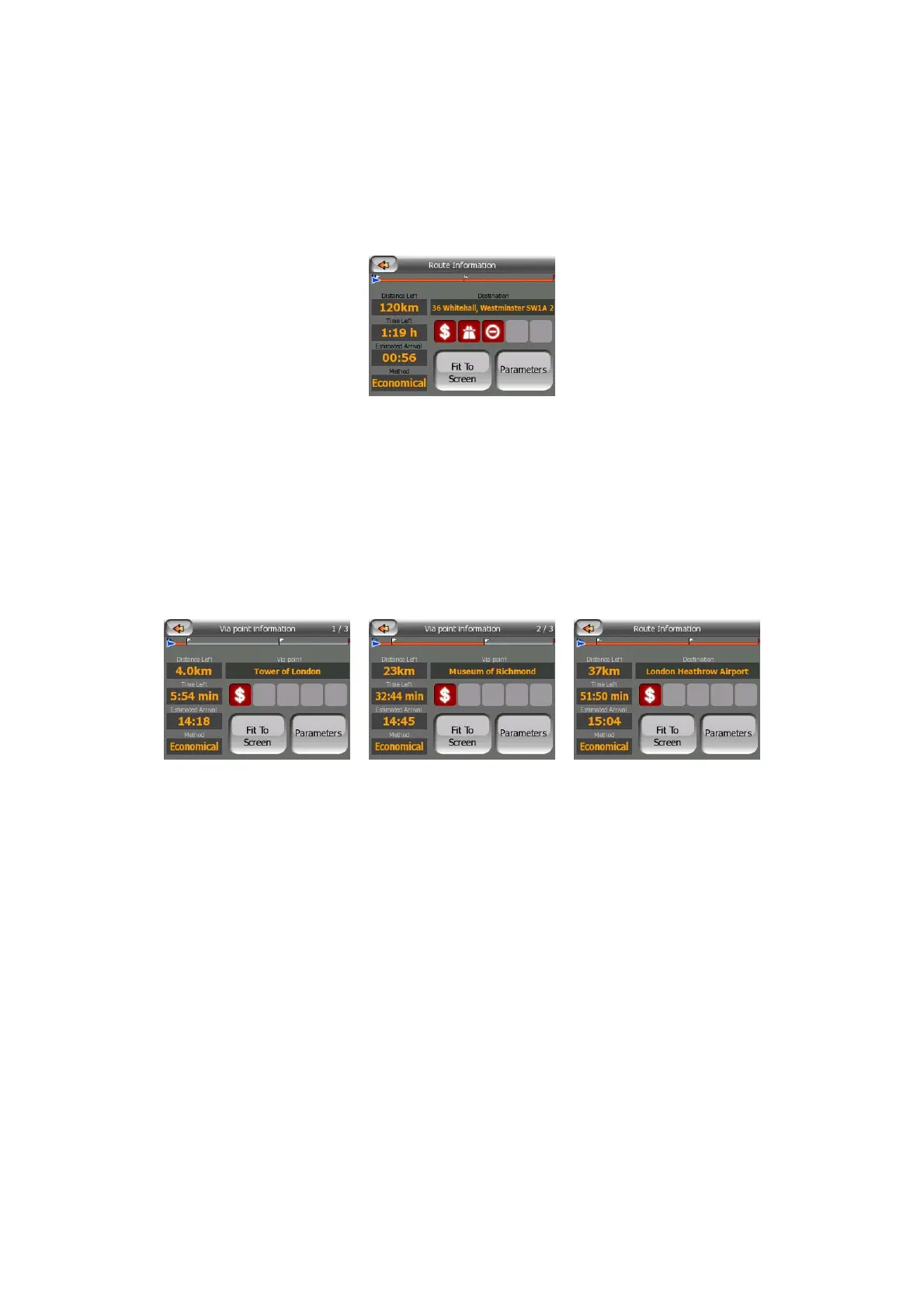
In the top section of the screen you see information about the current route. These
fields are continuously updated while you keep this screen open.
When you open the screen, all fields contain information on reaching your final
destination. Tap any of the fields to see data on the via points starting from the first
one through the final destination again.
4.5.1.1 Route line
The upper part of this screen shows your planned route as a horizontal line. Its
leftmost point is the start of the route, the rightmost one is the final destination, and
you can see your via point flags along the line, spaced in proportion to their distance.
The blue (yellow at night) arrow representing your position will travel from the left to
the right, giving you visual feedback of your journey.
When you reach a via point, it becomes the starting point of the route, the past will
be deleted, the line with all the other via points will be modified instantly, and the
arrow jumps back to the left.
When MioMap needs to recalculate the route, the arrow will not jump back to the left
as when reaching a via point, but it may drift a bit as the length of the new route may
be different from the previous one.
When the data corresponding to the entire route is displayed in the fields below, the
line is colored the same way as the route line shown on the map. When you see data



 To Next Page