47
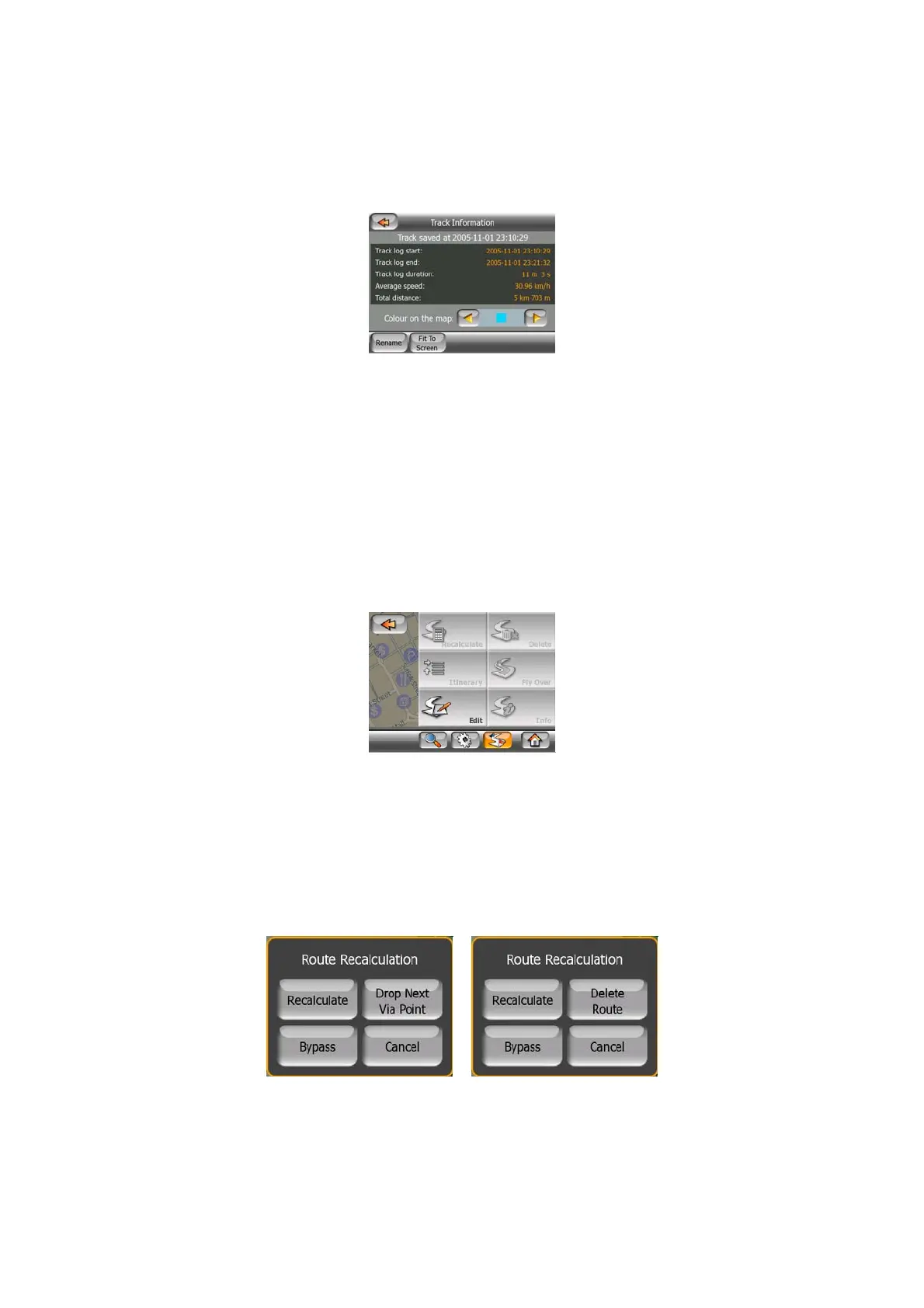
• change the name of the track log (Rename button),
• change the color of the track log (Color on the map selector),
• have it displayed on the map (Fit to screen button),
• Replay: push this button to see a simulation of the saved track log on the map. A
green icon (Page
31) will appear on the map screens to let you know it is not a fly
over but a simulation based on a real saved log.
• Delete: you can delete a track log if it is not needed any more. MioMap will ask
you to confirm this action.
4.6.3 Route tab
This menu contains options to manage different settings in the program.
4.6.3.1 Recalculate
This menu point is only available if an active route exists and GPS position is
present.
It brings up a menu with four options. Using one of these functions you can modify
the current route.
Recalculate
This function repeats the route calculation based on the same settings as used to
calculate previously. This possibility is typically used when automatic off-route



 To Next Page