67
6 Settings
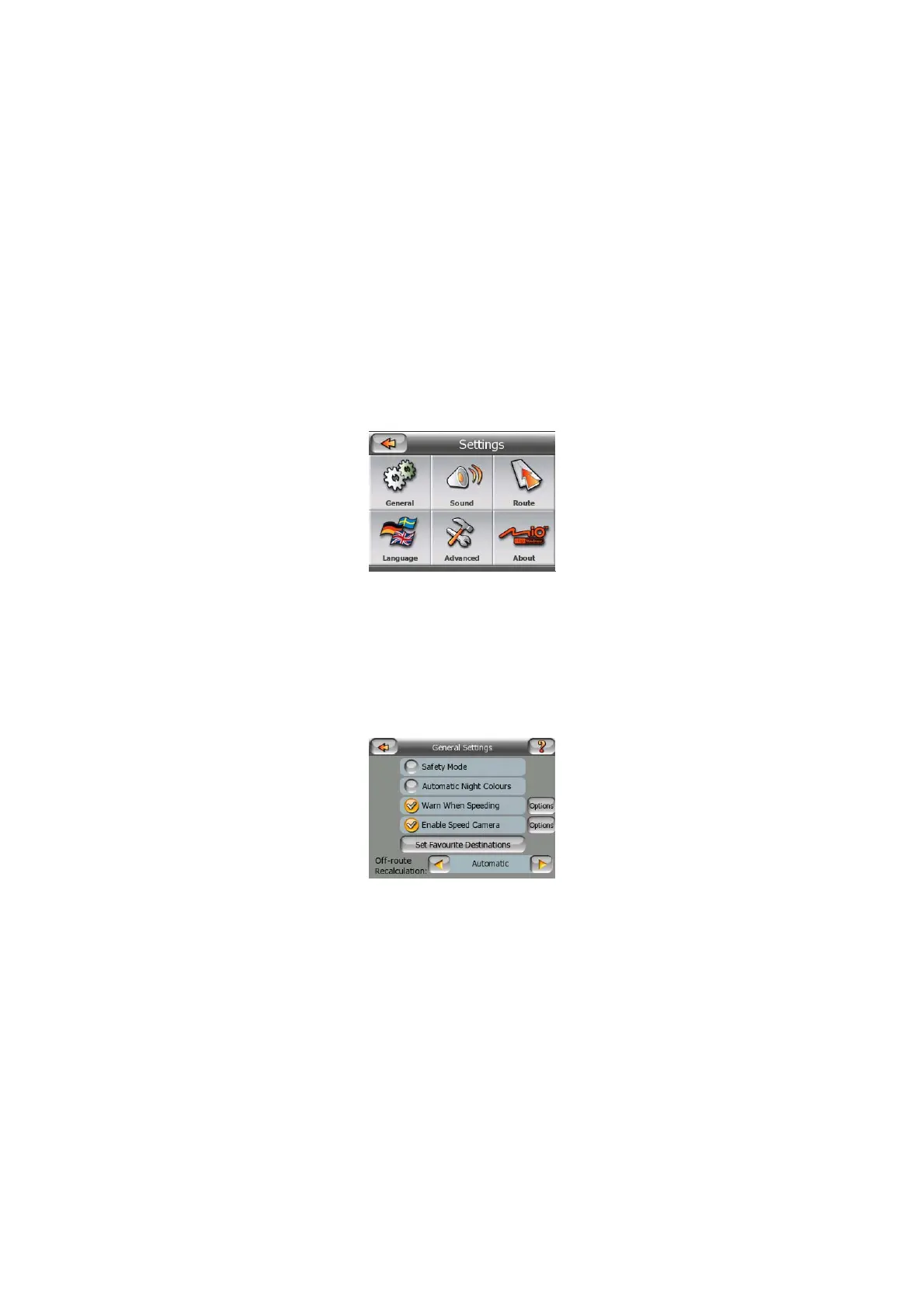
MioMap provides several settings in order to let you customize the functions of the
program. The Settings screen can be accessed directly from the Main menu screen
(Page 15) and from the map screens by using the battery icon (Page 30), while
some of its sub-screens are accessible from other parts of the program.
6.1 General settings
These are the basic settings of MioMap.
6.1.1 Safety Mode
Safety mode will disable the touch-screen above 10 km/h (6 mph) to keep your
attention on the road.
You are still able to use the hardware buttons, but you cannot set a new destination
or change the settings.
When you disable Safety Mode, MioMap will warn you.



 To Next Page