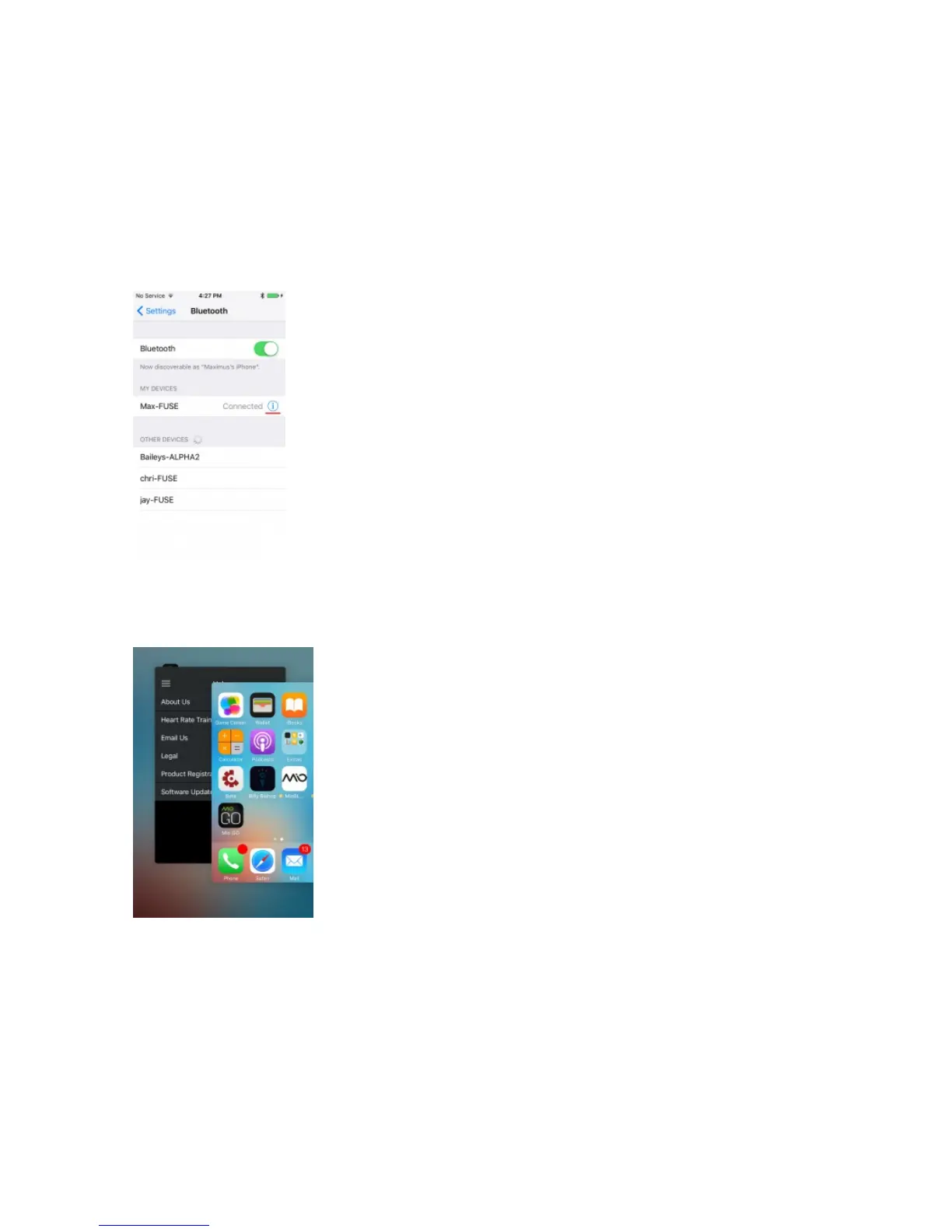
Step 1: Make sure your Mio device isn’t paired with your phone.
Go to your phone’s Bluetooth settings where you’ll see a list of nearby Bluetooth devices. If you see your
Mio appear under My Devices, tap the ‘i’ beside its name and select ‘Unpair’ or ‘Forget’.
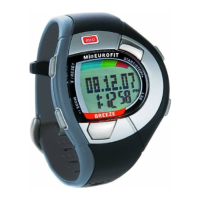
Step 2: Close the Mio GO app.
Press the home button twice and swipe up on the Mio GO app to close it.
Step 3: Make sure you are using the latest version of the Mio GO App
Visit the App Store and update your Mio GO app to the latest version. If you have the latest version of Mio
GO, open the App now.


 To Next Page