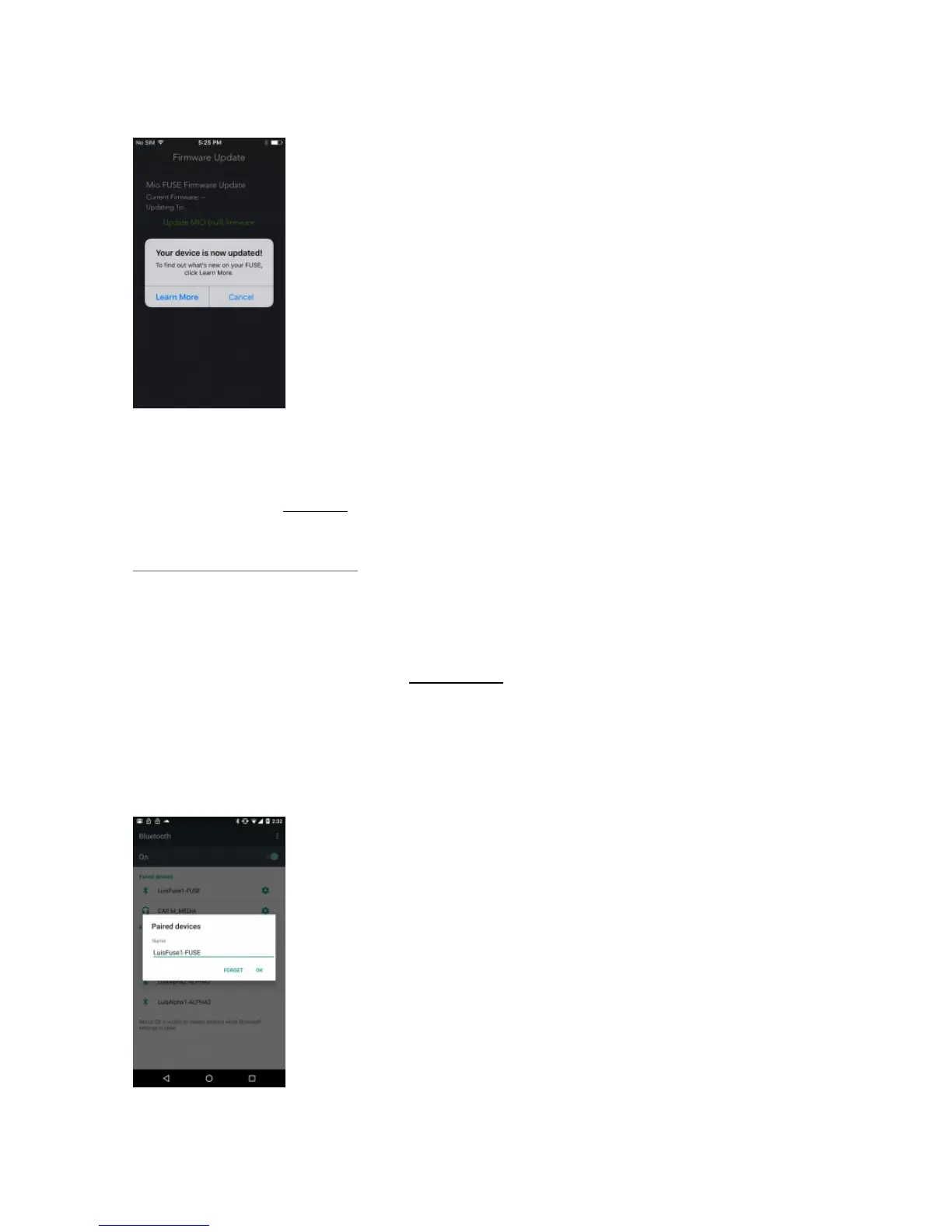
Troubleshooting tip: If the update fails or takes longer than 5 minutes, go to Step 2 and repeat the
process. Ensure your FUSE is charged enough.
Did your FUSE freeze? Click here
HHow to update your device’s firmware on Androidow to update your device’s firmware on Android
Last updated: 2018-01-25T00:24:28.000Z | Online Version
Step 1: Make sure your Mio device isn’t paired with your phone.
Go to your phone’s Bluetooth settings. You’ll see a list of nearby Bluetooth devices. If you see your Mio
appear in the Paired Devices list, tap its name and select ‘Unpair’ or ‘Forget’.


 To Next Page