Step 4: Update your Mio device firmware.
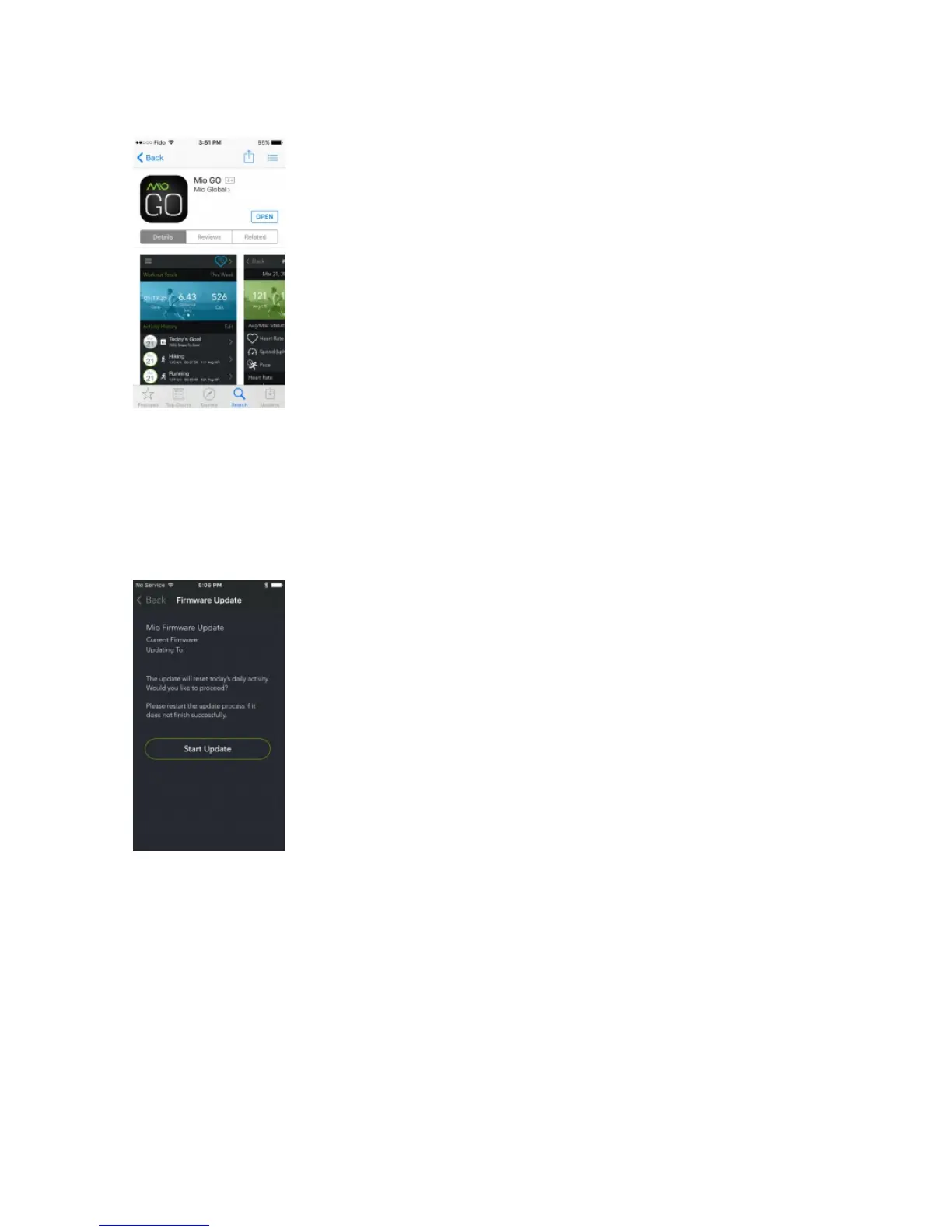
Open the Mio GO app and connect to your device. You will get a message to update the firmware. (If the
GO app doesn’t ask you to update, you can manually update firmware in Mio GO by opening the Mio GO
app. From the top left menu, select “Help” then “Software Update.” Select your Mio device and
update.) Select OK and follow the prompts.
Step 5: Firmware update successful.
After the update, a message that the firmware has been updated will appear. Your Mio device will now
be working normally.


 To Next Page