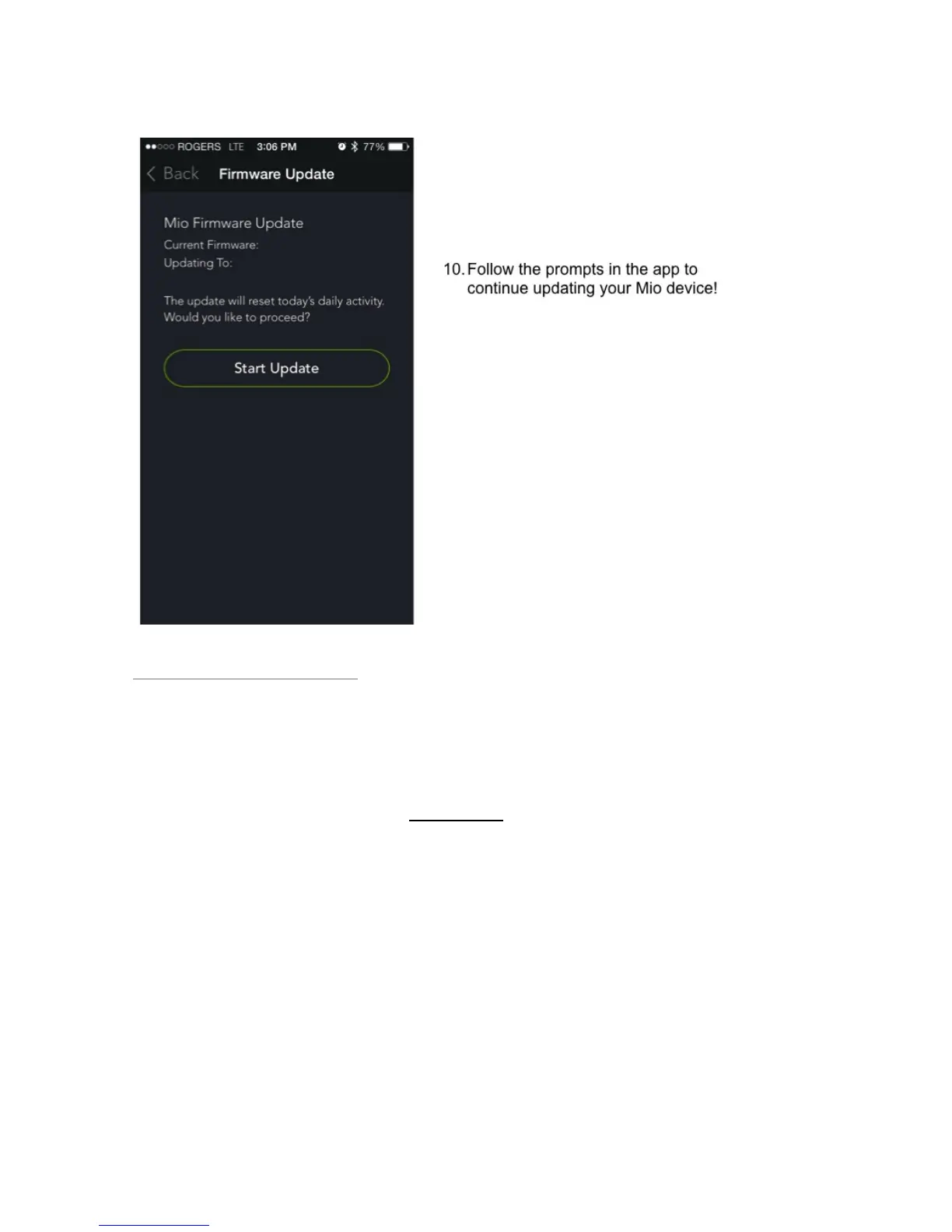
HHow to update your device’s firmware onow to update your device’s firmware on
iPhone/IOSiPhone/IOS
Last updated: 2018-01-25T00:23:56.000Z | Online Version
Step 1: Make sure your Mio device isn’t paired with your phone.
Go to your phone’s Bluetooth settings where you’ll see a list of nearby Bluetooth devices. If you see your
Mio appear under My Devices, tap the ‘i’ beside its name and select ‘Unpair’ or ‘Forget’.


 To Next Page