1.1. Activating & Charging Activating & Charging
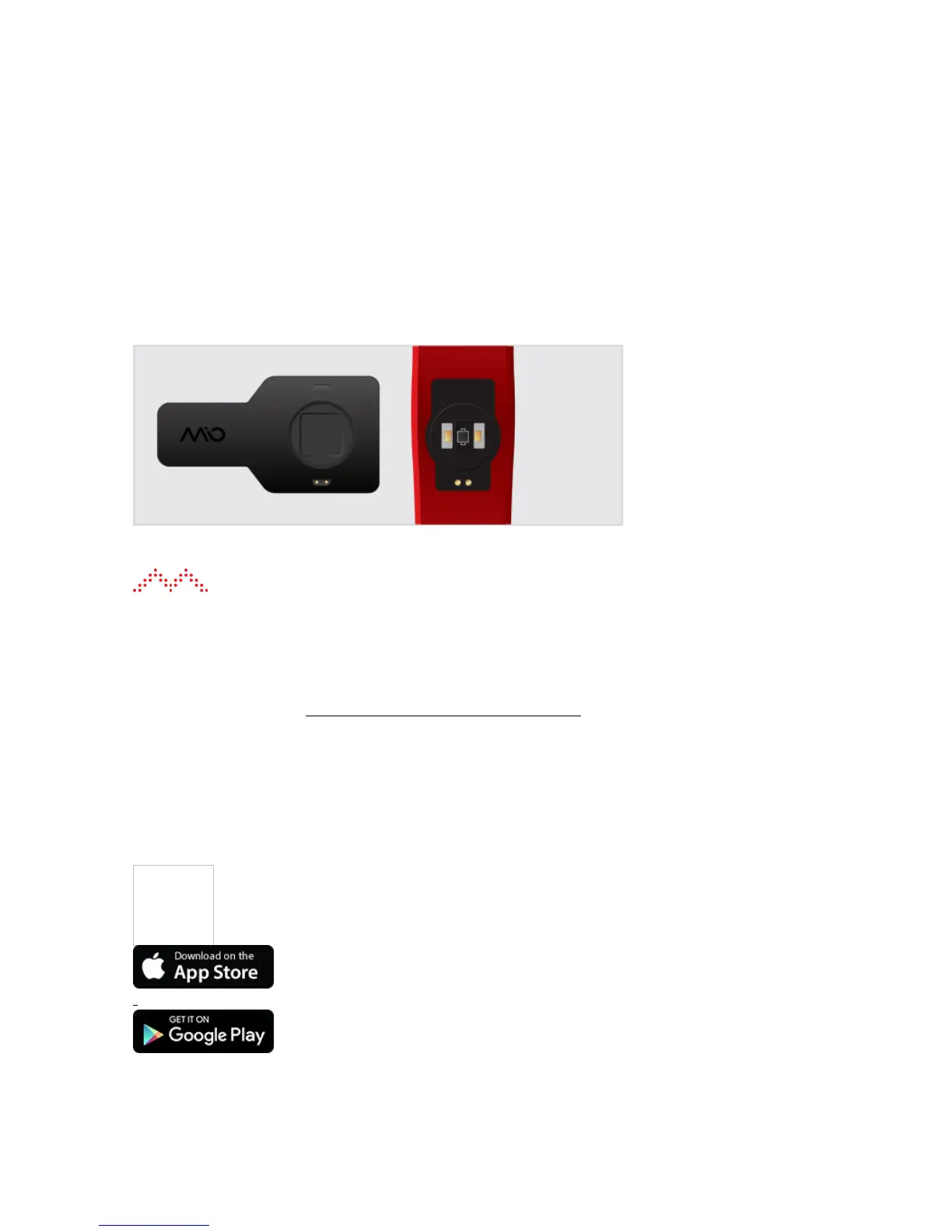
To activate and charge your Mio FUSE:
1. Plug the USB charger into the USB port of your computer.
2. Align the two gold charging pins on the back of Mio FUSE to the two gold charging pins on the USB
charger.
When you see this symbol
on the display, your FUSE is activated.
Charging tip: Make sure the two gold charging pins on the back of Mio FUSE are dry. If they are wet, pat
them gently with a dry towel.
Watch this video on how to set up and get started with your Mio FUSE.
2. Setting Up Your FUSE2. Setting Up Your FUSE
1. Turn on the Bluetooth function of your smartphone.
2. Download the Mio GO app from the Apple App Store or Google Play store.
3. Set up your profile.


 To Next Page