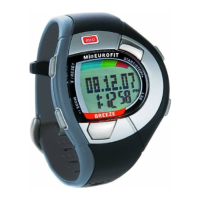
Step 5: Firmware update successful
After the update, a message that the firmware has been updated will appear.
Troubleshooting tip: If the update fails or takes longer than 5 minutes, go to Step 2 and repeat the
process.
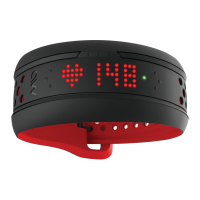
Did your FUSE freeze? Click here
HHow to update your device’s firmware onow to update your device’s firmware on
iPhone/IOSiPhone/IOS
Last updated: 2018-01-24T23:25:45.000Z | Online Version


 To Next Page