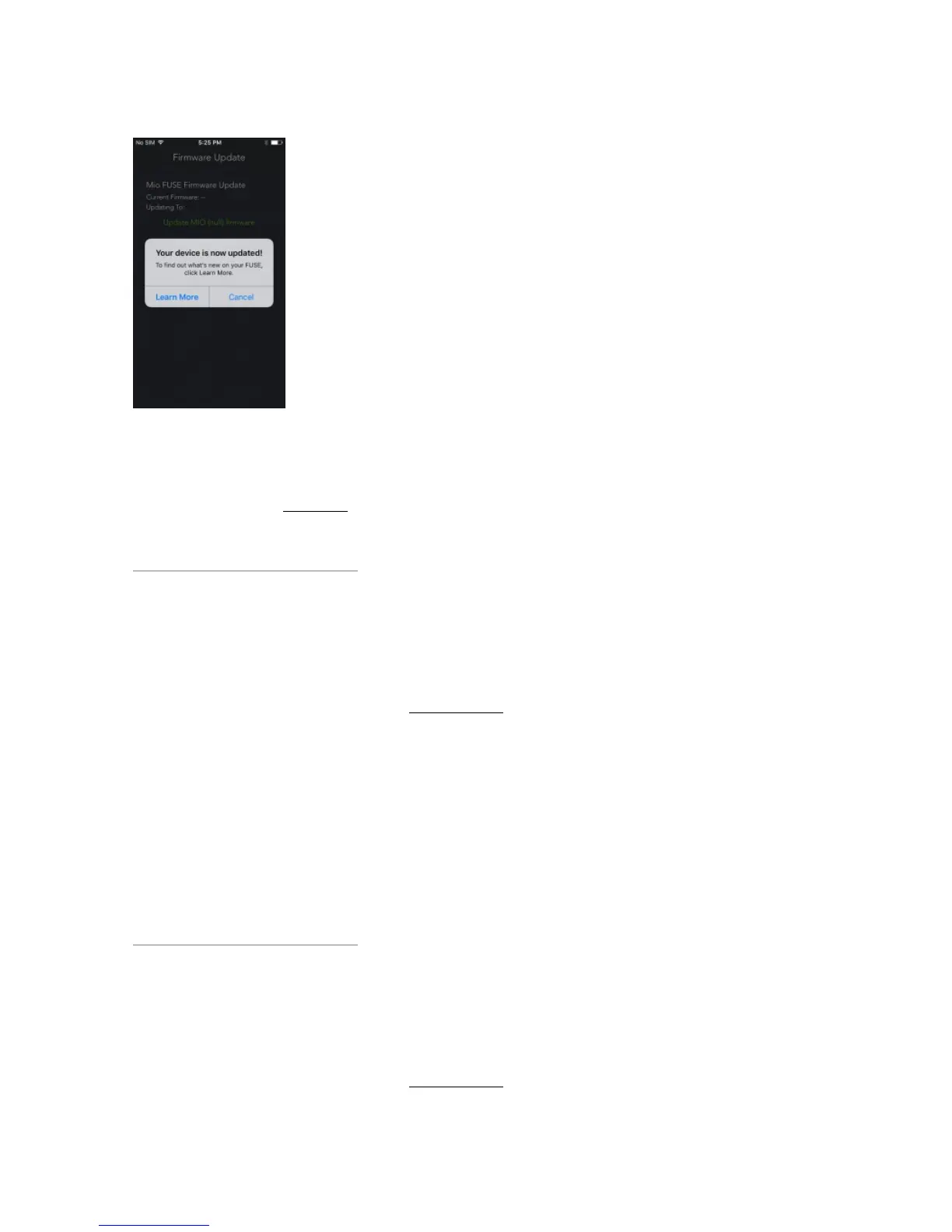
Troubleshooting tip: If the update fails or takes longer than 5 minutes, go to Step 2 and repeat the
process.
Did your FUSE freeze? Click here
HHow do I keep my FUSE display always ONow do I keep my FUSE display always ON
during workouts?during workouts?
Last updated: 2016-10-17T22:38:59.000Z | Online Version
Connect your FUSE to the Mio GO app, and navigate to ‘Device Settings’. In ‘Workout Screens’, select
the ‘Display Always On’ option.
Note: To optimize battery life, the default setting of the FUSE turns the display off after 5 seconds of
inactivity.
But if you prefer, you can change the setting to keep the display continuously on during Workout Mode.
HHow to use the sleep tracking feature on yourow to use the sleep tracking feature on your
Mio FUSE?Mio FUSE?
Last updated: 2016-12-16T19:54:23.000Z | Online Version


 To Next Page