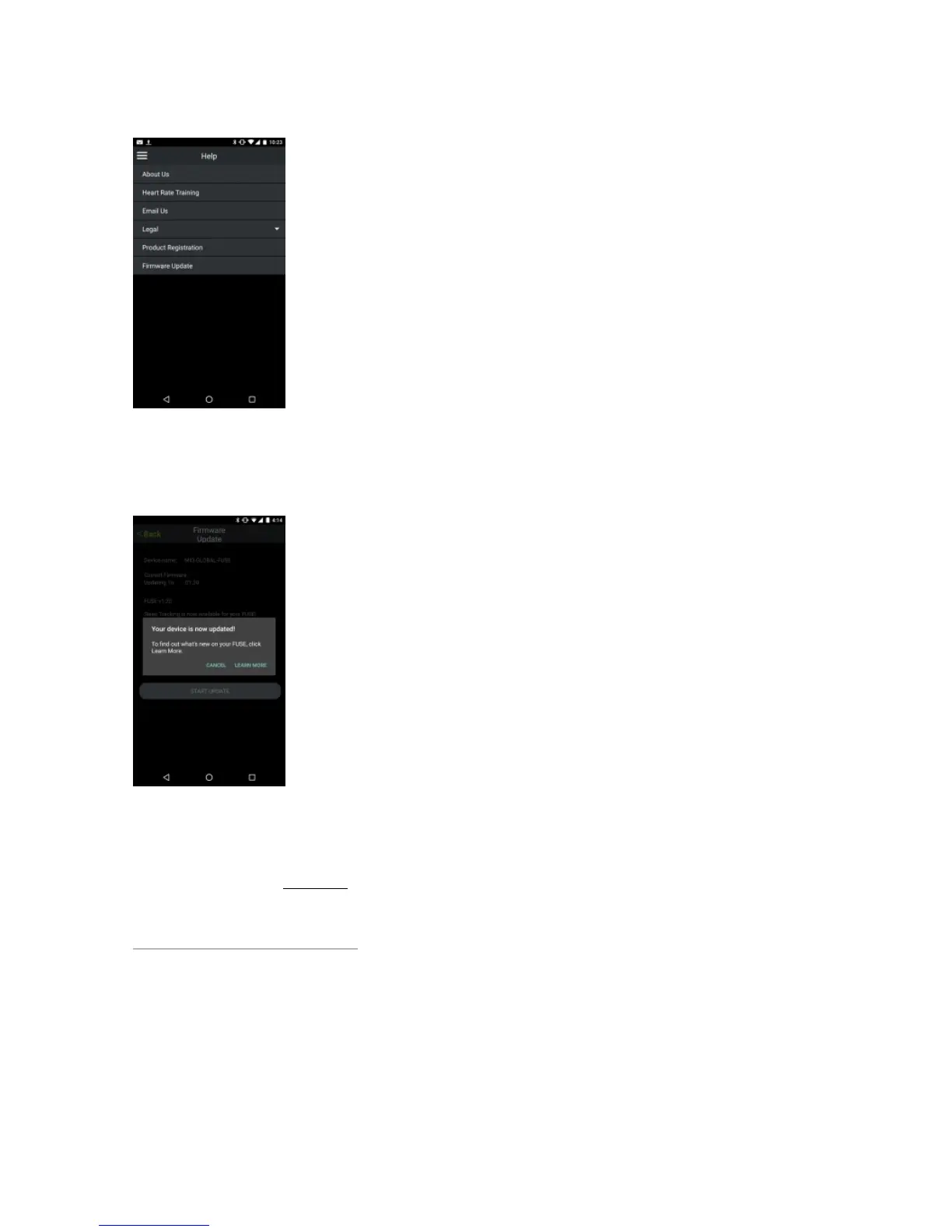
Step 5: Firmware update successful
After the update, a message that the firmware has been updated will appear.
Troubleshooting tip: If the update fails or takes longer than 5 minutes, go to Step 2 and repeat the
process. Ensure your FUSE is charged enough.
Did your FUSE freeze? Click here
AAre Mio products accurate for activities likere Mio products accurate for activities like


 To Next Page