Troubleshooting
Release 3.3 253
Troubleshoot the BRI Card
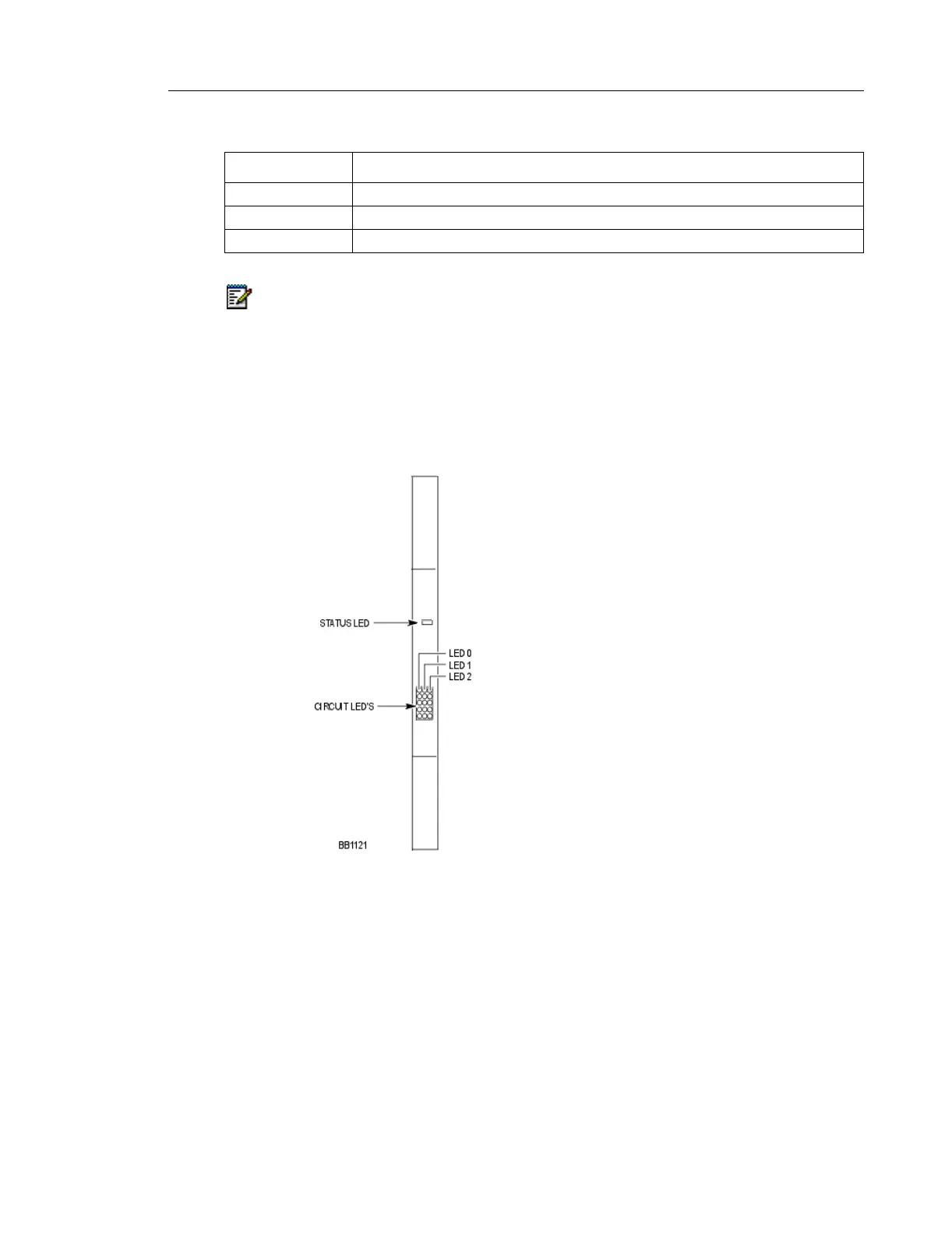
One status LED and fifteen circuit LEDs are mounted on the faceplate. The status LED shows
the status of the CEPT link, and each of the circuit LEDs shows the status of one BRI circuit.
The BRI circuit LEDs are also used during card initialization to indicate the progress of the
self-test and to indicate that the download is in progress.
Fiber Interface Module LEDs
FIM LED State Meaning
On In frame synchronization
Off Power off or held in reset
Flashing Out of synchronization (see Notes below) OR Tx or RX cables could be reversed.
Notes:
1. The FIM in the 3300 ICP monitors the synchronization of the clock that appears on
the fiber link coming from the FIM in the peripheral or DSU Cabinet.
2. The FIM in the peripheral or DSU cabinet monitors the synchronization of the clock
that appears on the fiber link from the main control cabinet FIM. This synchronization
state is encoded along with other information and sent back to the main control
cabinet.





 To Next Page