Troubleshooting
Release 3.3 255
Troubleshoot the PRI Card
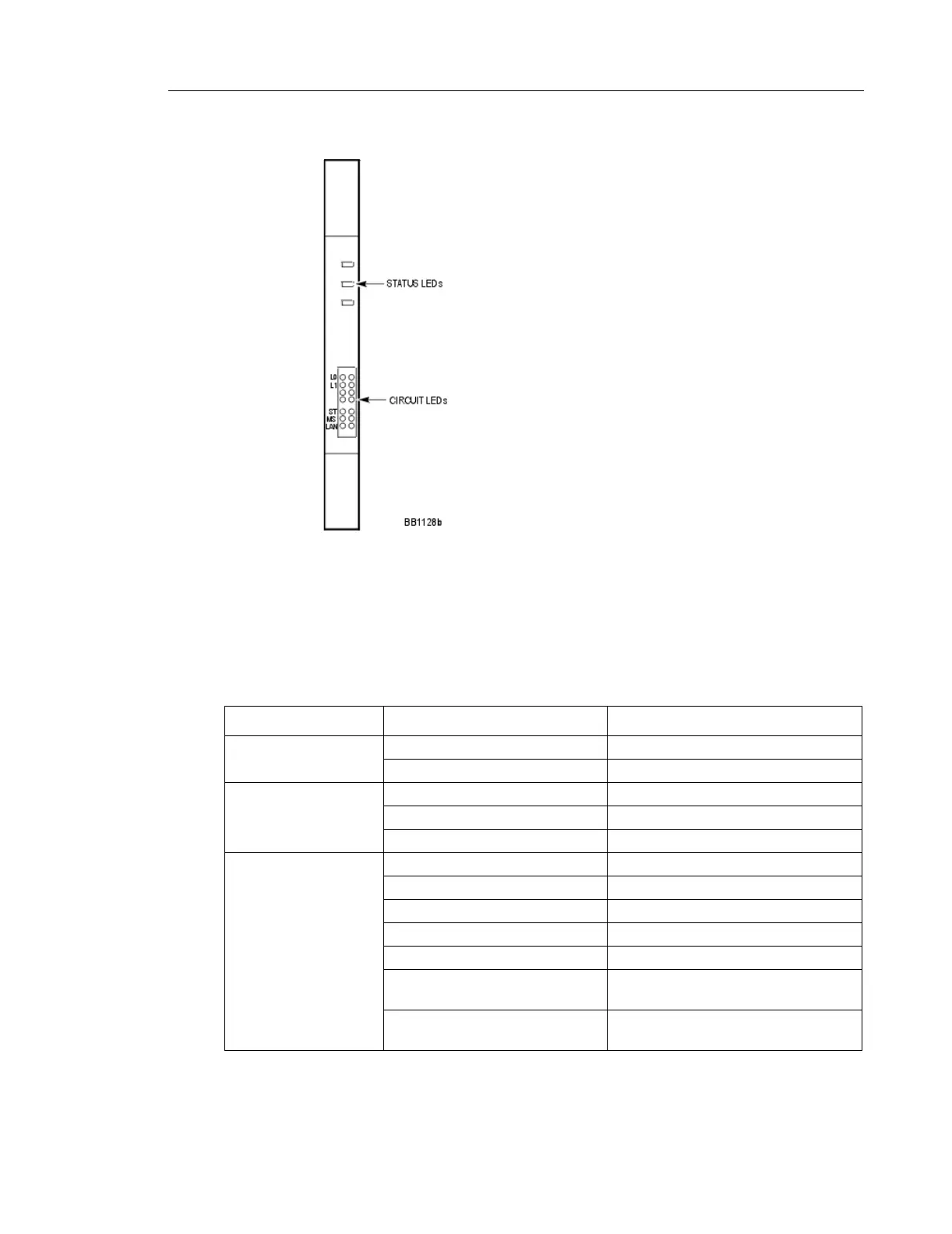
Faceplate LEDs
Three status LEDs and 4 circuit LEDs are mounted on the PRI card faceplate. Each of the card
circuit LEDs shows the status of one PRI circuit.
PRI Card Link Status
LED State Meaning
MS (message system) solid green message link open to the system
off message link not open to the system
ST (status)
flashing operational
off not operational
solid card is booting
L0 and L1
right side - solid red error
right side - off no error
left side - solid green D-channel established
left side - flashing green Layer 1 established
left side - off no link
right side - yellow
with left side - flashing green
alarm indication from far end
right side - yellow
with left side - off
blue alarm from card - normal during
link startup





 To Next Page