28 Mitel 622 DECT Phone
eud-1720/1.0 – R3.0 – 08.2015
Using the display and operating elements
Input
Digit keys
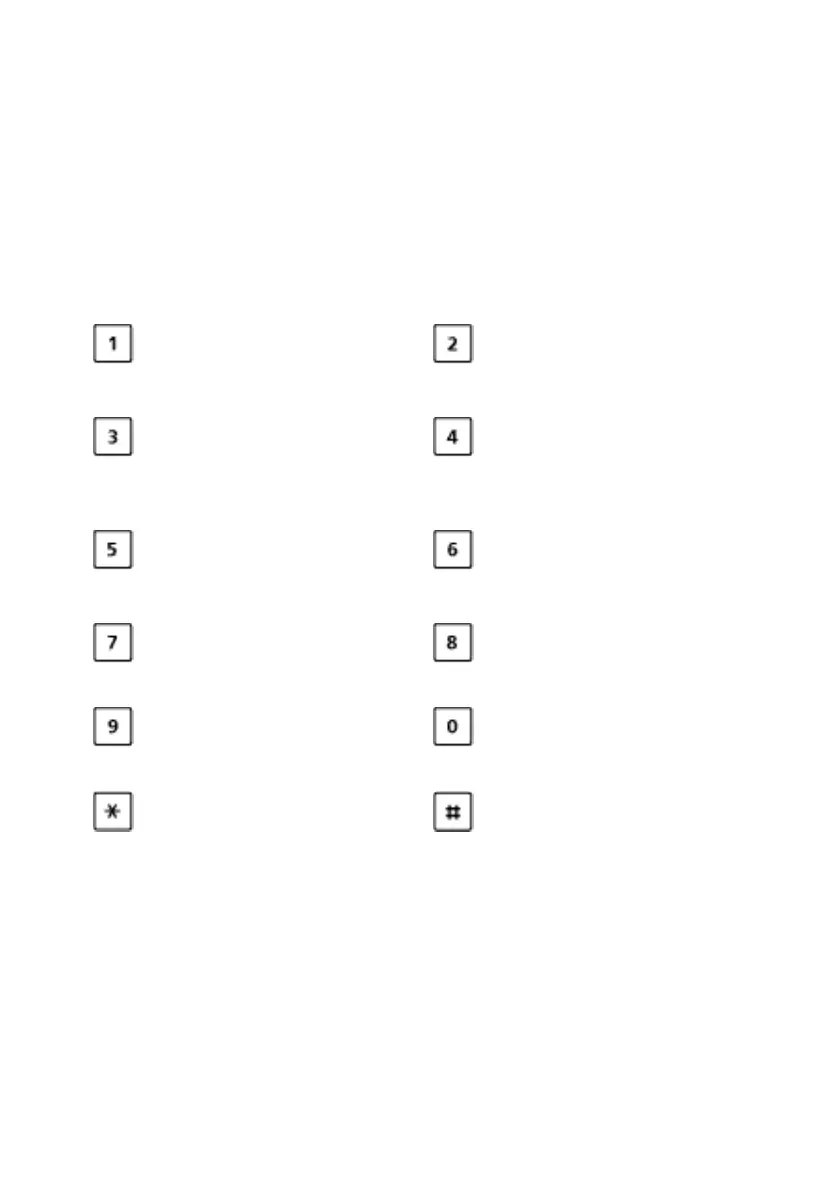
You can use the digit keys for entering digits and passwords and for Quickdial. The char-
acters are assigned to the digit keys as follows. Press the relevant digit key repeatedly
until the character you want is displayed.
Enters digits
The digit keys are used to enter the digits 0 to 9.
- . _ ? 1 ! , : ; ’ " ¿ ¡ A B C 2 Ä Æ Å Ç
a b c 2 ä æ å à ç
Press and hold down:
Switching system
D E F 3 É
d e f 3 é è ê
Press and hold down: Call-
ing up the alarm configura-
tion menu
[a]
G H I 4
g h i 4 ì
J K L 5
j k l 5
Press and hold down: Call-
ing up the service menu
M N O 6 Ñ Ö Ø Œ
m n o 6 ñ ö ø ó œ
P Q R S 7 ß Š
p q r s 7 ß š
T U V 8 Ü
t u v 8 ü ù
W X Y Z 9 Ÿ Ž
w x y z ž 9
+ 0
@ * / ( ) < = > % £ $ ¥ ª & § € <Space> #



 To Next Page