Keys, display, and menu guidance
Mitel 6930 SIP 13
eud-1764/2.1 – R6.0 – 10.2018
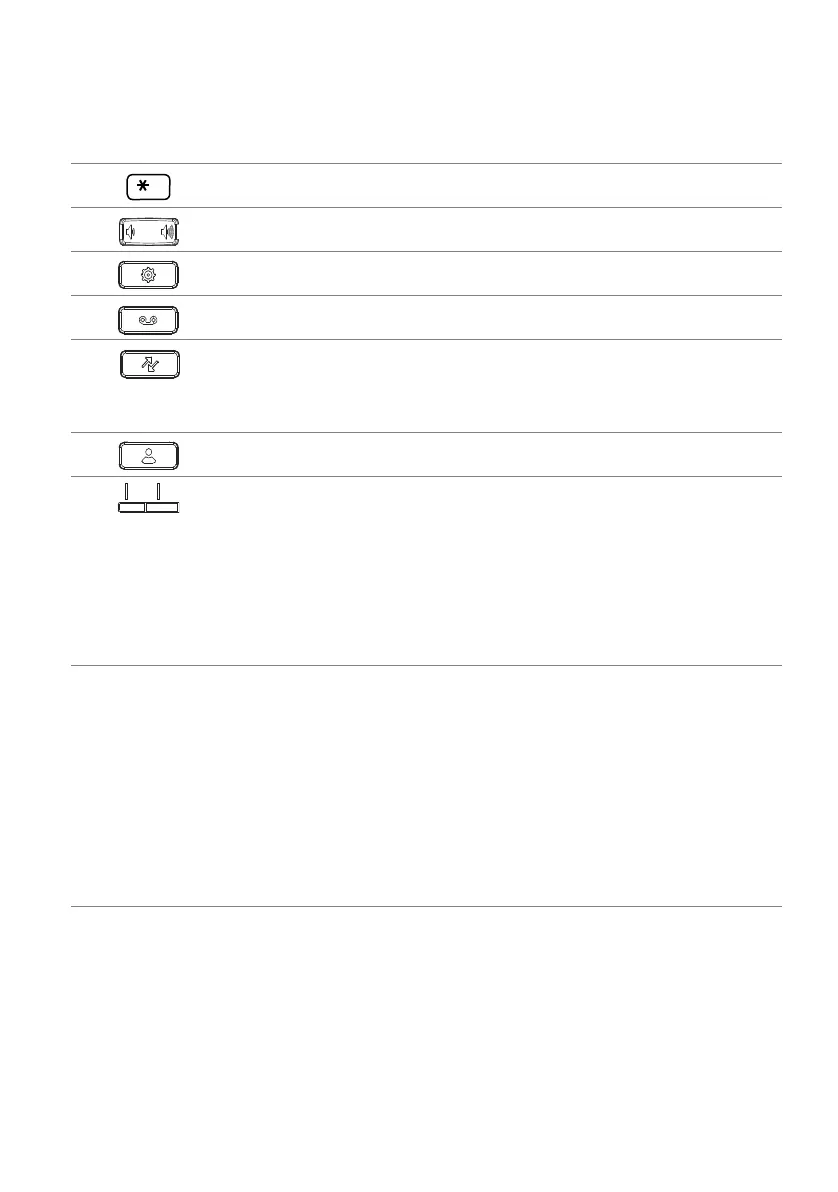
12 Asterisk key Entering * or space.
13 Volume keys Adjusting volume.
14 Settings key Calling up a local settings menu (options list).
15 Voice mail Accessing your voice mail service.
16 Call history • Calling up the call history menu:
– unanswered
– answered
– redial list
17 Directory lookup Calling up the directory lookup.
18 Bottom softkeys S1-S24 Five freely configurable keys on which a total of
24 functions or call numbers can be configured.
Default functions are automatically set by the
MiVoice Office 400 communication system. You
can configure additional functions. If more than
five functions or call numbers are configured, the
fifth key is used to switch levels. The next levels
give access to functions or call numbers on keys
on or above key five.
19 Rear:
• Connection for expansion key module.
• Connection for power supply.
• Connection for USB 2.0; this port can also be used to plug a headset with
an audio dongle.
• GigE dual connection for PC and LAN.
• Connection for headset.
• Connection for Power over Ethernet (PoE), class 2.
• Connection for wall mounting.
No
.
Key icon Key name Description and Usage



 To Next Page