Personalizing your phone
Mitel 6930 SIP 81
eud-1764/2.1 – R6.0 – 10.2018
Configuring the display
This section explains how to set display properties.
Setting the display
You may find the display is too bright or too dark.
Configuring the audio properties
This section explains how to set audio properties.
Adjusting the volume
You want to change the volume of the ring tone or the handset during a
call.
Ring volume: You can adjust the volume in the idle state or when the ring
tone sounds. Press and hold the volume down button to switch off the ring
tone completely.
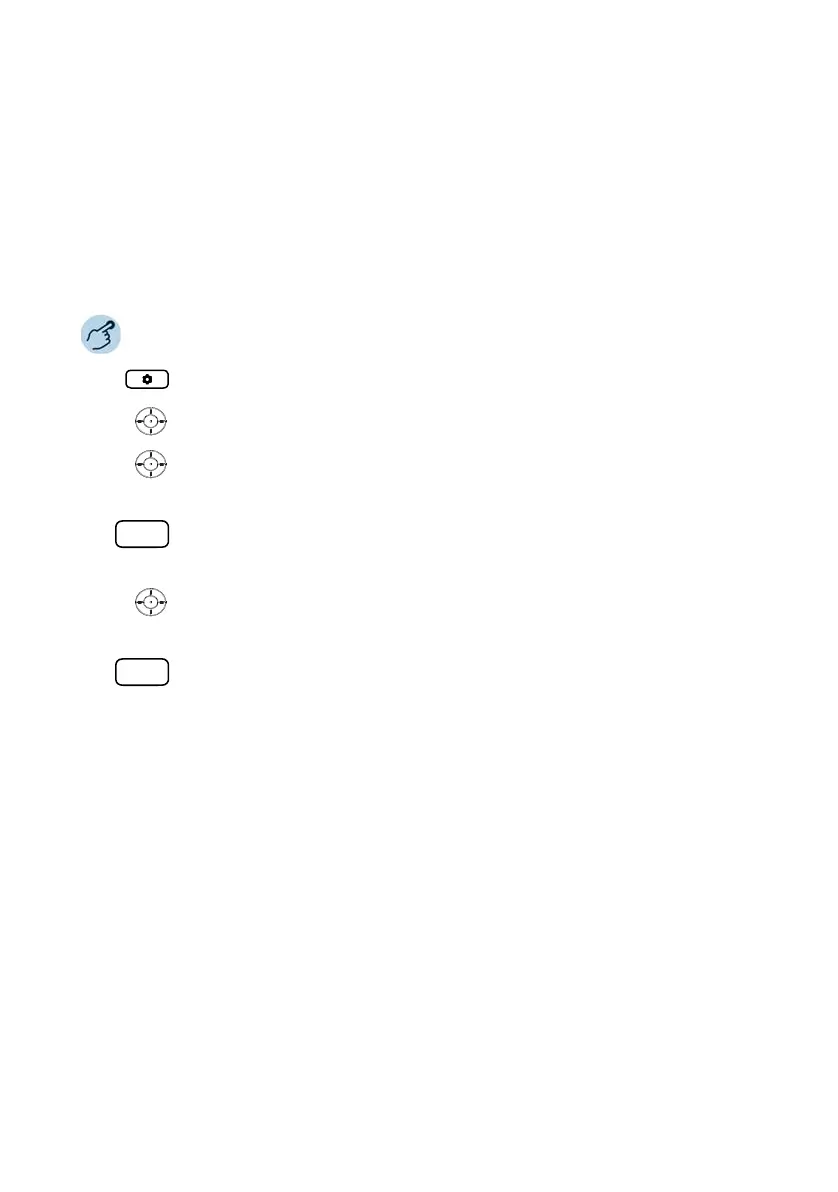
Press the Option key.
Scroll to Display and press the selection key.
Setting home screen mode:
Set the desired mode using the horizontal navigation key and confirm with the
Save softkey.
Setting the duration for the screen saver:
Enter the desired time in seconds in the input field and confirm with the Save
softkey.
Setting the brightness:
Set the desired brightness level using the horizontal navigation key and confirm
with the Save softkey.
Setting the duration for brightness:
Enter the desired time in seconds in the input field and confirm with the Save
softkey.



 To Next Page