2.
Press the
Advanced
softkey.
3.
Input the Administrator password using the dialpad keys (default is 73738) and press the
Enter
softkey.
4.
Navigate to
Diagnostics
>
DHCP Trace
using the navigation keys and press the
Select
softkey.
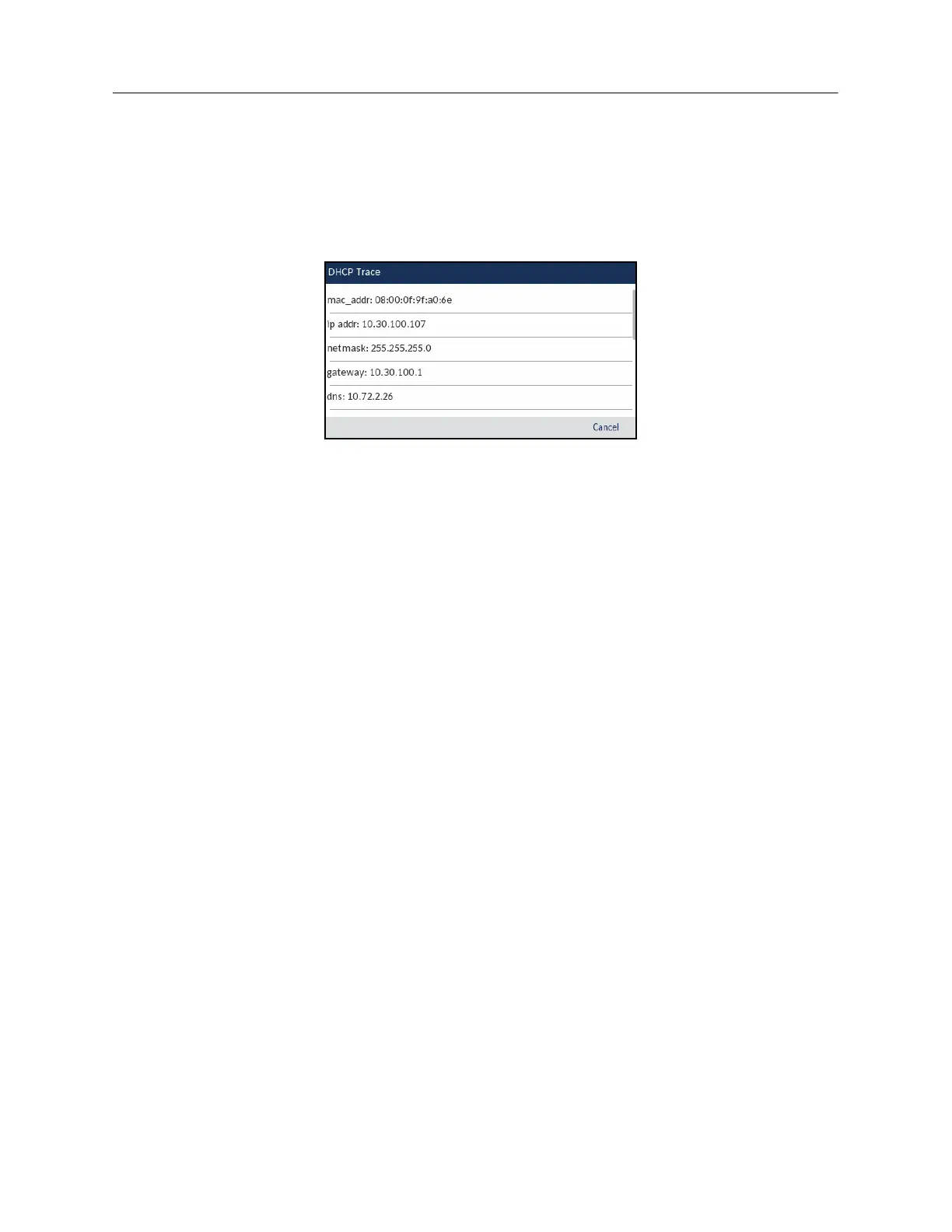
The following parameters and associated values are displayed:
• mac_addr:
The MAC address of the IP phone.
•ip addr:
The IP address of the IP phone.
• netmask:
The IP address range local to the IP phone.
• gateway:
The IP address of the network’s gateway or default router IP address.
•dns:
The IP address of the primary DNS server.
•icp:
The IP address of the MiVB call server.
•tftp:
The IP address of the TFTP server.
•http:
The IP address of the HTTP server.
•ipa:
The IP address of the IPA server.
• VLAN:
The VLAN id of the IP phone.
•l2p:
L2P priorities for default, voice, signaling, and other.
• dscp:
DSCP values for default, voice, signaling, and other.
Mitel MiVoice 6930 DHCP Trace














 To Next Page