•
Recorded
- Displays recorded voicemail messages.
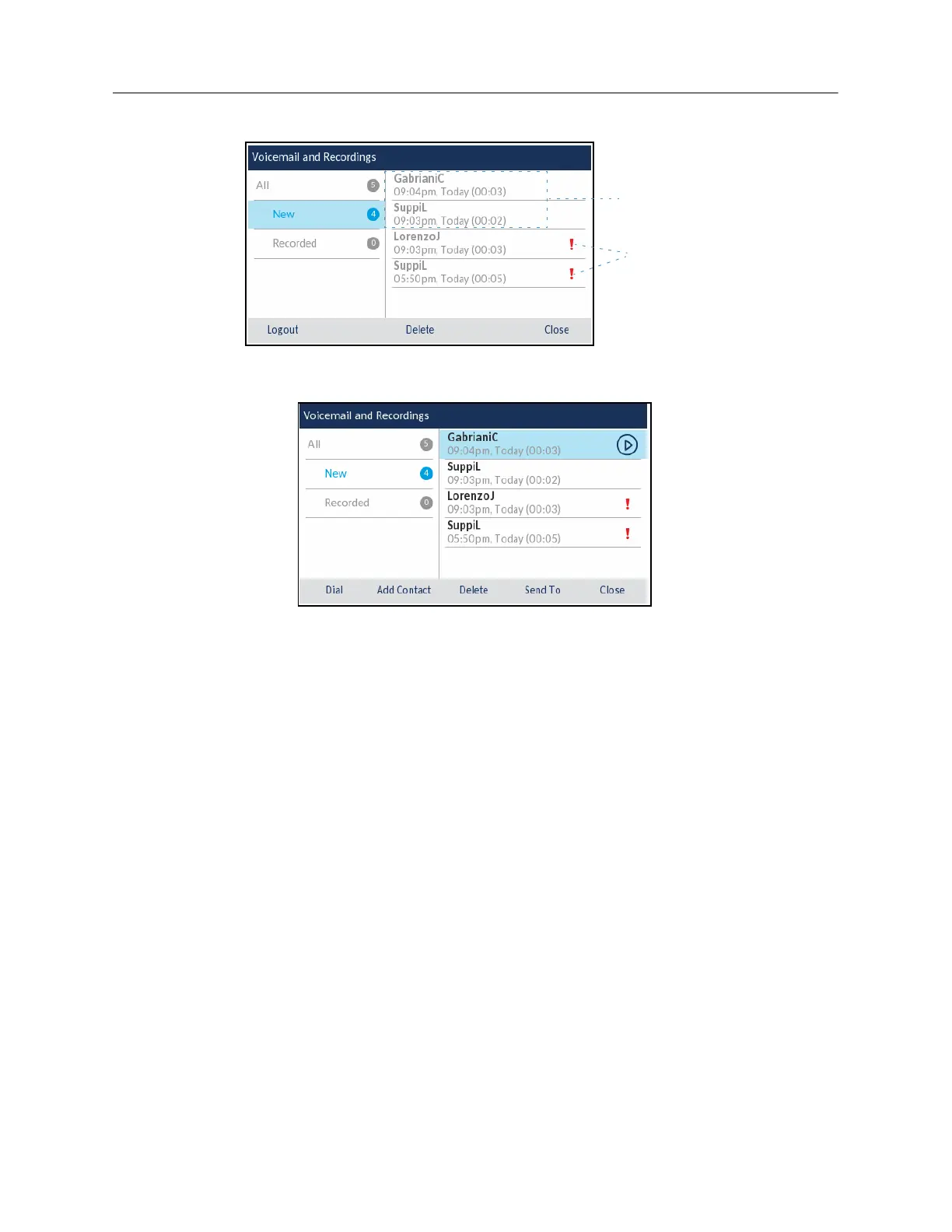
3.
Press the right navigation key and then use the up and down navigations keys to choose the
voicemail message you want to delete.
4.
Press the
Delete
softkey.
A delete confirmation message appears on screen.
5.
Press the
Delete
softkey to delete the voicemail.
Saving a voicemail
Visual voicemail automatically saves played voicemail messages in the
All
folder.
Sending voicemail to a number
To send a voicemail to a number:
1.
Log into your voicemail.
2.
Use the up and down navigation keys to choose one of the following:
•
All
- Displays all voicemail messages.
•
New
- Displays new voicemail messages.














 To Next Page