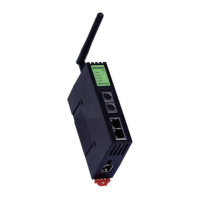
Use the manual Beichen Automation BCNET-FX-S Ethernet communication processor
2. Double-click“Universal TCP/IP parent device 0-[ universal TCP/IP parent device ]”, select the
correct“Network type” as“1-TCP”, fill in the monitoring computer's IP address in the“Local IP
address”, in“Remote IP address” fill in the BCNET-FX-S module's IP address, “Remote port
number” fill in 5551, other parameters default, click“Confirm”.
Fifty-two


 To Next Page
 Loading...