Use the manual Beichen Automation BCNET-FX-S Ethernet communication processor
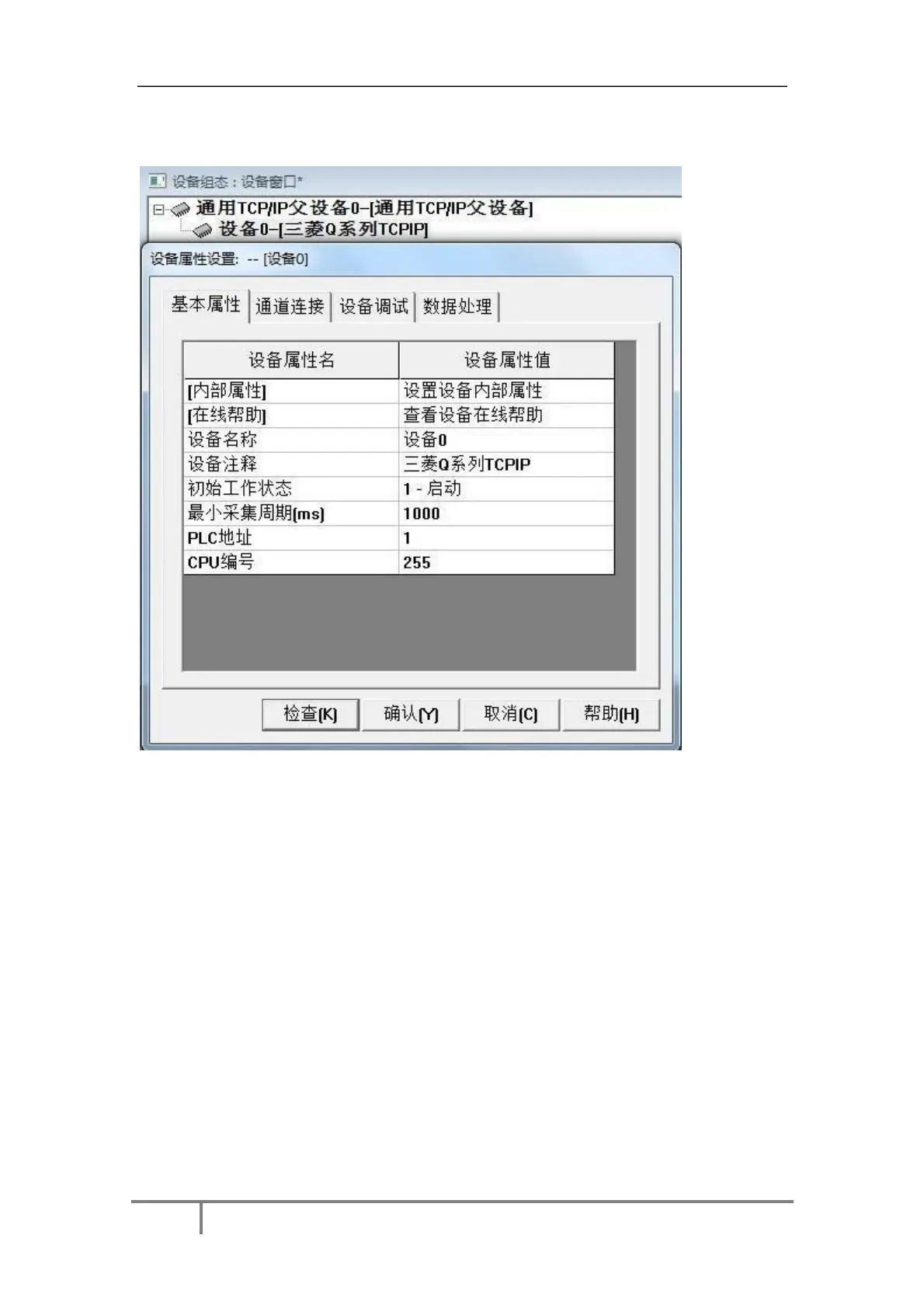
3. Double-click“Device 0-[ Mitsubishi Q Series TCPIP ]”, the default parameter can be, click to
confirm.
5.4bcnet-fx-s connection force control
1. Open the power control development system, double-click“IO device configuration” and
select“MITSUBISHI-a, ANA series Ethernet” in the PLC category.
53


 To Next Page
 Loading...